Skip to content
View in the app

A better way to browse. Learn more.

Power Forum - Renewable Energy Discussion

A full-screen app on your home screen with push notifications, badges and more.

To install this app on iOS and iPadOS
  1. Tap the Share icon in Safari
  2. Scroll the menu and tap Add to Home Screen.
  3. Tap Add in the top-right corner.
To install this app on Android
  1. Tap the 3-dot menu (⋮) in the top-right corner of the browser.
  2. Tap Add to Home screen or Install app.
  3. Confirm by tapping Install.
Upgrade to whole home backup

Upgrade to whole home backup

Album created by WernervH · Updated

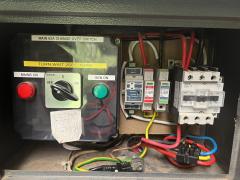
For many years I had Multiplus Compact 800VA inverter with a flood-lead acid battery bank, wired into my light circuits, so that during loadshedding my lighting and security was unaffected (I also pulled a plug to my bedroom so that a fan and tv could work) - this worked well, loadshedding hasn't caused by nearly as much frustration as for many others.


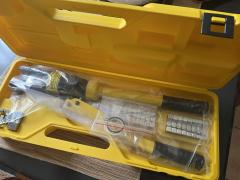
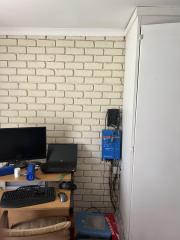
But 5+ years later, and the battery bank isn't holding it's charge well anymore, and the time came to upgrade to a whole-home solution, Multiplus II 5000VA. While the system is currently grid-tied, the plan is to bring in solar as time (money) allows.
Account

Navigation

Search

Search

Configure browser push notifications

Chrome (Android)
  1. Tap the lock icon next to the address bar.
  2. Tap Permissions → Notifications.
  3. Adjust your preference.
Chrome (Desktop)
  1. Click the padlock icon in the address bar.
  2. Select Site settings.
  3. Find Notifications and adjust your preference.