Skip to content
View in the app

A better way to browse. Learn more.

Power Forum - Renewable Energy Discussion

A full-screen app on your home screen with push notifications, badges and more.

To install this app on iOS and iPadOS
  1. Tap the Share icon in Safari
  2. Scroll the menu and tap Add to Home Screen.
  3. Tap Add in the top-right corner.
To install this app on Android
  1. Tap the 3-dot menu (⋮) in the top-right corner of the browser.
  2. Tap Add to Home screen or Install app.
  3. Confirm by tapping Install.

Bezuidenhout

Members
  • Joined

  • Last visited

Everything posted by Bezuidenhout

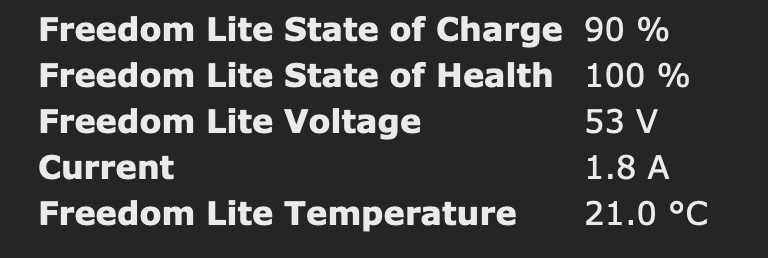
  1. Just got my first version working getting the SOC and some other information from a Freedom Won Lite battery on it's CAN bus.🥳 The hardware units are an ESP8266 and a MCP2515 CAN controller.
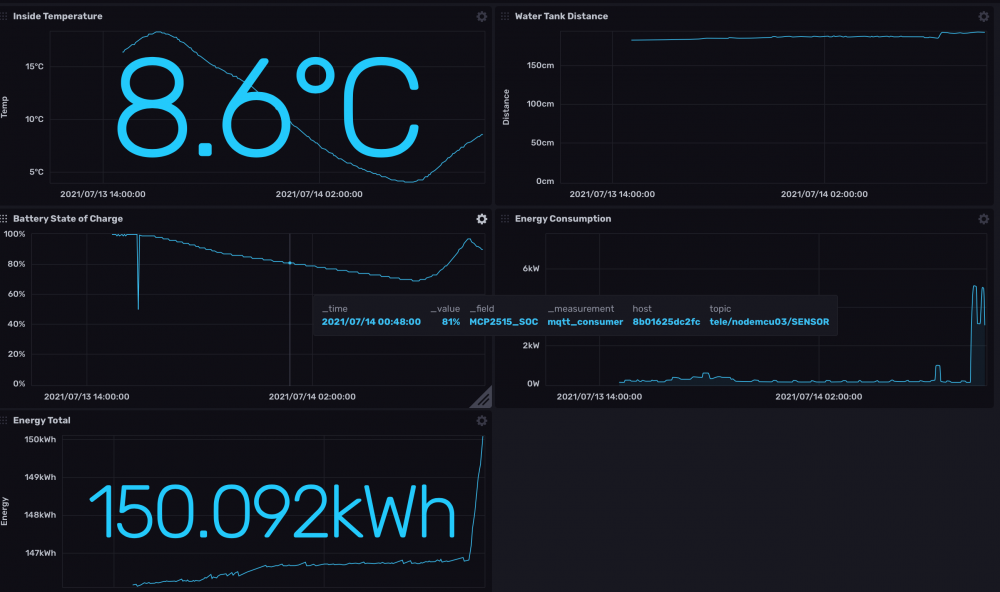
  2. I've read somewhere that the battery uses the OrionBMS, however using their document and polling for the data does not result in anything. https://www.orionbms.com/general/retrieving-data-obd2-canbus/ Unfortunately it does not respond on their sample request.
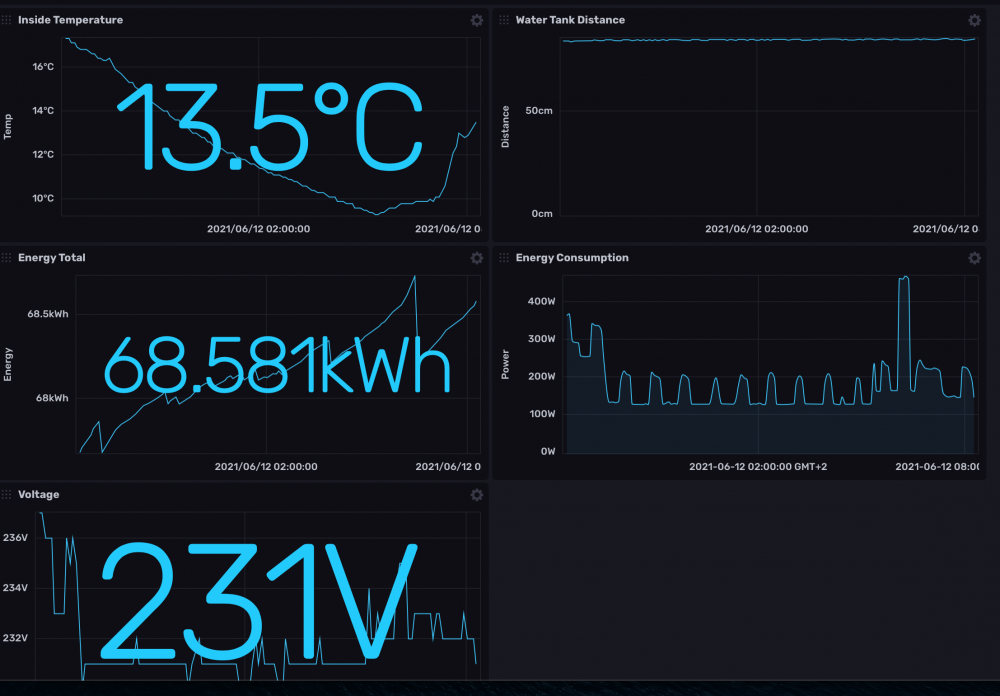
  3. I am looking for information on how to query a Freedom Lite battery State-of-Charge and other data. My ultimate goal is to publish data from batteries and inverters via MQTT so that other devices can be switched on and off dependant on their priority and available power. The current setup is a MCP2515 and NodeMCU.

Account

Navigation

Search

Search

Configure browser push notifications

Chrome (Android)
  1. Tap the lock icon next to the address bar.
  2. Tap Permissions → Notifications.
  3. Adjust your preference.
Chrome (Desktop)
  1. Click the padlock icon in the address bar.
  2. Select Site settings.
  3. Find Notifications and adjust your preference.