Skip to content
View in the app

A better way to browse. Learn more.

Power Forum - Renewable Energy Discussion

A full-screen app on your home screen with push notifications, badges and more.

To install this app on iOS and iPadOS
  1. Tap the Share icon in Safari
  2. Scroll the menu and tap Add to Home Screen.
  3. Tap Add in the top-right corner.
To install this app on Android
  1. Tap the 3-dot menu (⋮) in the top-right corner of the browser.
  2. Tap Add to Home screen or Install app.
  3. Confirm by tapping Install.

Shocker

Members
  • Joined

  • Last visited

  1. Shocker changed their profile photo
  2. Hi Said inverter on version 71.10. Parameter 16 set to SNU, page 24 of user manual states one should press and hold the third button on the left hand side of the panel to enter timer programming mode. tried this….nothing tried second button…nothing 1st button takes you to USB mode Can someone please assist, I would like to get the batt to charge during solar availability eg 0900 to 1500
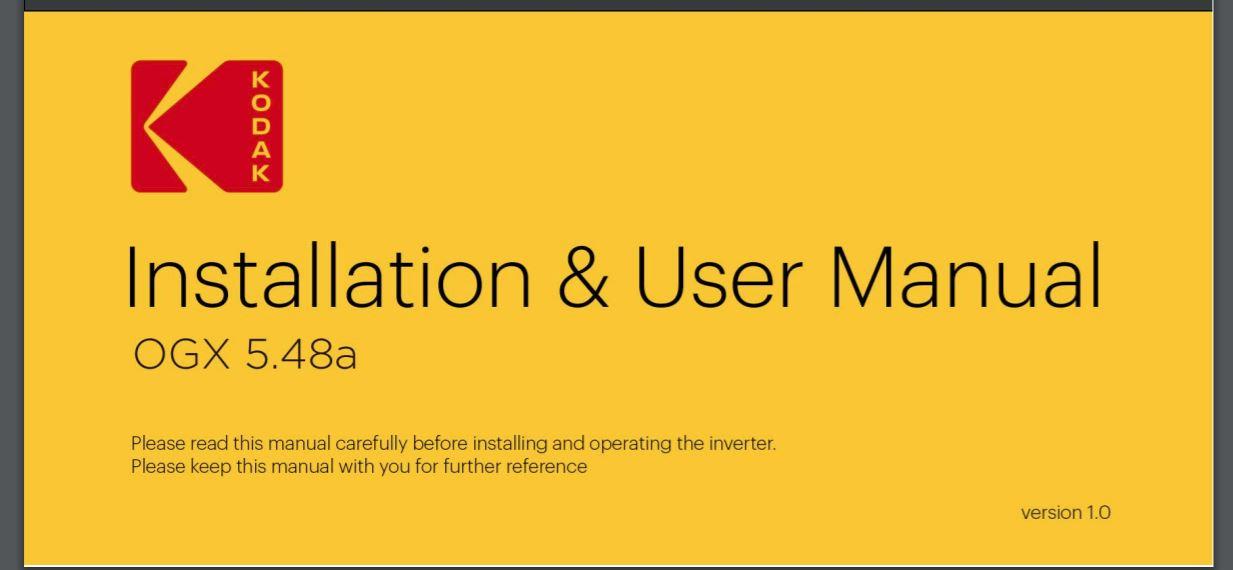
  3. Hi I have a new installation of said inverter (Firmware 71.10). In the system there is a parameter “31”, this parameter does not appear in the user manual (version 1.0). Trying to get an answer from supplier is like searching for chicken teeth. Can anyone indicate the purpose of the parameter and the setting options please

Account

Navigation

Search

Search

Configure browser push notifications

Chrome (Android)
  1. Tap the lock icon next to the address bar.
  2. Tap Permissions → Notifications.
  3. Adjust your preference.
Chrome (Desktop)
  1. Click the padlock icon in the address bar.
  2. Select Site settings.
  3. Find Notifications and adjust your preference.