tejedor
Members
-
Joined
-
Last visited
Everything posted by tejedor
-
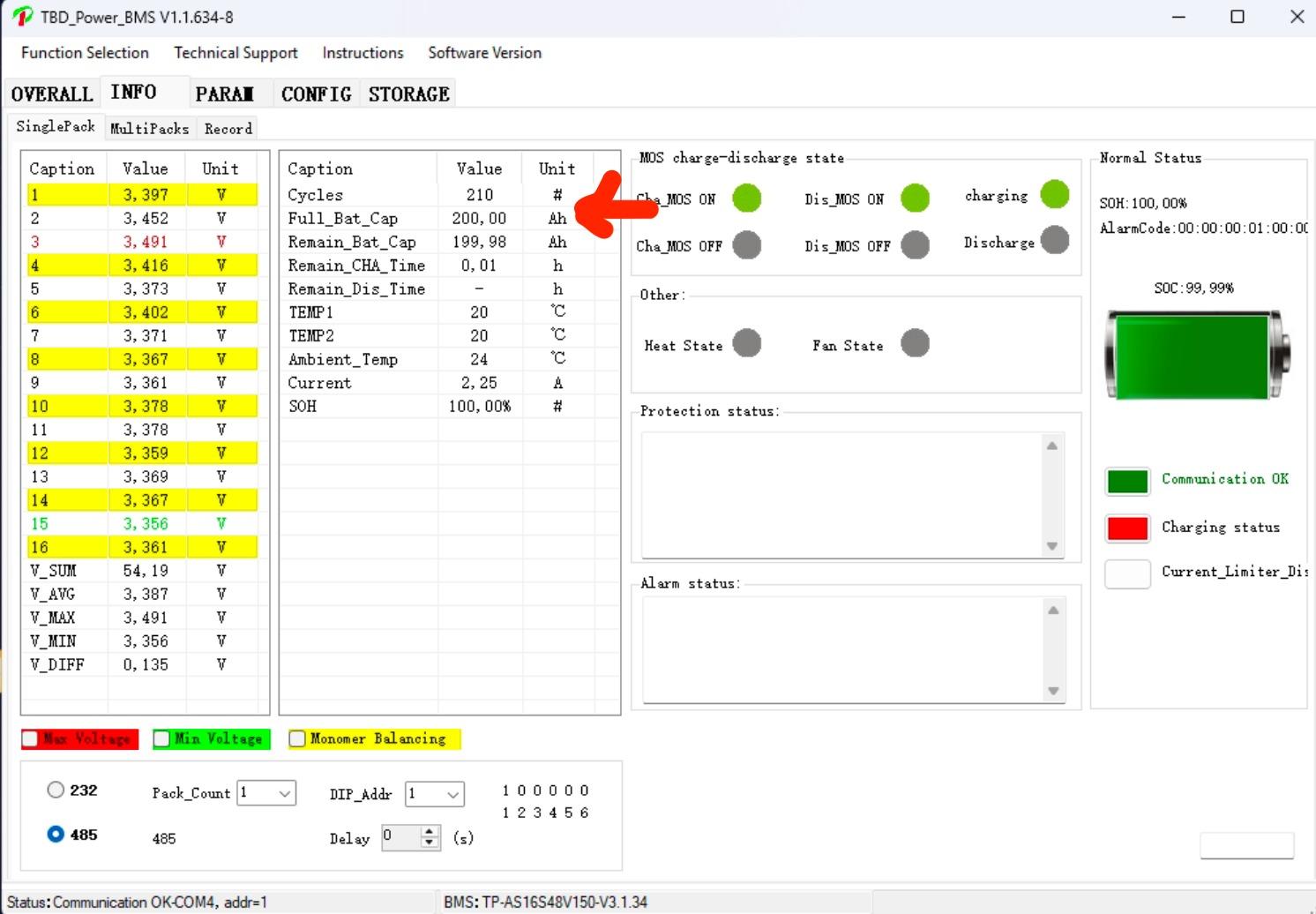
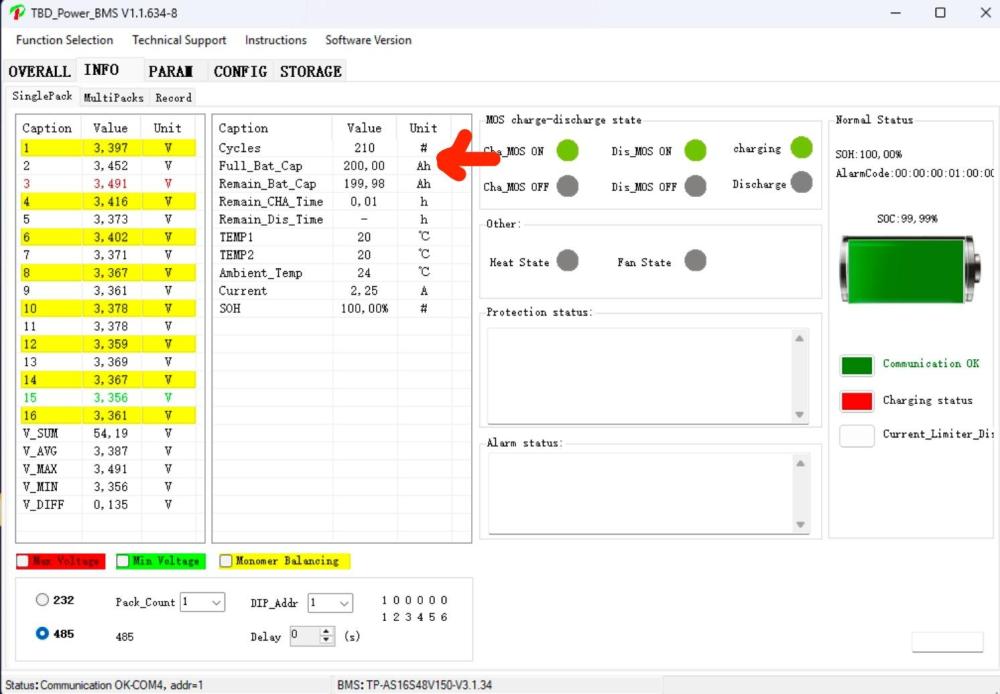
Hello, Quick question, I've been living with Solar only at the house for the last 6 or so years. I live in Northern Limpopo near Alldays. I have: 12x EnerSol 325 Panels (325W each) Victron Easy Solar MPPT 150/100 inverter with a SmartShunt 2x Revov R9 5kw batteries with external Revov BMS I had some issues recently with the system shutting down with 50% or so SOC showing on the SmartShunt. I obtained an RS-485 cable so I could see the data from the BMS, the Victron was showing 50%, but the BMS was reporting 0.0% but still had 51.55vdc. I think I had caused an issue by previously getting in the habit of resetting the SmartShunt SOC to 100% manually based on voltage. I managed to get the SmartShunt and BMS to 100% that day, by turning off all draw and just letting the batteries charge. Over the last few weeks, the BMS reports SOC reliably based on voltage, the SmartShunt under reports SOC based on voltage and continues to drift lower. Over a six week period the SmartShunt 'loses' about 1% SOC per week. I was looking at all of the settings the other day and noticed the BMS reports 200ah of batteries, while my Victron unit is set for 180ah of battery. Should I change the setting in my inverter to match the BMS reading? These images are from 22 June when I got the SOC readings to agree between the SmartShunt and BMS. At this time the BMS is reporting 99.3 SOC and the SmartShunt 91.9SOC Any Ideas would be appreciated Colin
.thumb.jpeg.df4bf61ff6588e368af2f9b72e023494.jpeg)
.jpeg.fd1733e434bacd22019162fab41dc4fa.jpeg)