RalphT
Members
-
Joined
-
Last visited
-
OK we will accept 4000 rand.
-
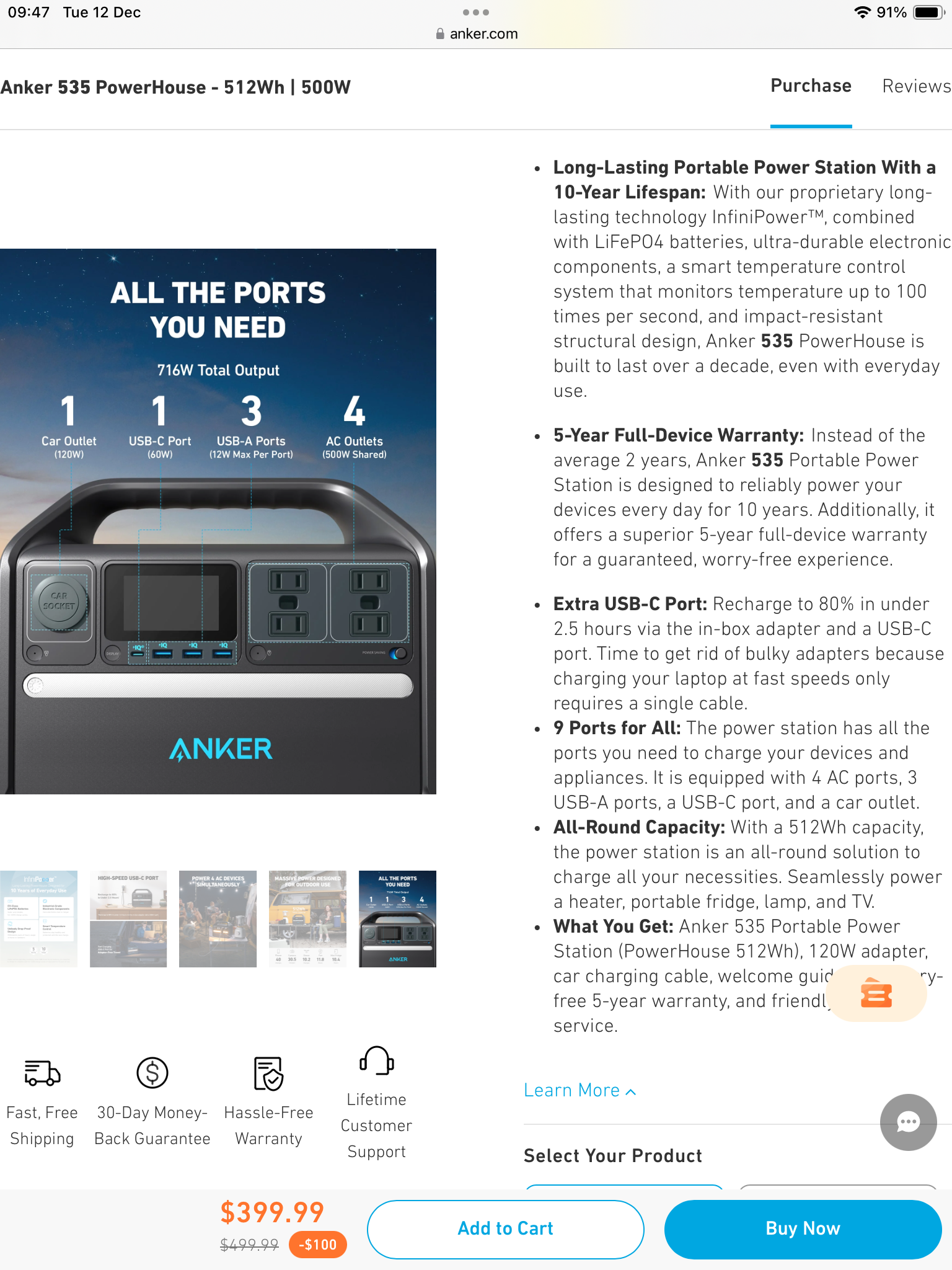
Not sure if this is the right place, but classified is for renewals. I’ll put it there as well. We bought this in October for a road trip, but have not had to use it much. It is a good piece of kit and we have several Anker products which have been very reliable. We are around in Cape Town from 21 December. We are asking 4000 rands. https://www.loot.co.za/product/anker-powerhouse-535-portable-power-station/bfdw-8068-g430

-
Not sure if this is the right place, but classified is for renewals. I’ll put it there as well. We bought this in October for a road trip, but have not had to use it much. It is a good piece of kit and we have several Anker products which have been very reliable. We are around the Cape Town area to the coast and then in Cape Town from 21 December. We are asking 6500 rands. https://www.loot.co.za/product/anker-powerhouse-535-portable-power-station/bfdw-8068-g430