Youda
Members
-
Joined
-
Last visited
Files posted by Youda
-
READ THE INSTRUCTIONS FIRST: https://powerforum.co.za/topic/2322-youdas-off-grid-lab/?do=findComment&comment=151032
UpgradeTool 1.0.9
BatteryView 2
BatteryView 3.0.28
BatteryView 3.0.29
-
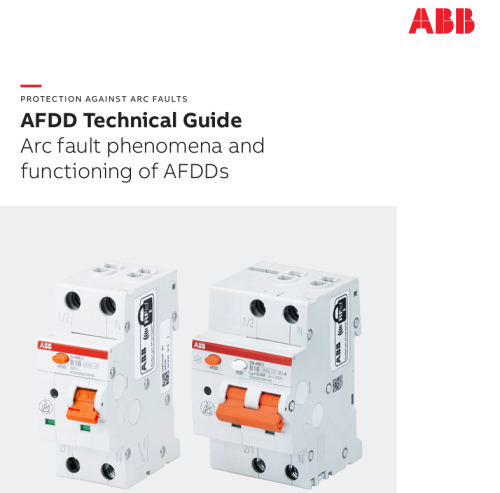
Early detection of arc faults in the electrical installation can contribute to fire protection in residential and commercial installations, resulting in additional safety for people and valuable assets. Compliant with the international product standard “IEC 62606 – General Requirements for Arc Fault Detection Devices”, ABB's AFDDs mitigate the risks of fires caused by faulty electrical installations. The following guide will help application users to understand the physical phenomenon of an electrical arc, the functioning of the devices, the main features and benefits.
-
READ THE INSTRUCTIONS FIRST: https://powerforum.co.za/topic/2322-youdas-off-grid-lab/?do=findComment&comment=151032
-
READ THE INSTRUCTIONS FIRST: https://powerforum.co.za/topic/2322-youdas-off-grid-lab/?do=findComment&comment=151032
Firmware for Pylontech low-voltage batteries:
US2000B Plus US2000C (original chip) US2000C (new chip) US3000 US3000C (original chip) US3000C (new chip) US5000 (original chip) US5000 (new chip) -