


Tyrel
Members
-
Joined
-
Last visited
Everything posted by Tyrel
-
Pace BMS 16s.pdf
-
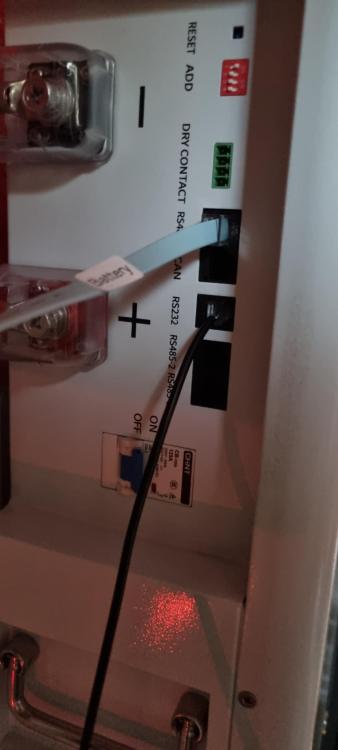
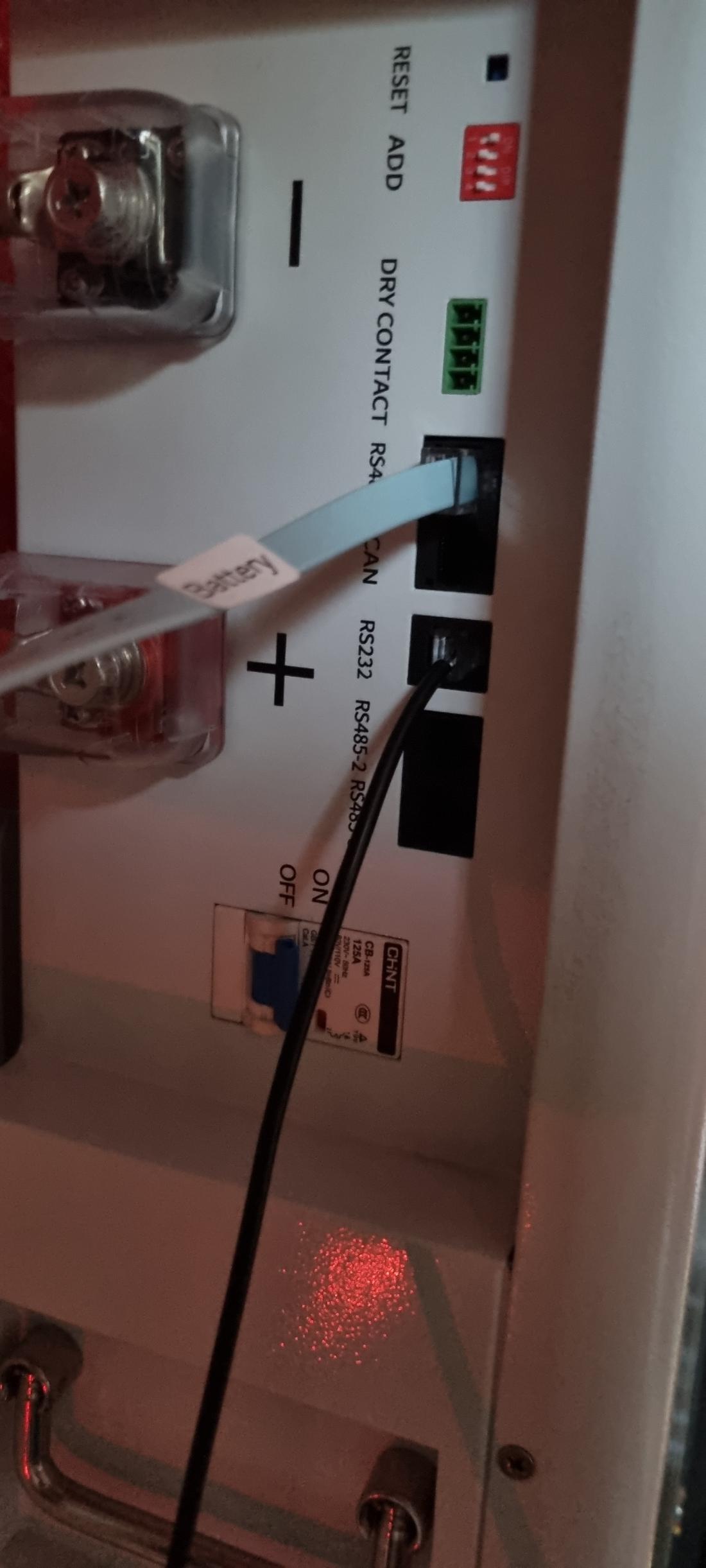
Pinout for the rs485 is 1+2 or 7+8
-
You could try using the Voltronic protocol on the battery. That works with LIb BMS on my Kodak inverter.
-
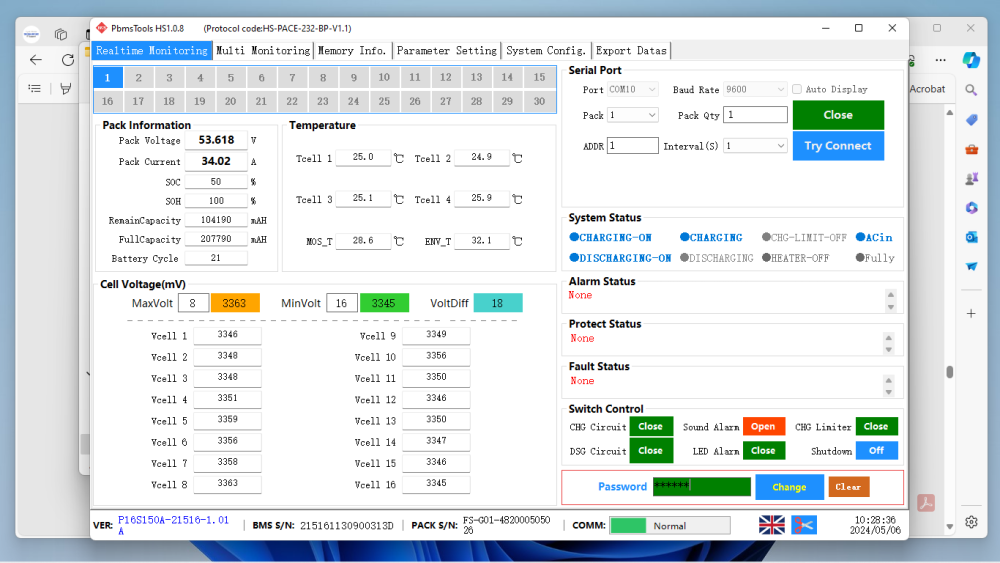
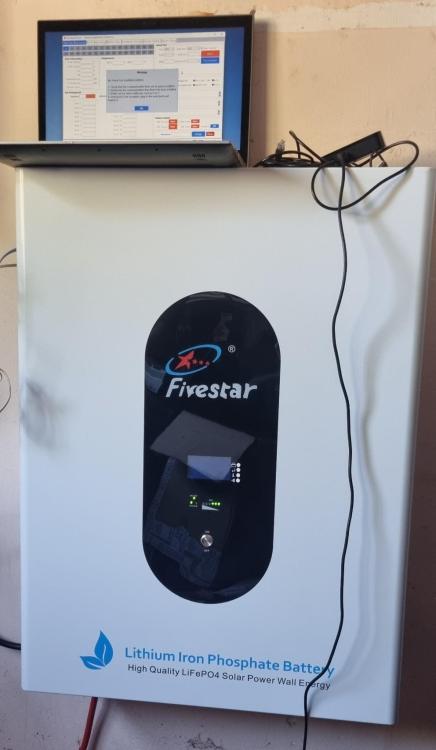
Success! After plenty of fiddling. Fivestar FS-G01-48200 (Pace 16s150a BMS) RS232 is hit or miss. Have to try multiple times with breaks in between before getting a successful connection using PBMstools HS1.0.8 Inverter protocol is not set, after setting to pylontech I now have BMS coms to my Kodak OGS5.6. The pinouts in the manual are incorrect. BMS coms are on pins 1+2, 7+8. Switch 1 must be on. Hopefully this will help someone else.
.thumb.png.9959d29810c1ac5a4673536625b76a81.png)
-
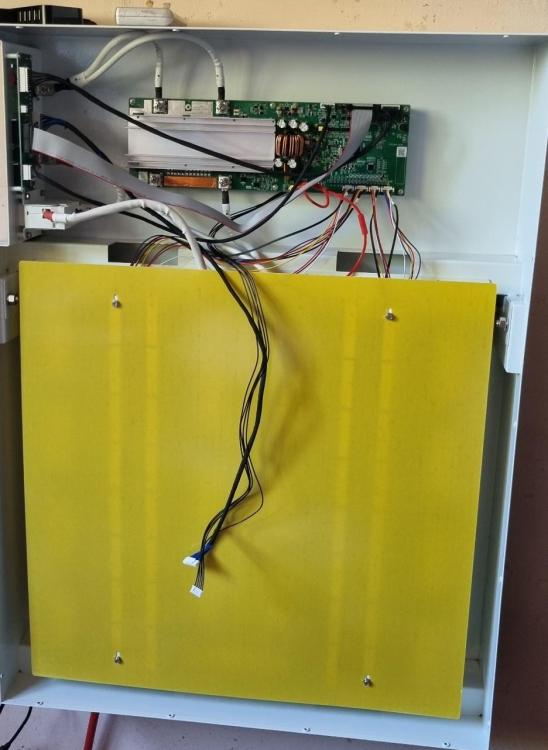
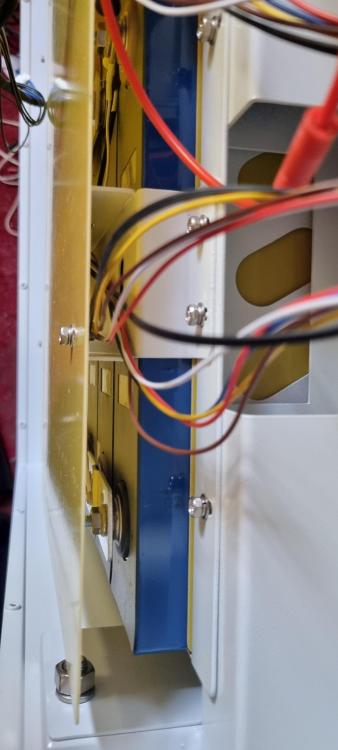
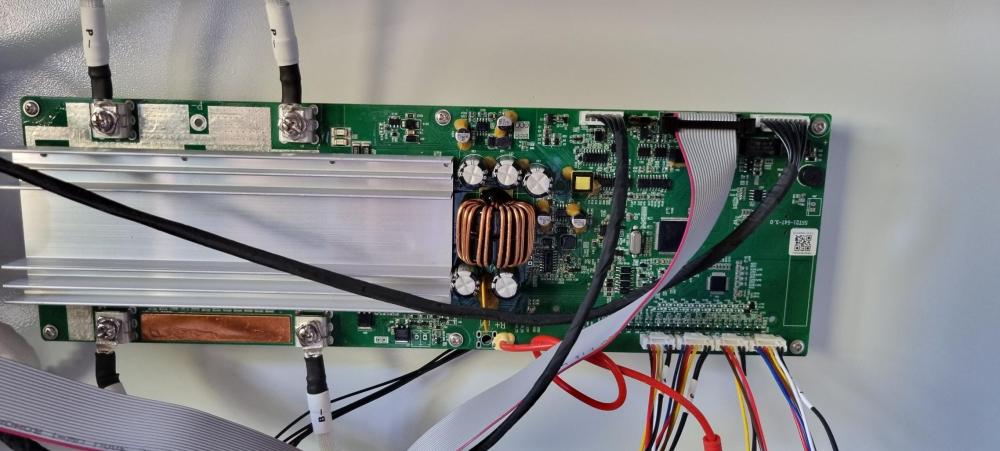
Hi Oros. Its the Fivestar FS-G01-48200 and yes it has prismatic cells. The BMS resembles the Pace 16s200a, not 150a. I will open again soon and take more pictures. I want to fiddle with the comms on the board as it seems odd to not even have rs232 communication. According to the supplier the bms only communicates with Deye inverters on RS485. I can't get comms on solar assistant with correct cable or on pc.
-
I decided to open mine up as I`m having no luck with communication on Rs232 or Rs485. Works great otherwise. I was surprised to see, its actually quite well made and neat inside, even has a cover over the battery terminals. The BMS seems to be a Pace 16s150a, board number is SST21-54-3.0
.png.86c4de8427a0dd1e672a2ba7ec980721.png)


