


bashaar basheer1
Members
-
Joined
-
Last visited
-
My friend, I erased the EEPROM chip, but after 3 months the same error came back. E90
-
I made an IC, completely erased the EEPROM, and re-soldered it. The inverter worked, but after two months, the same fault returned.
-
Please help. The 8k solar inverter gives an error of E90. Thank you.
-
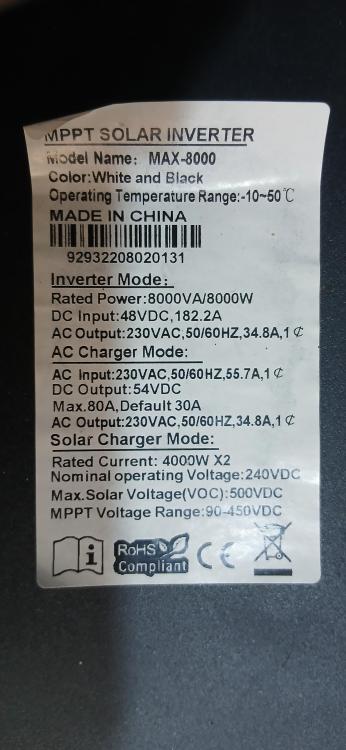
Hello friends, I need your help I have a GSB Max 8kw inverter with SN: 96342206107591 Program version V1: 72.03 V2: 112.15 It stops and gives me F90 error, after searching and contacting with some providers I know the inverter needs to update its firmware but it is not available Please help me to fix this problem, I need suitable firmware and how to update by the micro USB port using flash with OTG
-
Thank you very much I am grateful💚🩵
-
Hello,☹️❣️ I have a solar inverter that gives an F90 error when starting up, accompanied by a continuous beeping sound. The steps I took: 1. Disassemble and clean all components and connections, then reassemble. 2. Attempt to perform a software update using an OTG flash drive, but it didn't work. After a long search, I found a SN number that was somewhat similar to my device. 3. I connected the device to my computer via the micro USB port and downloaded the required software, but it wasn't fully recognized. I suspect I need an R232. 4. I read the entire user manual, but to no avail. Complete the previous steps thanks to previous articles I was able to access. Required Information: Device Model: MAX E 11K Power: 11kW, 24V System SN: 96342210100671 From the device interface U1_ 57.04 U2_ 12.21 From the Watch Power computer application interface Model type: stand alone Main CPU version: 0005704 Please help as soon as possible, as I've been in trouble and have been without electricity for a whole week. I'd be very grateful. If possible, attach the solution with the files.🙏💔🌹
