Mickeyblue42
Members
-
Joined
-
Last visited
-
-
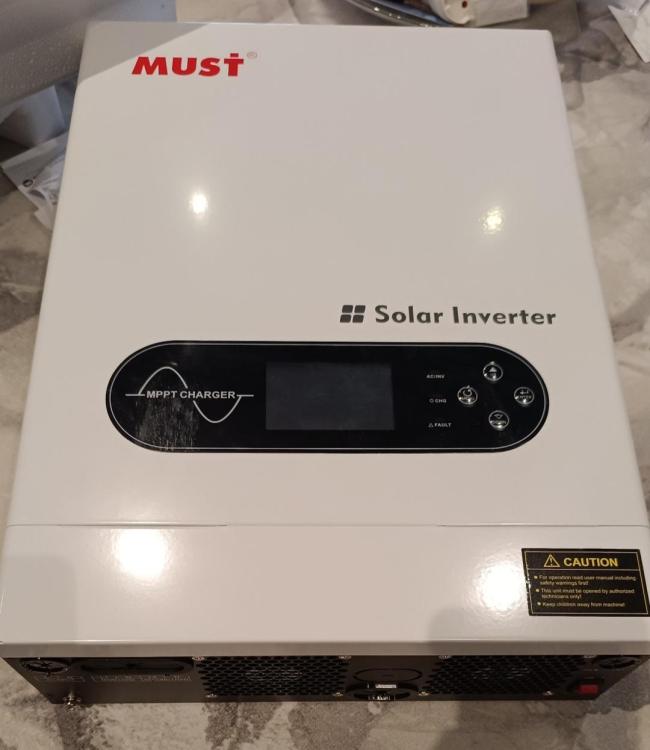
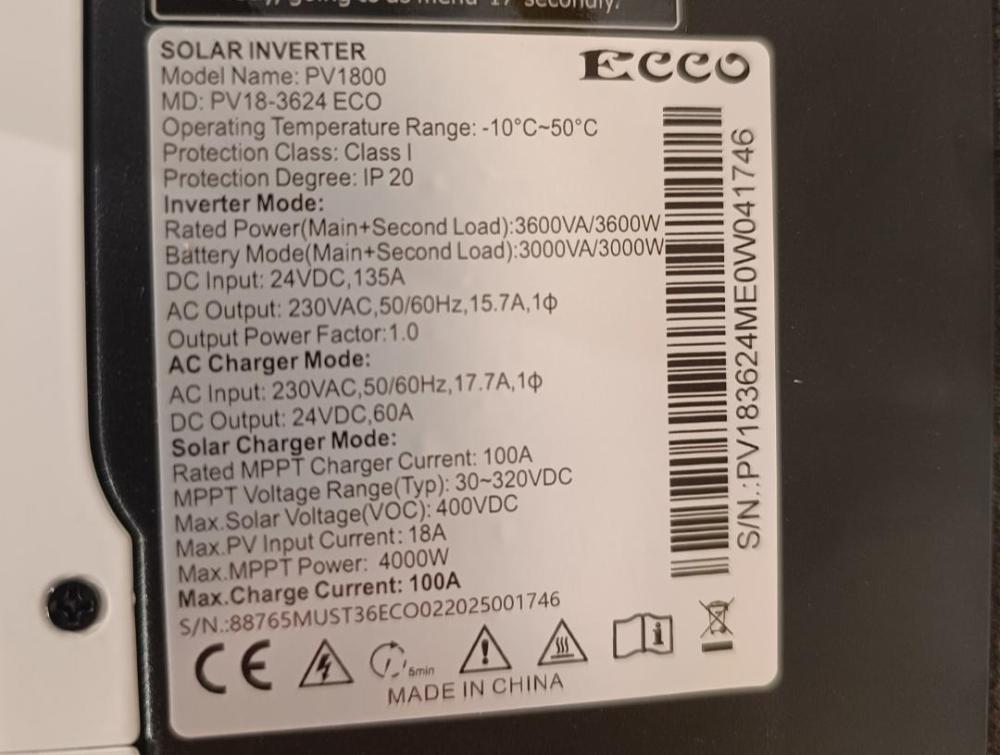
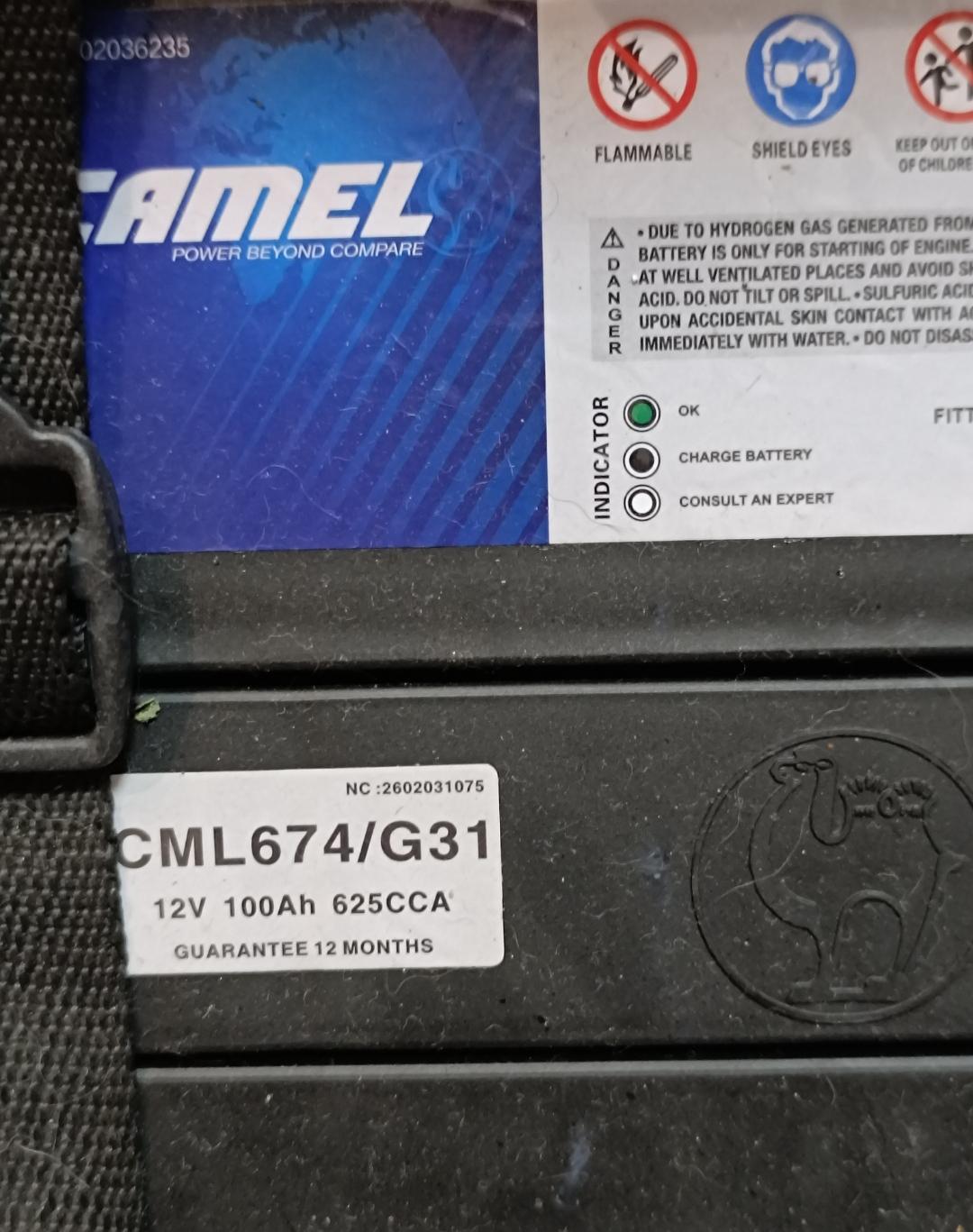
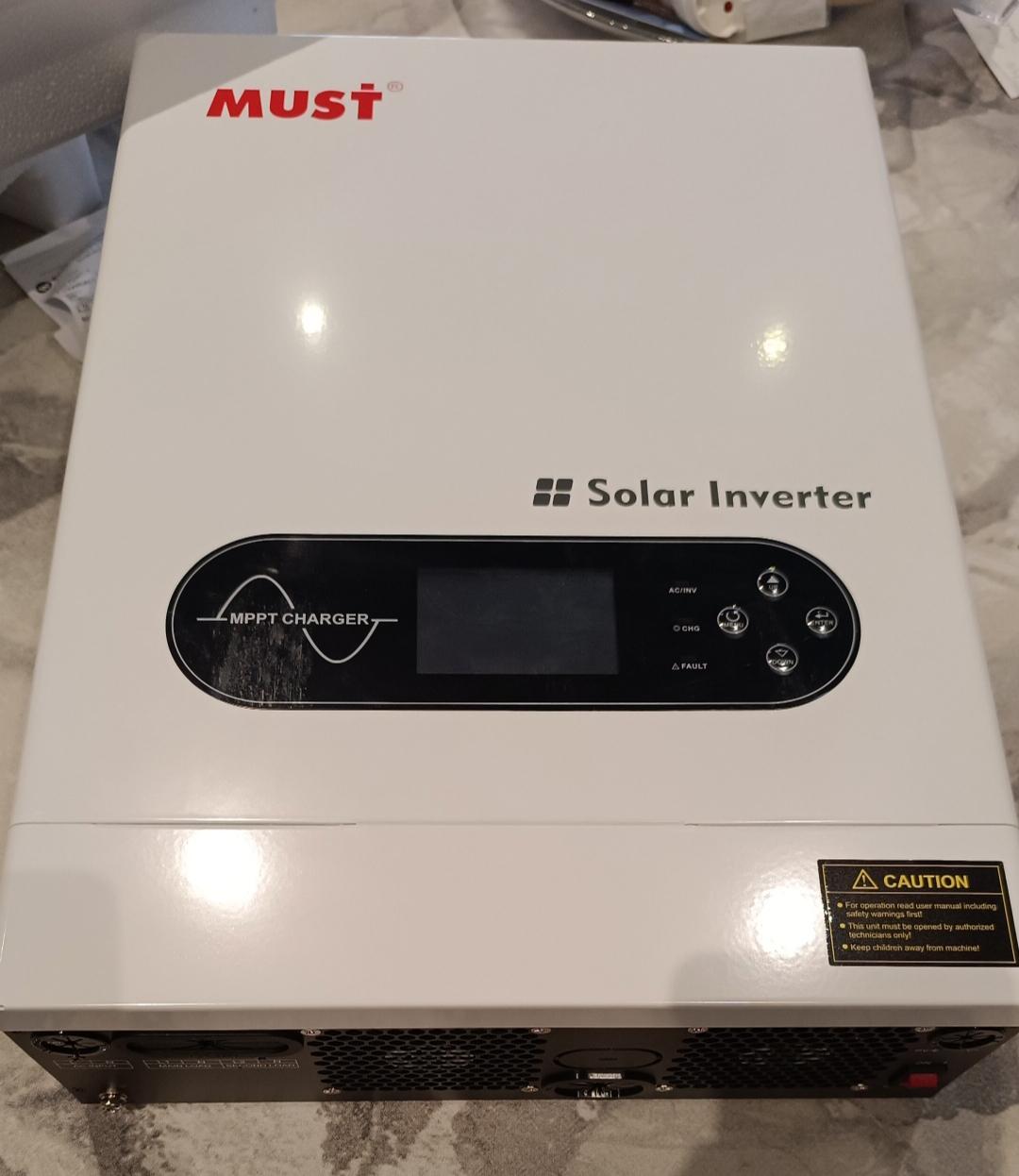
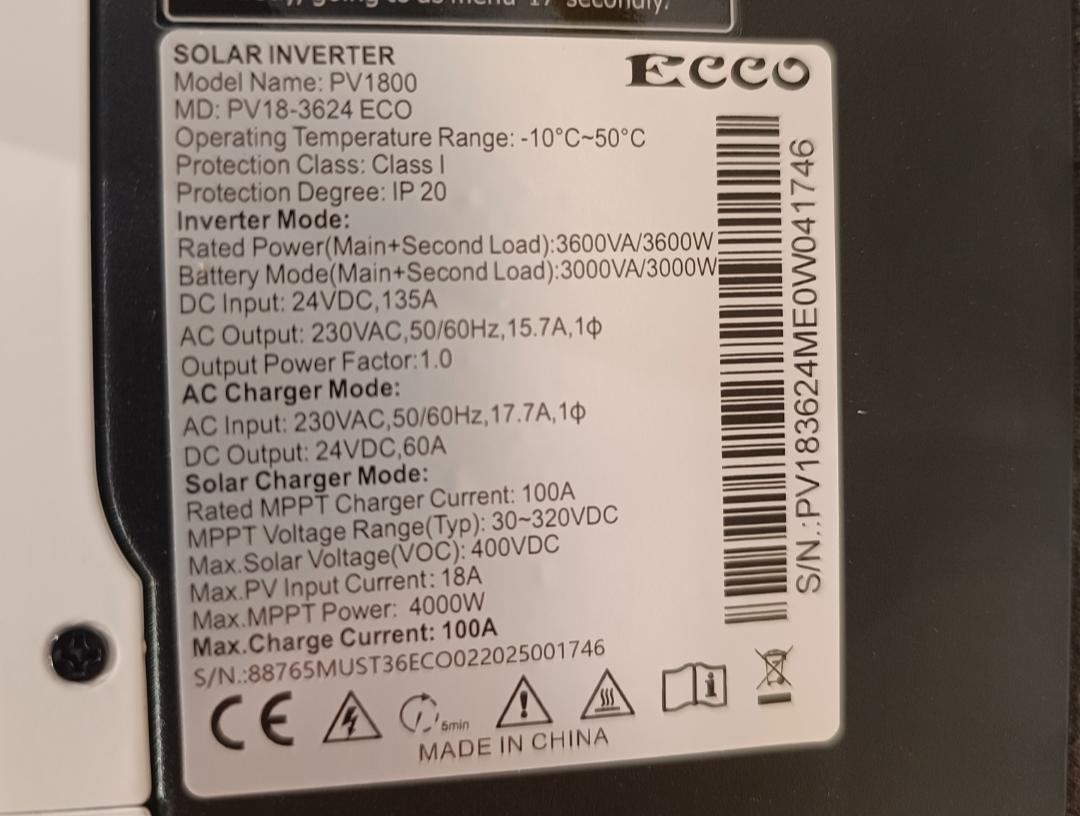
Good morning! I have just purchased the above inverter for basic backup power. A little bit of backround.... Based in Botswana. We have suddenly been getting load shedding because of issues with our only power station that was built by the wrong people! Africa.... I will be runnning 2 x 100AH Camel Lead Acid Batteries in series to start as I have 2 fresh units that were meant for another project. All I want to run initially is the TV, Router, Charge phones and couple of lights. Next I will probably starting buying 2-3 solar panels a mcnth. Once I have 8 , I want to wire everything into the DB board. Lastly, I will get a lithium battery. On the whole we dont get many cuts and government is moving fast to sort out the issue but for piece of mind I need to have backup for basics as well as alarm and cctv. From what I read in the manual , a lot of the presets seem fine for my current setup. My main concern is not running the batteries over 50% DOD. This falls under option 19 (low DC cut off battery voltage). Is 24.2V safe? Secondly, I see mention of an equaliser mode/dept. Would you still recommend running a battery balancer with this setup? If anybody recommends any other changes to the default settings I would be really thankful !!