Skip to content
View in the app

A better way to browse. Learn more.

Power Forum - Renewable Energy Discussion

A full-screen app on your home screen with push notifications, badges and more.

To install this app on iOS and iPadOS
  1. Tap the Share icon in Safari
  2. Scroll the menu and tap Add to Home Screen.
  3. Tap Add in the top-right corner.
To install this app on Android
  1. Tap the 3-dot menu (⋮) in the top-right corner of the browser.
  2. Tap Add to Home screen or Install app.
  3. Confirm by tapping Install.

JasonC

Members
  • Joined

  • Last visited

Everything posted by JasonC

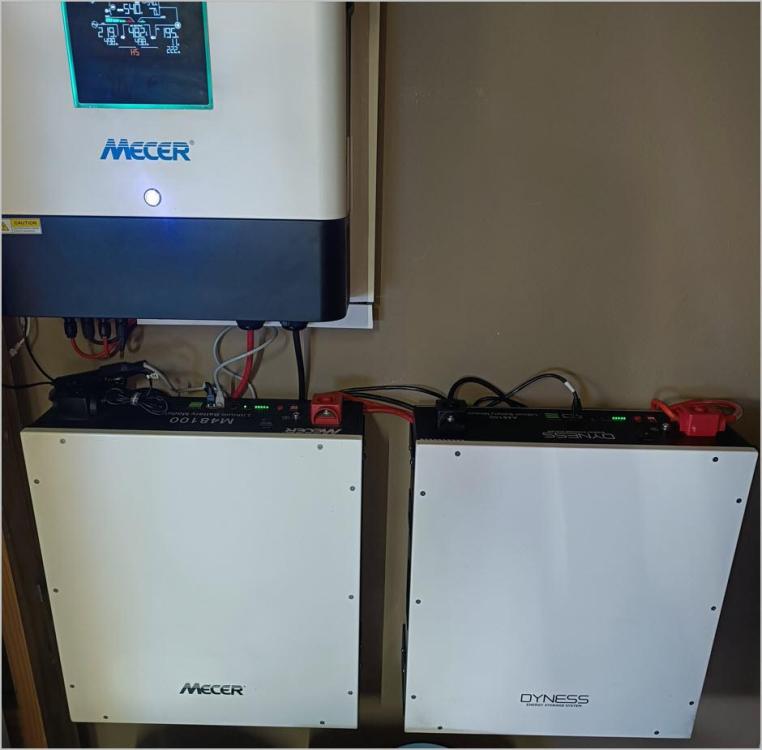
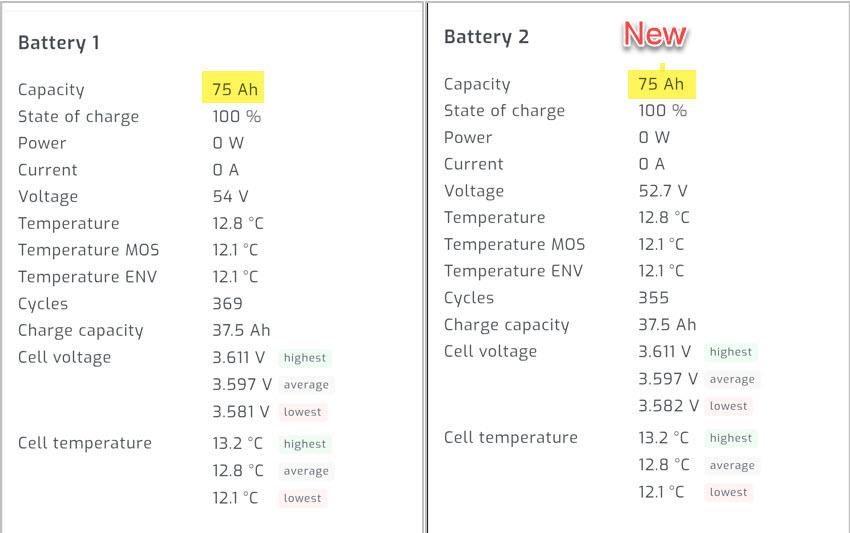
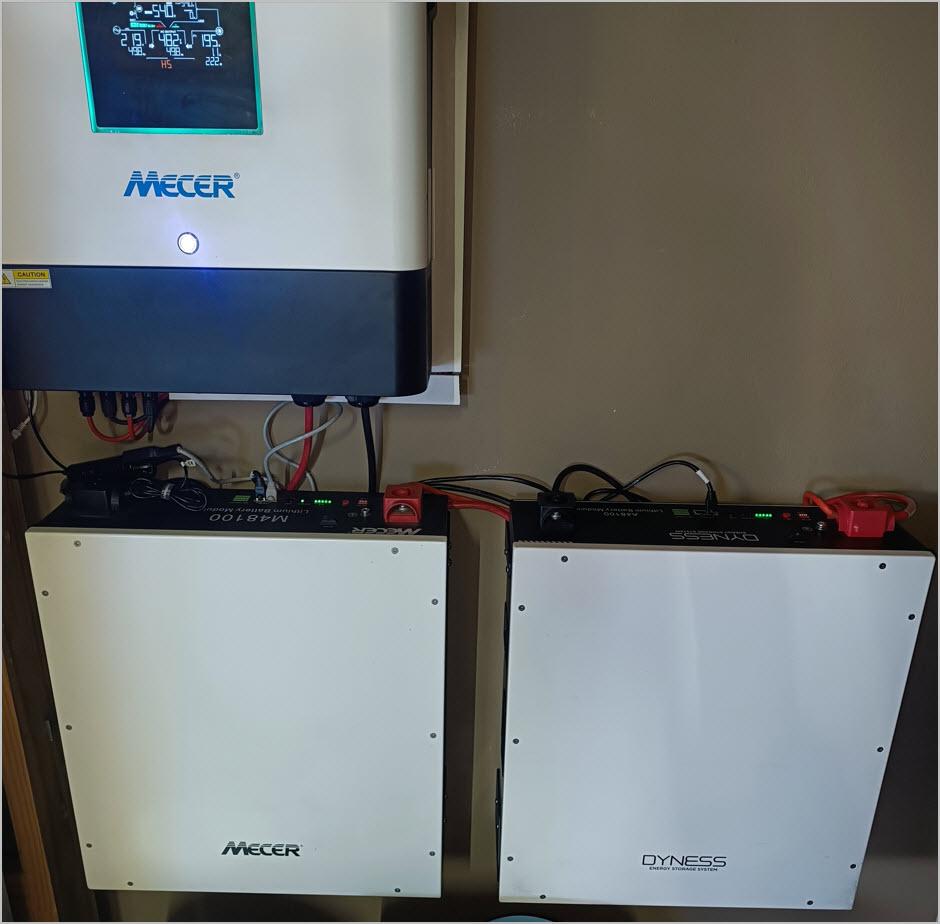
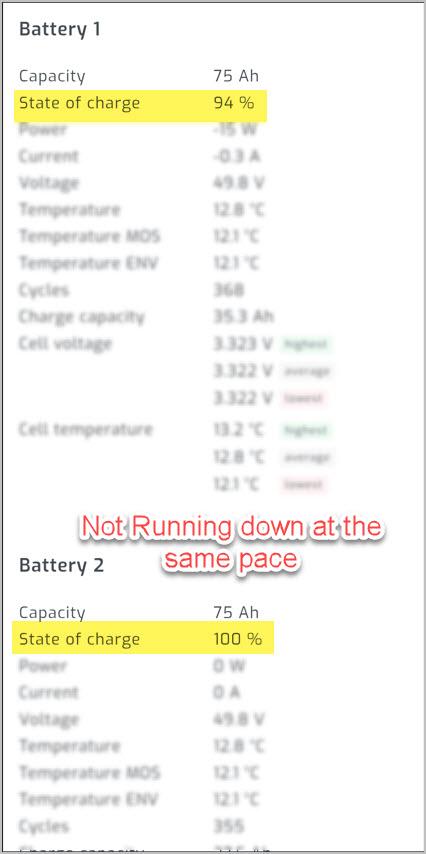
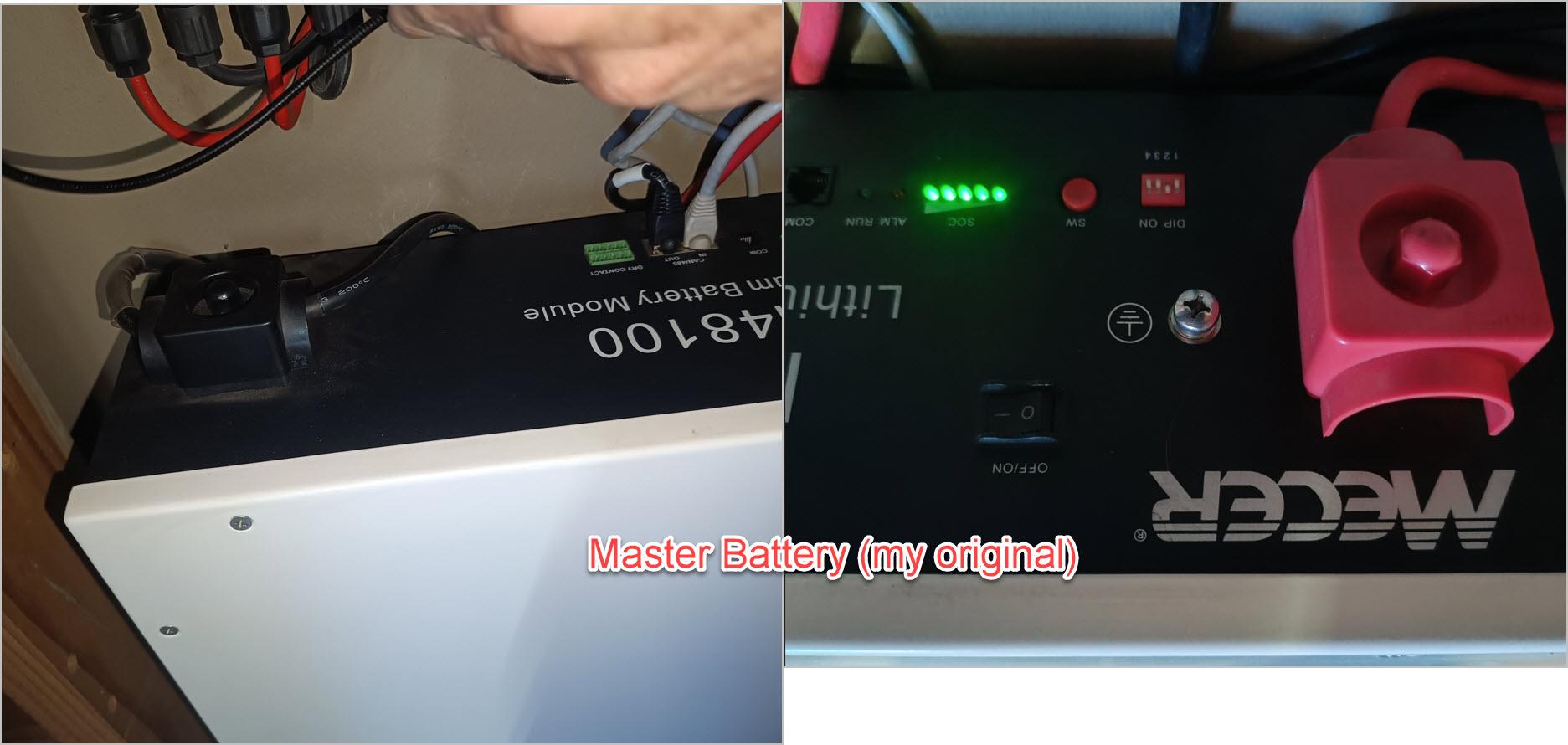
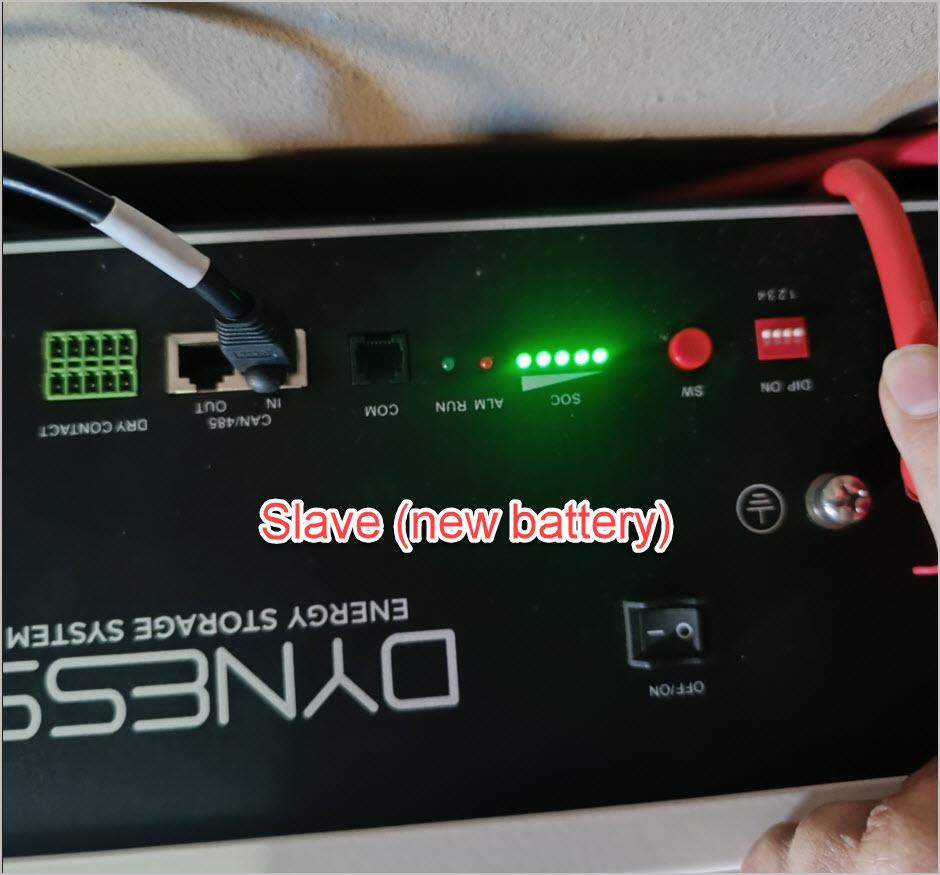
  1. Thank you so much for the update.. they are really helpful points. Updates on the points 1. I will look into that. 2. According to the Manual, the Slave should be 0000 and Master 0100 .. but i am also not 100% sure on that. 3. I have checked the Web to try and see how to check the Firmware.. but need Wifi dongle. (might have to make another plan). Currently the older battery is the Master (the difference between them is 14 Cycles. thus not big).. If i move the Master.. do i need to move the Comms cable only to the new master 4. Yes... that is correct 5. I dont think they were both at the same level.. i will try that. The Raspberry Pi is currently on the Master :)

Account

Navigation

Search

Search

Configure browser push notifications

Chrome (Android)
  1. Tap the lock icon next to the address bar.
  2. Tap Permissions → Notifications.
  3. Adjust your preference.
Chrome (Desktop)
  1. Click the padlock icon in the address bar.
  2. Select Site settings.
  3. Find Notifications and adjust your preference.