


Phillip1
Members
-
Joined
-
Last visited
-
Thanks for your help everyone. seems to have worked with lowering setting 29 down to 45.5. Thanks centurion solar - very insightful and will be in touch. thanks again
-
Brilliant thanks I’ll give it a go and let you know how it pans out.
-
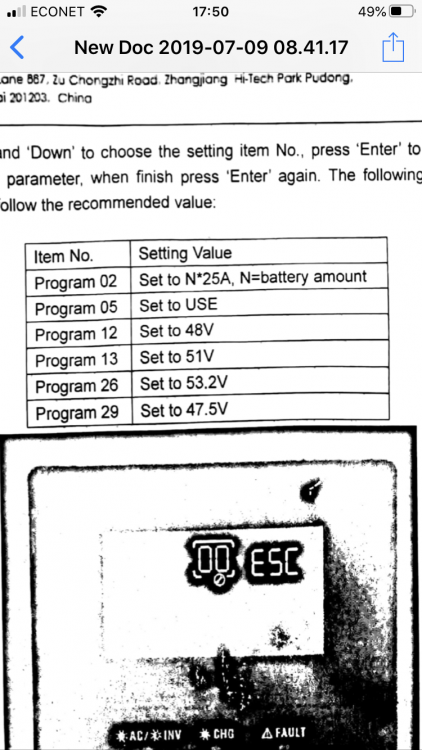
These are the settings I have used.
-
29 is at 47.5v Inverter is a year old.Axpert 5kva 4kw model. inverter linked to batteries by 2 power cables and the communication cable going into the CAN port on the master battery. no monitoring as no idea how to do that
-
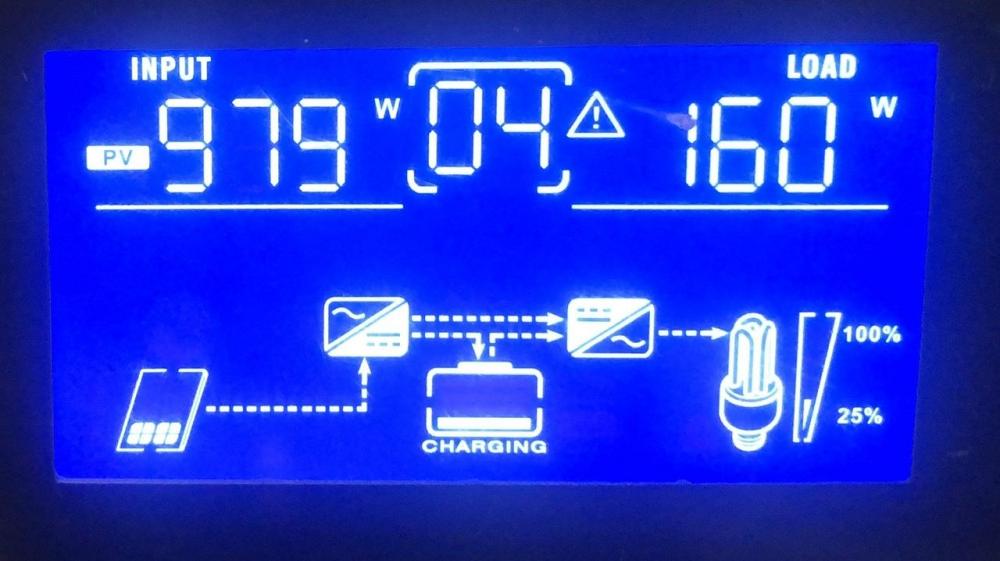
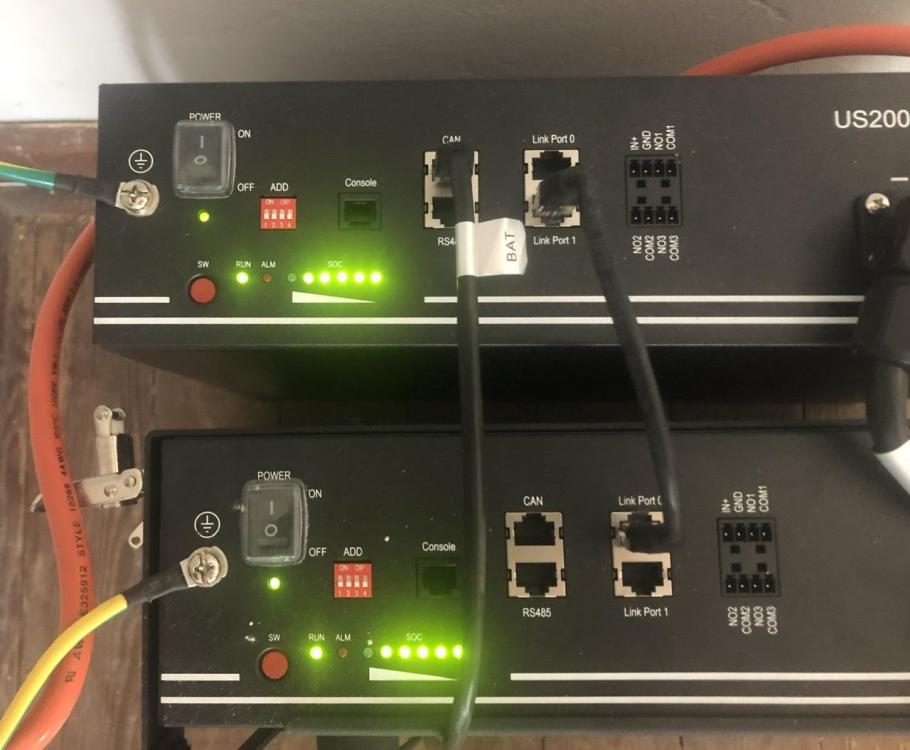
This is what it looks like...
-
Hi, our system is as follows. 10 x 330w panels leading into an Axpert 5kva inverter powered by 2 x 2.4kw pylontech batteries. I have used the settings recommended in this forum for the pylontech batteries but my problem is this. the pylontech batteries show fully charged or almost fully charged yet the Axpert inverter is issuing a code 4 warning saying the batteries are low. not sure how to make sure the inverter and the batteries register the same charge?


