Skip to content
View in the app

A better way to browse. Learn more.

Power Forum - Renewable Energy Discussion

A full-screen app on your home screen with push notifications, badges and more.

To install this app on iOS and iPadOS
  1. Tap the Share icon in Safari
  2. Scroll the menu and tap Add to Home Screen.
  3. Tap Add in the top-right corner.
To install this app on Android
  1. Tap the 3-dot menu (⋮) in the top-right corner of the browser.
  2. Tap Add to Home screen or Install app.
  3. Confirm by tapping Install.

Fyca

Members
  • Joined

  • Last visited

About Me

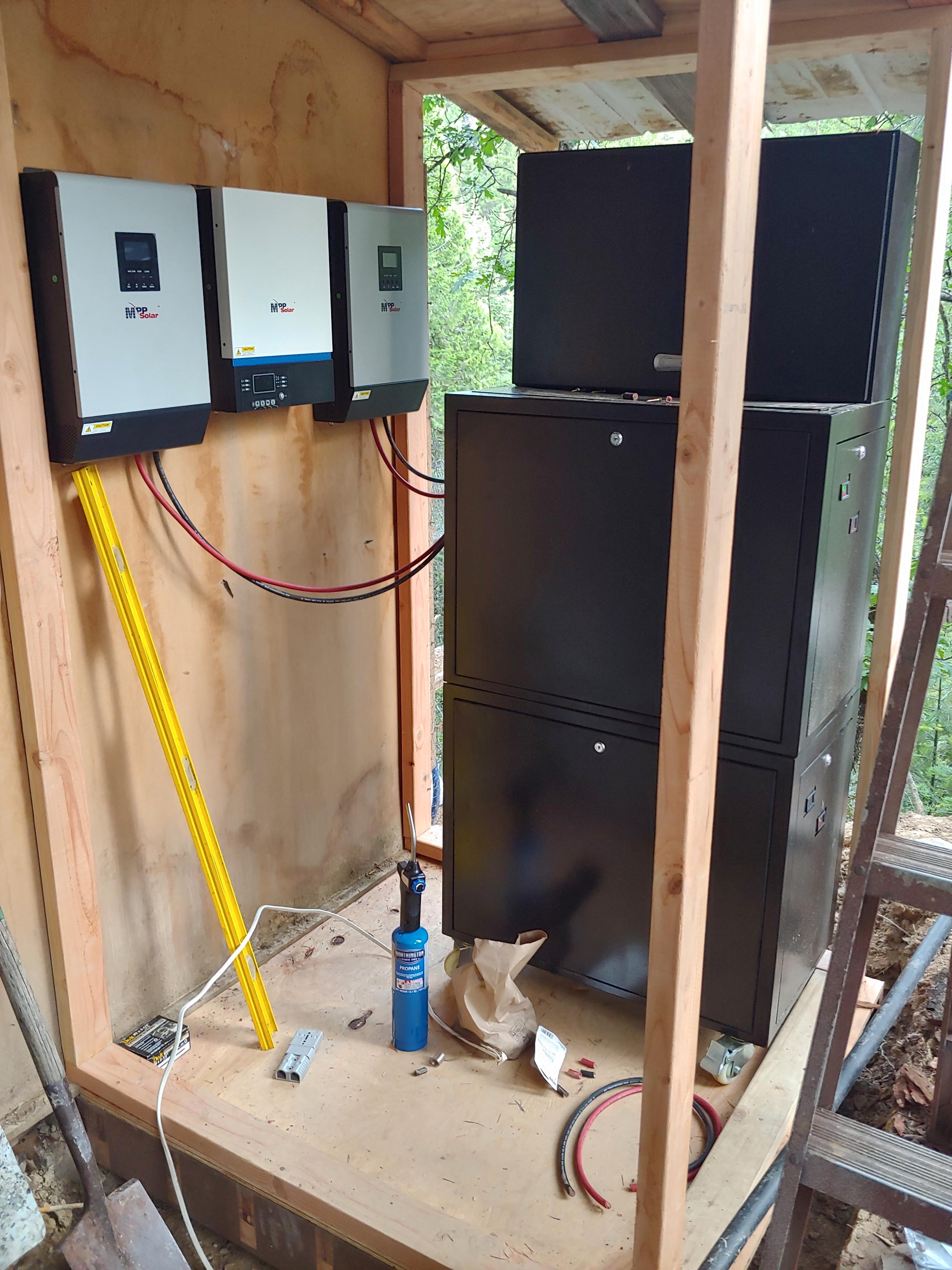
2x MPP Solar 3048 LV-mk

1x MPP Solar 5048GK

4x generic 300w 60 cell mono

4x Rec Solar Twin Peaks 295w

4x Itek 295w poly

4x QCells 295w poly

20 amp 1000v fuse

2 pair 8awg solar direct burial wire @1000ft each


20200615_062721.jpg

Account

Navigation

Search

Search

Configure browser push notifications

Chrome (Android)
  1. Tap the lock icon next to the address bar.
  2. Tap Permissions → Notifications.
  3. Adjust your preference.
Chrome (Desktop)
  1. Click the padlock icon in the address bar.
  2. Select Site settings.
  3. Find Notifications and adjust your preference.