Vikeshan
Members
-
Joined
-
Last visited
Everything posted by Vikeshan
-
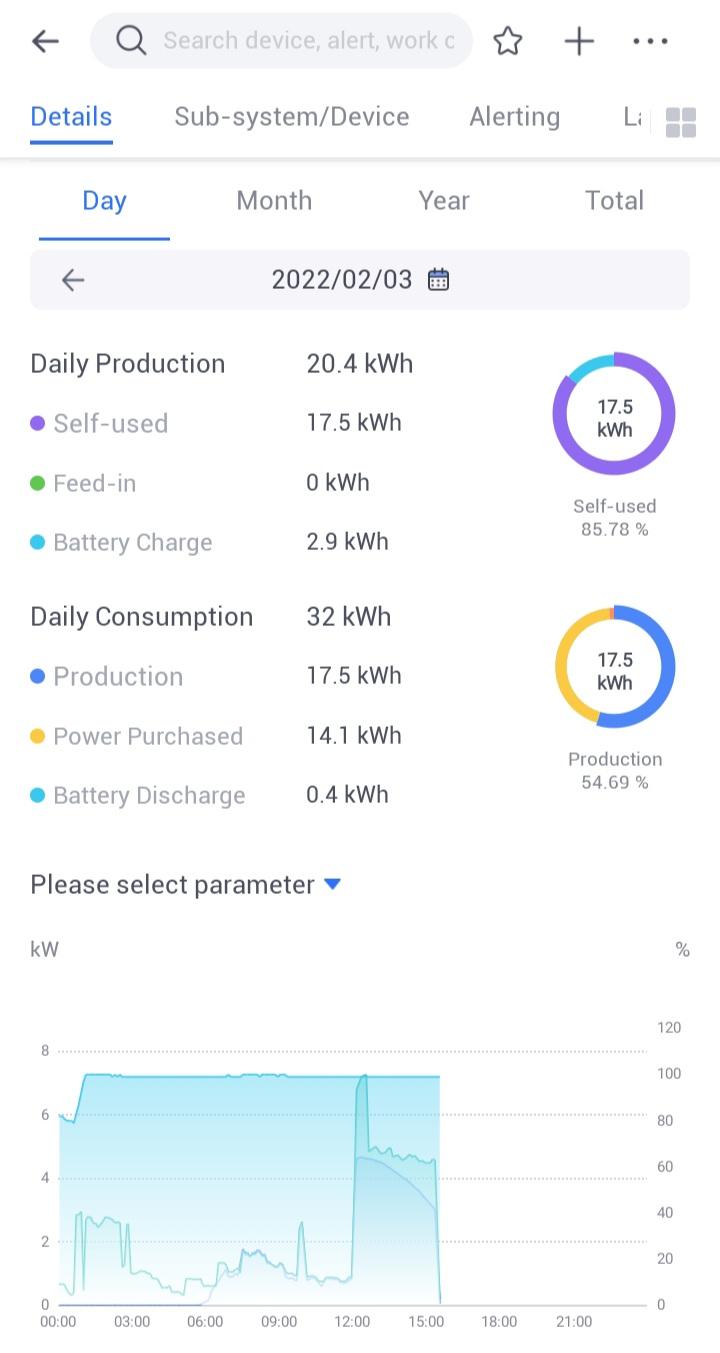
5KW Sunsynk/Hubble Lithium AM-2 - 5 x 540W JA Solar Panels. System is producing in excess of 15KW per day.
.thumb.jpg.c4ed64387be68f9be3483379b58d85dd.jpg)
.thumb.jpg.200b0d845107f41910600ca439ebcce2.jpg)

-
Client wanted to start of with 12 panels, Will definitely add more at a later stage.
-
Sorry, don't have any pics of that, not a personal install, for a client, so cannot get those pics.
-
Monitoring using Solarman App


-
Thanks to all, @Leshen, yes the earth neutral bridge in the AC DB makes the install much neater. System is performing really well.
-
8KW Sunsynk Inverter with 12 X 455W JA Solar Panels, 2 X Hubble AM-2.


-
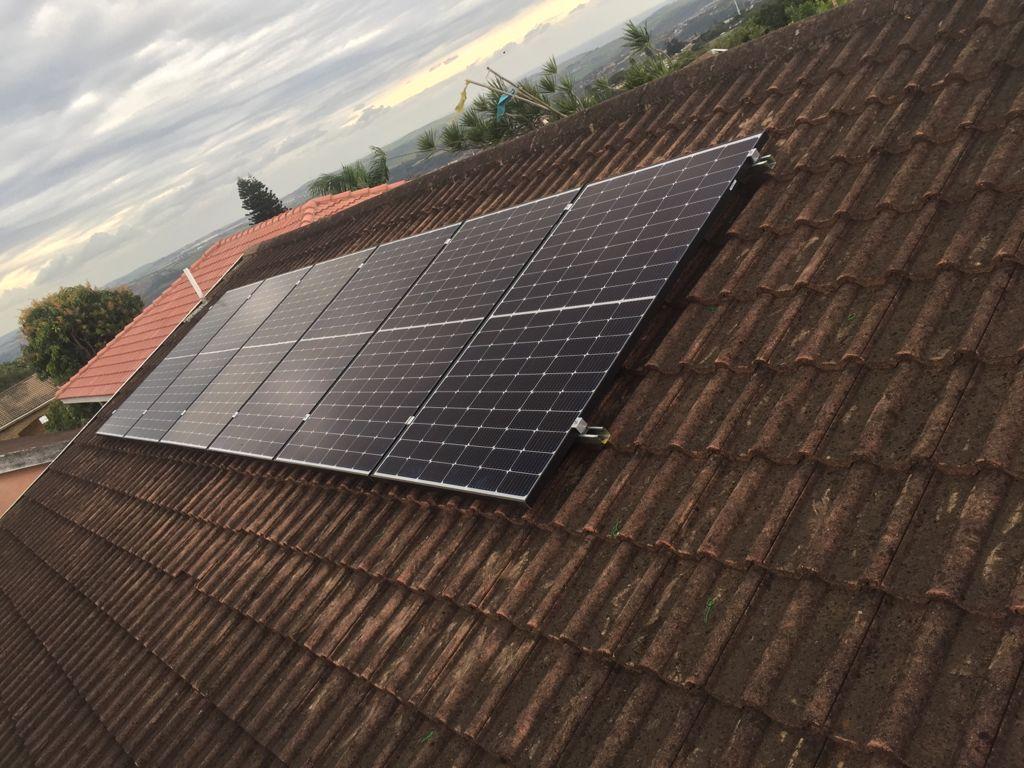
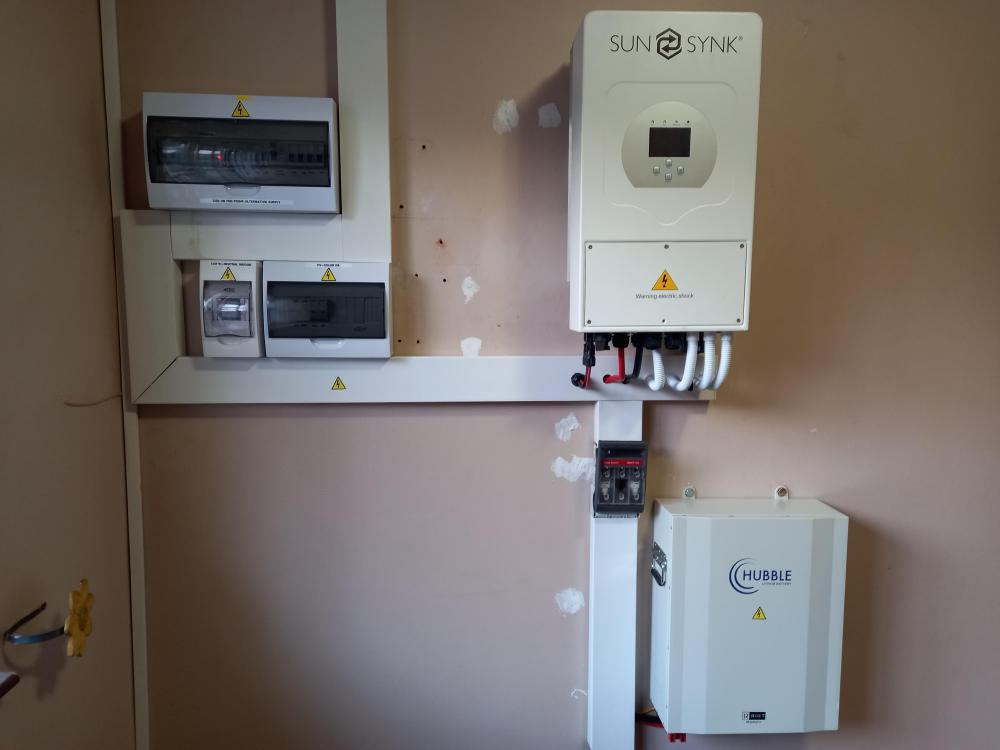
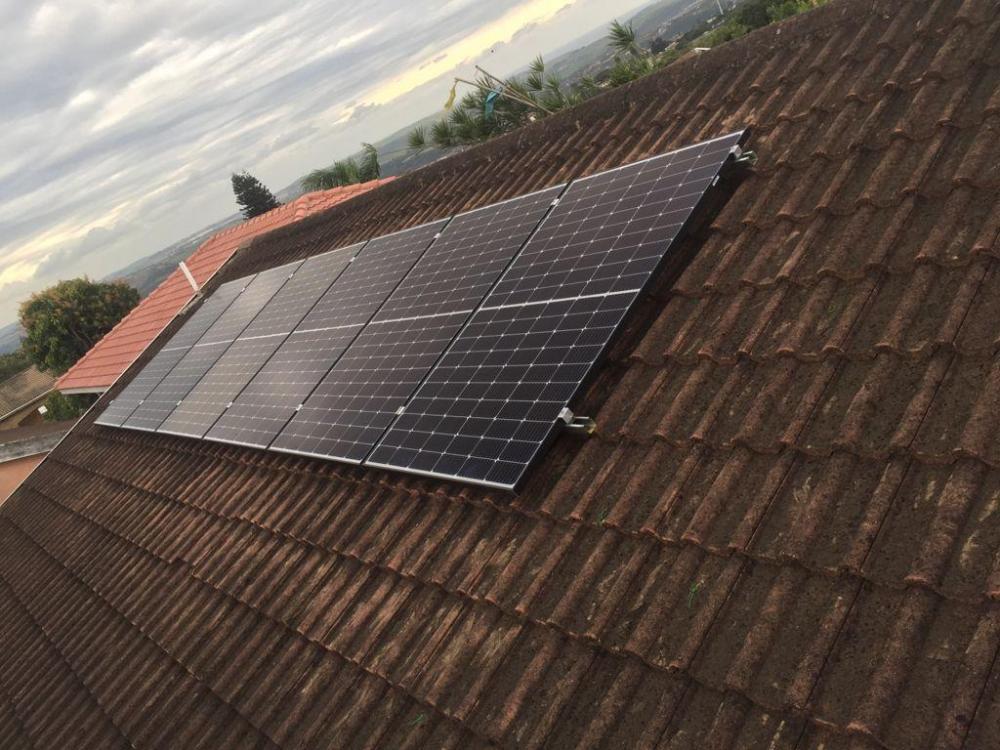
Sunsynk 5KW with hubble AM-2. 6 x 380w JA Solar panels, will add more at a later stage. Solar export to Grid function on the Sunsynk was tested and works beautifully.
-
Thank you 87.👍
-
Thanks, the RIOT is not integrated yet, it's in the process to be, hopefully soon.
-
Sunsynk 5KW inverter with Hubble AM-2. This has been setup to add on at a later stage. Eventually will be 2 sunsynks in parallel with 4 Hubble batteries and panels creating a Mini power plant for the client.

-
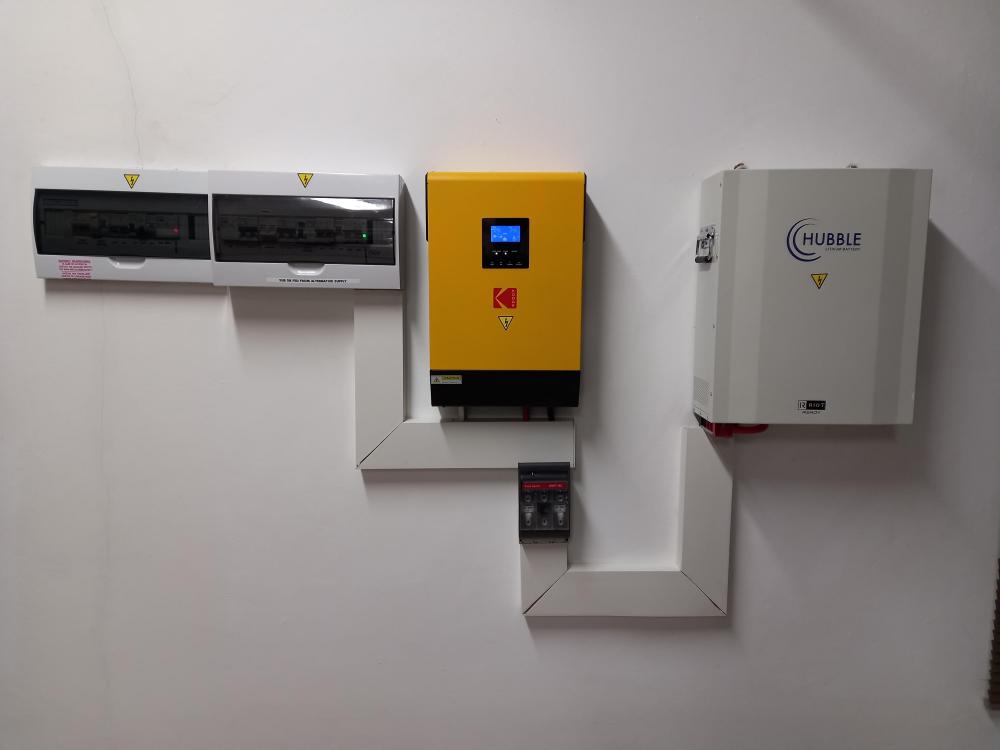
Kodak 5kw for a client with a Hubble AM-2 battery. A perfect long term solution for Backup. Battery settings for Hubble manually setup on the inverter.
.jpg.de4eae79bd7c7e64b5c06cc1fc3e5fef.jpg)
.jpg.09d4fb97cdc9235456d12c613a916ebe.jpg)