


FFx2
Members
-
Joined
-
Last visited
-
-
-
I have an Efergy that I watch the mains power on and if I could have that for both Pv ports and battery that would be amazing (like on the Deye display) Nothing wrong with the Geyser as I did not split my DB I have the whole house on it and if we run everything at once we just over 8.8kw on the Inverter so with replacing it I could run everything at the same time and be under 8kw More Batteries would be amazing maybe 4x https://lithiumbatteriessa.co.za/collections/diy-kit/products/48v-16s-100ah-lifepo4-lithium-ion-phosphate-diy-kit
-
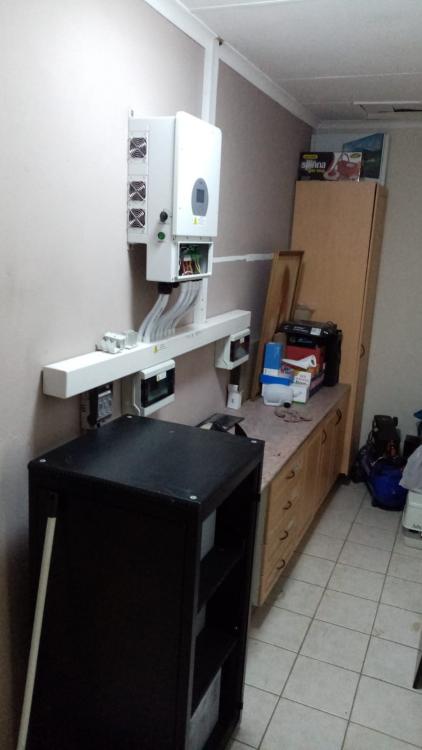
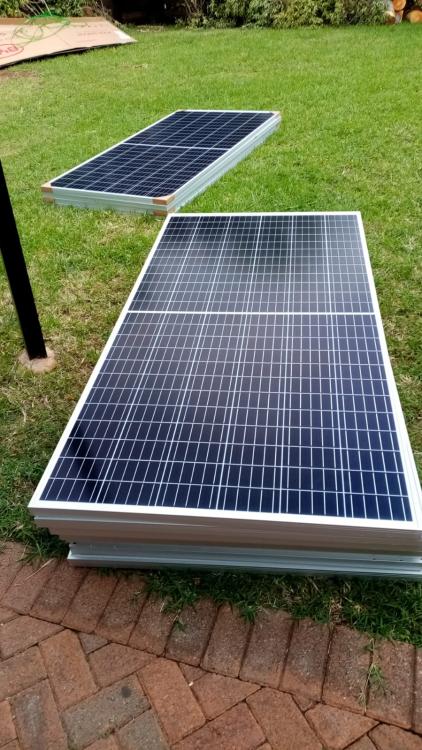
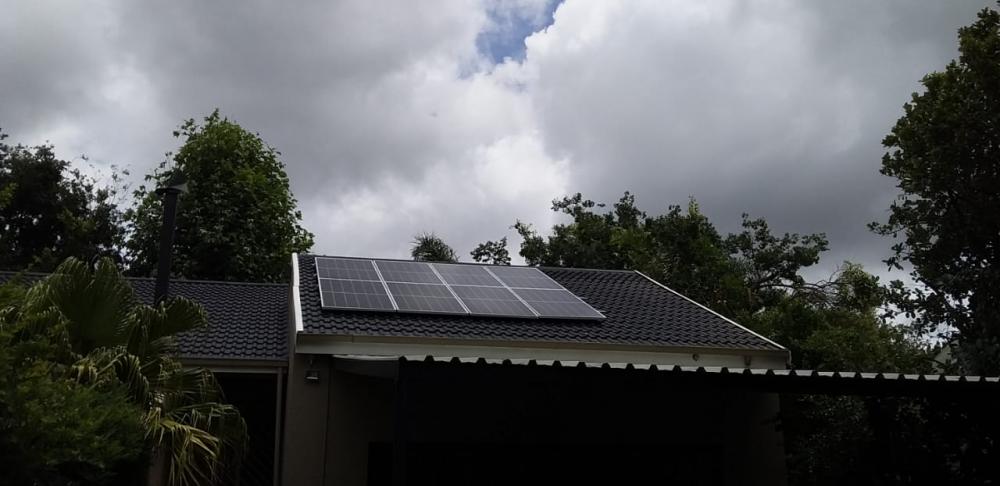
Hey all Been reading the forums here for the past few months now Just had my solar installed done on the 17th of Dec a few pics to follow as well 1x8kw Deye Hybrid inverter 30x400w BYD solar panels 40x1.2V 198ah Nickel-iron batteries (DIY build and super cheap) Pre-paid power as a back up as well Only thing I do not like atm is the solarman smart app and its 5min delay. Is there a way to see this info live like looking at the Deye screen on the inverter? My next step is to replace my 150L Geyser 3000w element with a 200L/275L heat pump Geyser (some thing like this https://www.acdc.co.za/pages/product-individual?EMS-TH200DT) Any advice would be greatly appreciated Thanks!
.thumb.jpeg.6e3b10dc88866caae2a80a05674dcd08.jpeg)
.thumb.jpeg.0637ba150d3a02ebe821d5fceb918c32.jpeg)


.jpeg.2f4705e128cb4d6c6dc237c30632ad0c.jpeg)
.jpeg.2264481c31b3bf83717c7f3960ca11f7.jpeg)
