


sagitario61
Members
-
Joined
-
Last visited
Everything posted by sagitario61
-
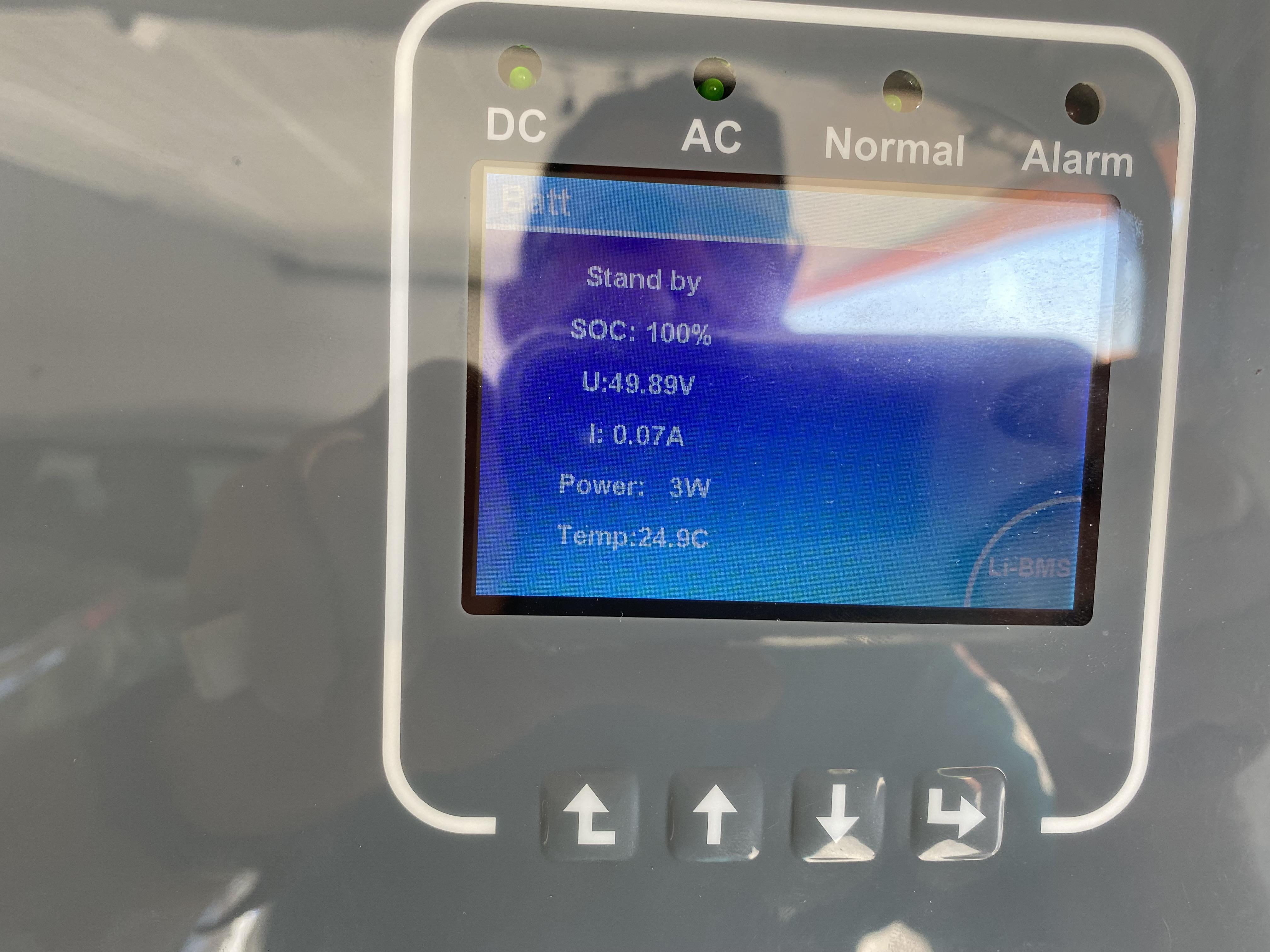
pay attention, if you ask for more than 5kw to the inverter, this error occurs, even if the batteries are charged.
-
good i have the same problem! Does anyone know a solution?
-
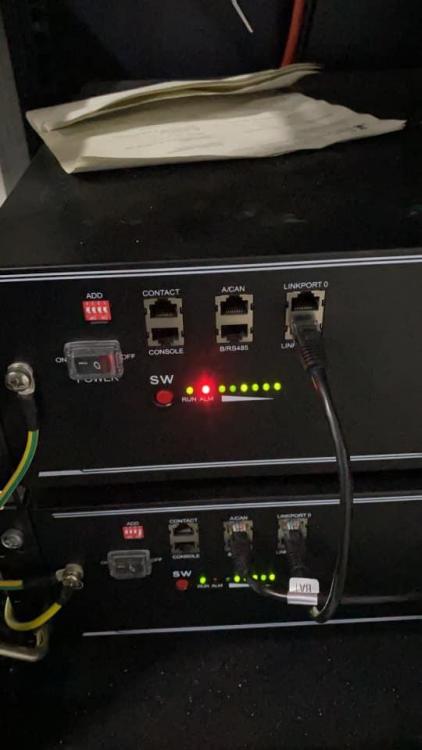
yes, i've tried everything, including email to pylonteh, no answer. my problem is that i only get two more from 9/15, and one that works is not enough. I will have to send this to the supplier and wait another 2 months for delivery, I ordered the cable if it arrives before I will see if I can see the errorturbo Energy 5000/48Good morning I'm an electrician, Portuguese, I'm starting in renewable energies. I'm starting to install my own system. thank you for your helpgood night, I have a pylontech US3000C battery in red led alarm always on and continuous beep. does anyone know how to do a reset? or software to fix errors? Anticipated thanks






Account
Navigation
Search
Configure browser push notifications
Chrome (Android)
- Tap the lock icon next to the address bar.
- Tap Permissions → Notifications.
- Adjust your preference.
Chrome (Desktop)
- Click the padlock icon in the address bar.
- Select Site settings.
- Find Notifications and adjust your preference.
Safari (iOS 16.4+)
- Ensure the site is installed via Add to Home Screen.
- Open Settings App → Notifications.
- Find your app name and adjust your preference.
Safari (macOS)
- Go to Safari → Preferences.
- Click the Websites tab.
- Select Notifications in the sidebar.
- Find this website and adjust your preference.
Edge (Android)
- Tap the lock icon next to the address bar.
- Tap Permissions.
- Find Notifications and adjust your preference.
Edge (Desktop)
- Click the padlock icon in the address bar.
- Click Permissions for this site.
- Find Notifications and adjust your preference.
Firefox (Android)
- Go to Settings → Site permissions.
- Tap Notifications.
- Find this site in the list and adjust your preference.
Firefox (Desktop)
- Open Firefox Settings.
- Search for Notifications.
- Find this site in the list and adjust your preference.