Skip to content
View in the app

A better way to browse. Learn more.

Power Forum - Renewable Energy Discussion

A full-screen app on your home screen with push notifications, badges and more.

To install this app on iOS and iPadOS
  1. Tap the Share icon in Safari
  2. Scroll the menu and tap Add to Home Screen.
  3. Tap Add in the top-right corner.
To install this app on Android
  1. Tap the 3-dot menu (⋮) in the top-right corner of the browser.
  2. Tap Add to Home screen or Install app.
  3. Confirm by tapping Install.

thomasf

Members
  • Joined

  • Last visited

  1.    Yellow Measure reacted to a post in a topic: Sunsynk abnormal production readings
  2. Thanks, will test living on the wild side:)
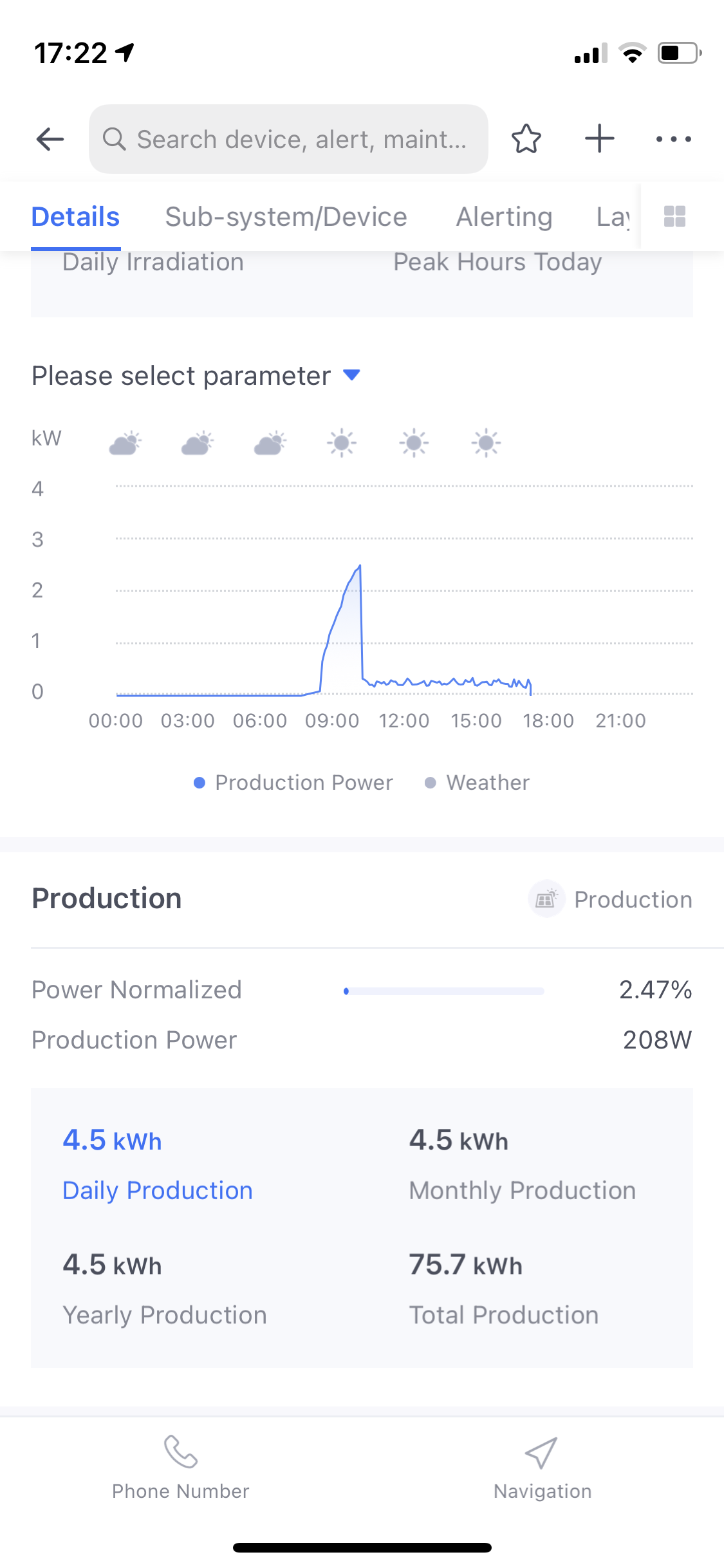
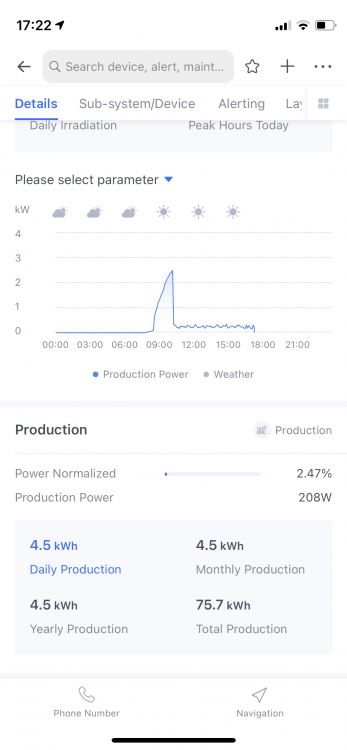
  3. Hi, Have an installation that is showing abnormal readings on the solarman app. Sunsynk 8kw inverter. 20xCanadian Solar 420w panels. 4 strings of 5 panels in series. 2 strings connected in parralell on each mppt. 2xHubble AM2 5,5kwh batteries. Production starts of normal and produces 2-3kw then suddenly drops and produces a few hundred watts throughout the rest of the day. Please let me know if anyone has a solution to this.
Account

Navigation

Search

Search

Configure browser push notifications

Chrome (Android)
  1. Tap the lock icon next to the address bar.
  2. Tap Permissions → Notifications.
  3. Adjust your preference.
Chrome (Desktop)
  1. Click the padlock icon in the address bar.
  2. Select Site settings.
  3. Find Notifications and adjust your preference.