JR84
Members
-
Joined
-
Last visited
-
Hi, I have the same problem with my max, mains is on but the inverter is not detecting it. I opened her up and found a fuse (63LET) on the main AC in. Its kind of strange that it is rated for 63A and it popped, thats about 15kW. the breaker 40A did not trip. So I suspect that it is some sort of transient which the fuse cleared within one cycle, where the breaker needs two or three cycles to trip. Anyways here is a couple of pics.
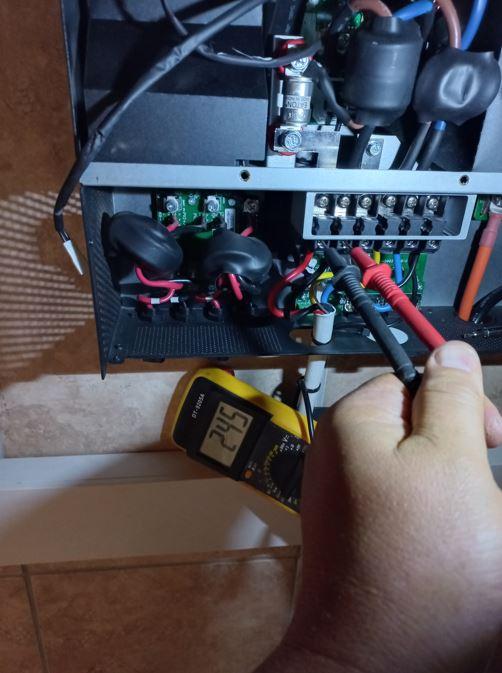
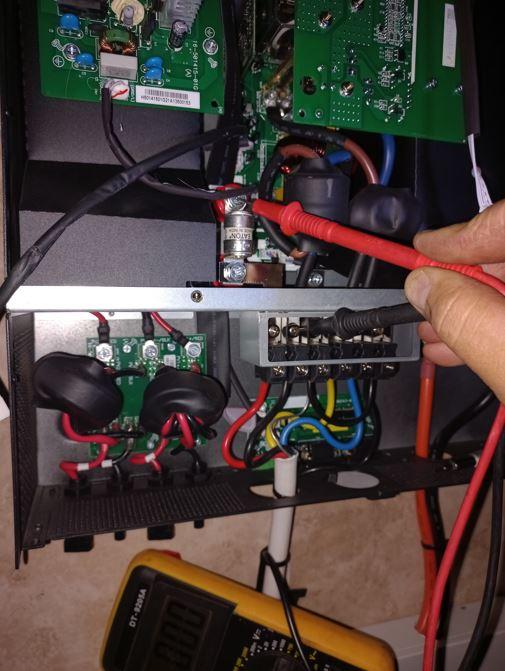
-
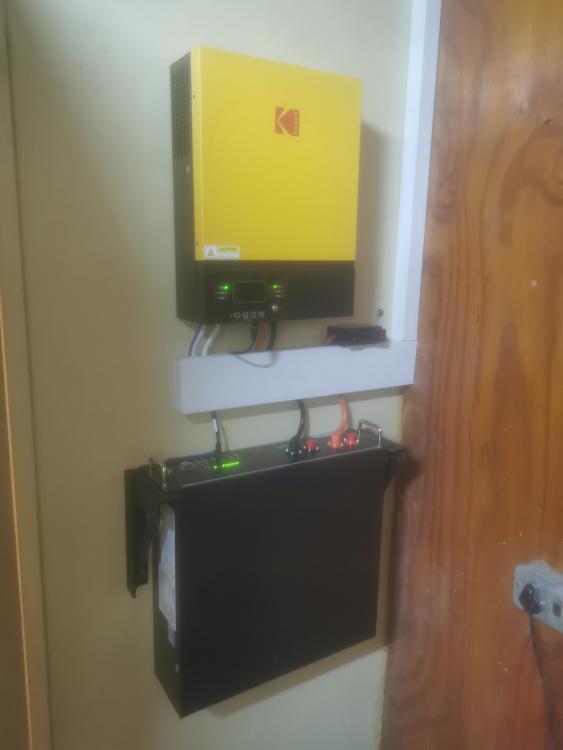
Good day I recently installed a system at my grandma's house and setup the system to operate in UPS mode. The intention is to add panels to this system in time. The system works good ( 5kw Kodak VMIII with a US3000c battery). However when the inverter is in line-mode (grid available), the inverter tends to switch on its fan periodically (+- every 10minutes)for about 1minute and then off again. The previous off-grid inverters from voltronics did not do this. Their fan only switched on when inverting from battery (Grid not available). So is this related to a setting on the inverter that i missed or selected something incorrectly or is it in an embedded function of the inverter. Don't get me wrong, if the temp sensor pics up that the invert is hot and need forced cooling, then I am all for the fan switching on. It is just a little bit irritating... especially when you know the grid is just passing through the inverter. Please if somebody can advice Thank you