Skip to content
View in the app

A better way to browse. Learn more.

Power Forum - Renewable Energy Discussion

A full-screen app on your home screen with push notifications, badges and more.

To install this app on iOS and iPadOS
  1. Tap the Share icon in Safari
  2. Scroll the menu and tap Add to Home Screen.
  3. Tap Add in the top-right corner.
To install this app on Android
  1. Tap the 3-dot menu (⋮) in the top-right corner of the browser.
  2. Tap Add to Home screen or Install app.
  3. Confirm by tapping Install.

Axpert

Members
  • Joined

  • Last visited

  1. Brilliant idea thank you for sharing Happy New year for you and all members
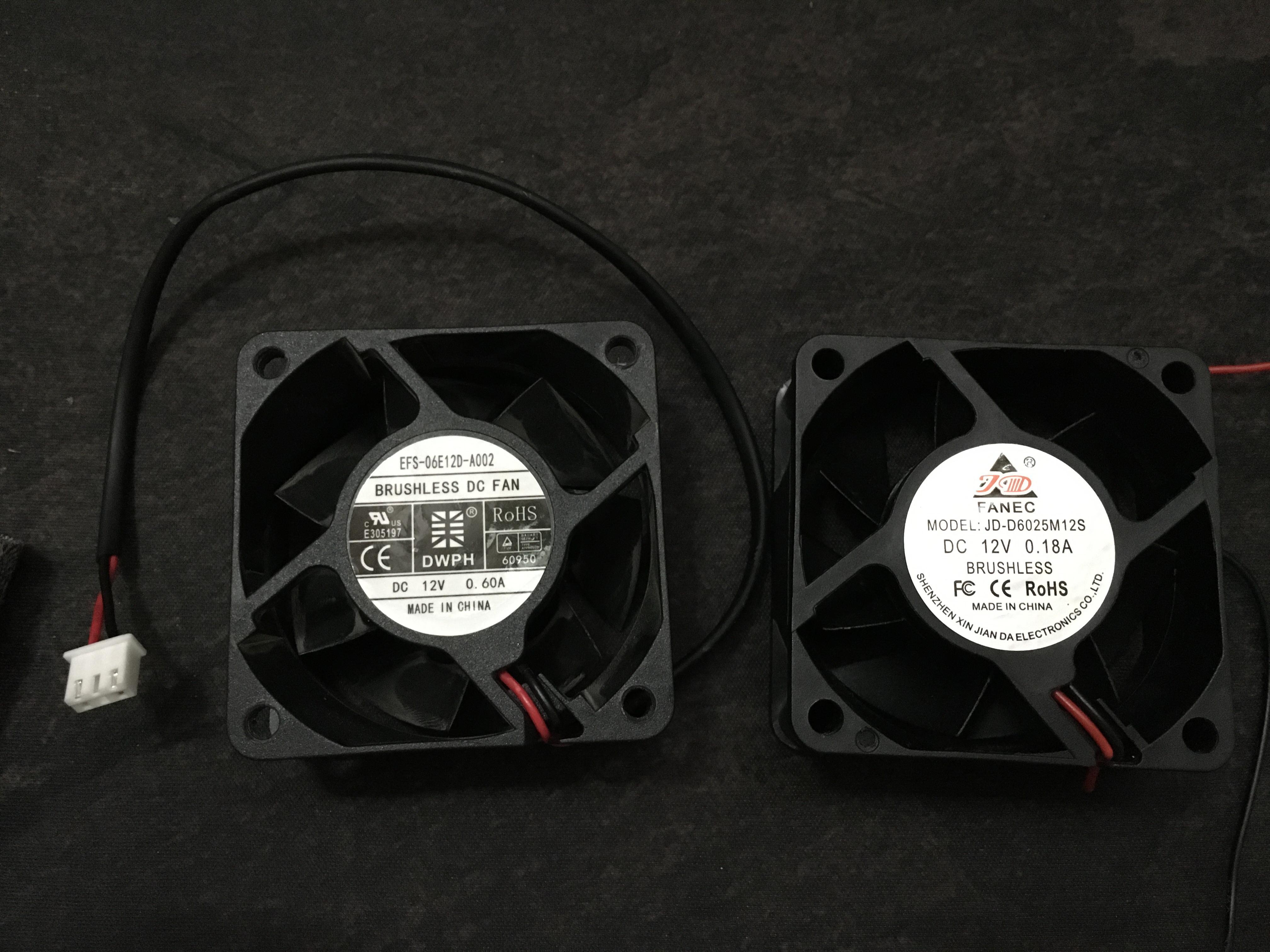
  2. I replace Original Fan (0.60A) with (0.18), it is can do the job with a little noise. I think 1KW firmware need fix for fan, temp, measures, solar input, charging speed and many things... no problem but I thought it is a better of that but still good enough for me. and like any company it is support only new products for few months or no support at all.
  3. Thank you sire for the answers it is very helpful.
  4. Fan on utility Keep running (right fan) I don`t think it is run at 30% , it is so loud and noisy is there Firmware for this Model for fix loud running or anything else I can do? Thank you
Account

Navigation

Search

Search

Configure browser push notifications

Chrome (Android)
  1. Tap the lock icon next to the address bar.
  2. Tap Permissions → Notifications.
  3. Adjust your preference.
Chrome (Desktop)
  1. Click the padlock icon in the address bar.
  2. Select Site settings.
  3. Find Notifications and adjust your preference.