Juvan
Members
-
Joined
-
Last visited
Everything posted by Juvan
-
Hi Goosie. I have not installed anything yet. I asked for a connection diagram but no help so far. Sorry bro.
-
Thank you very much for your suggestions Coulomb. I really appreciate. Your input helps me a lot.
-
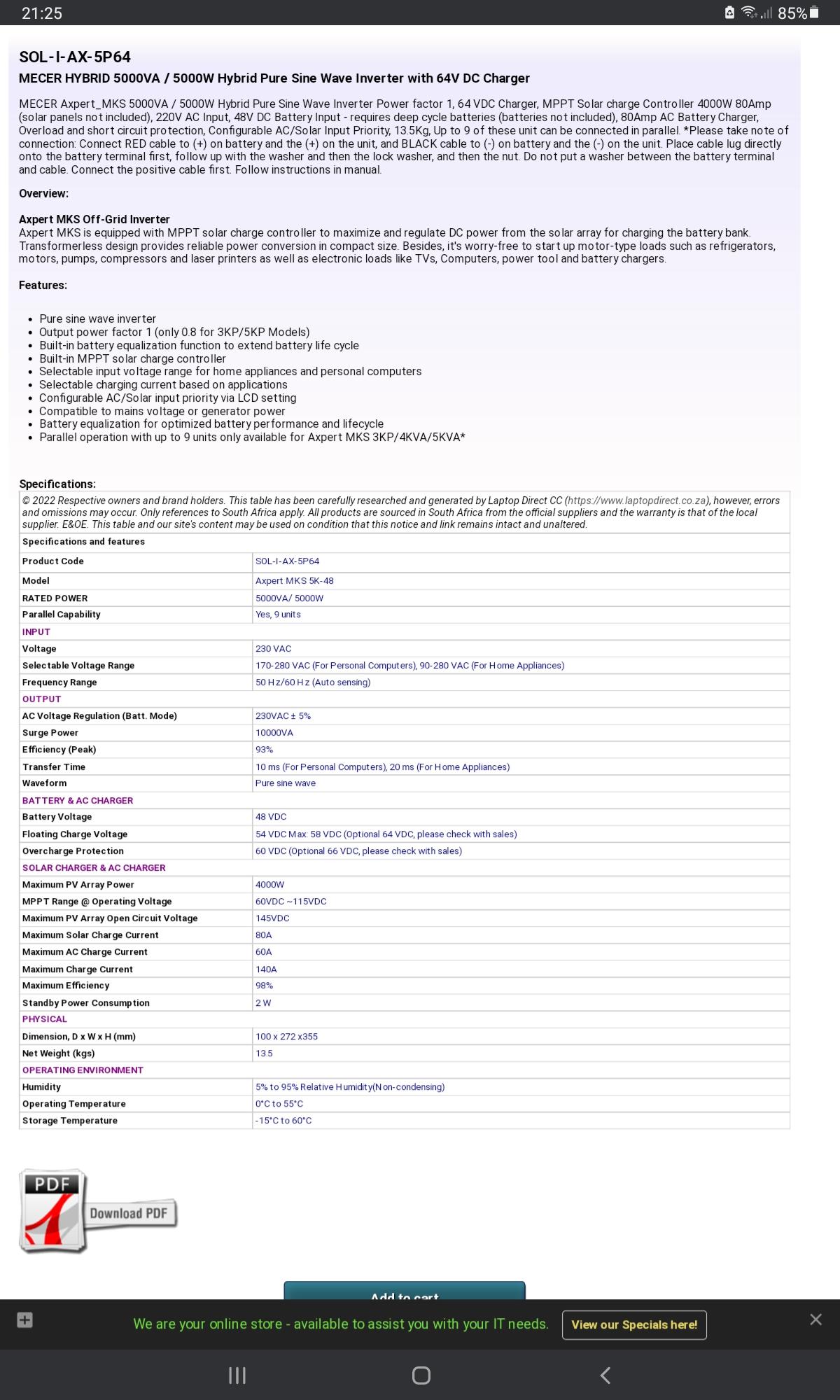
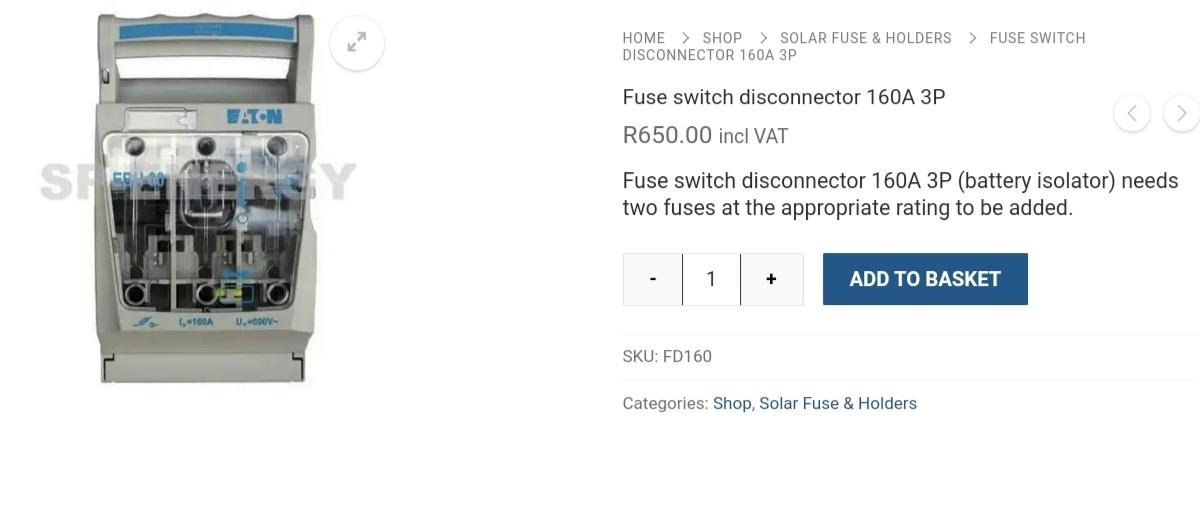
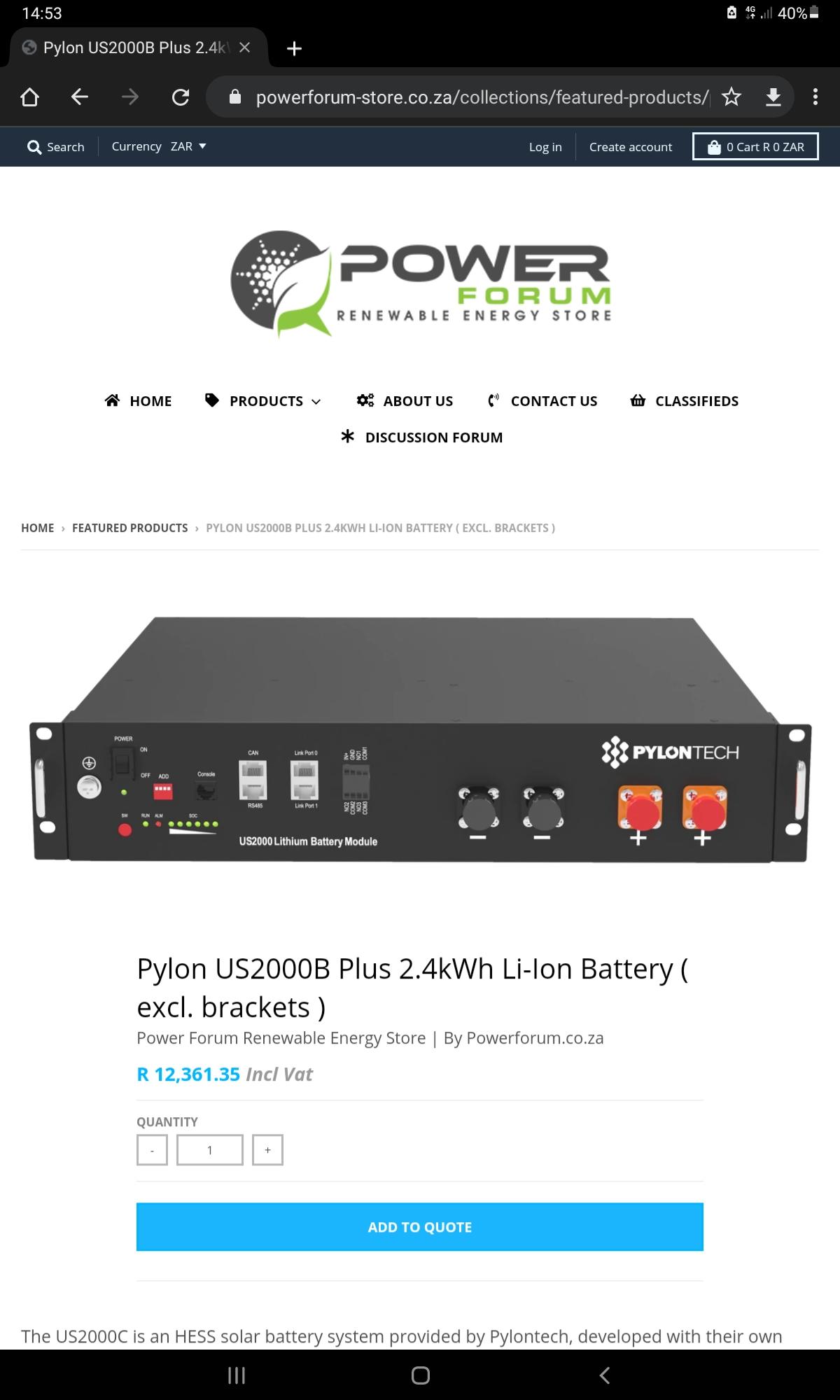
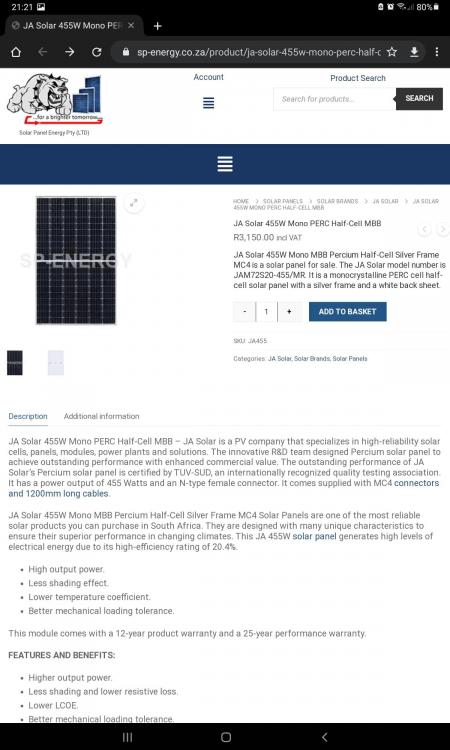
Hi y'all. So i purchased some solar equipment..thinking I could figure it all out as I went along. Boy did I hit a brick wall? Hope there is someone out there that might have pity on me and help me with a wiring diagram or some clear instructions. Please see attached files on items I purchased. 1 x SOL-I-AX-5P64 inverter 2 x Pylontech 2.4kw US2000C batteries 6 x 455 JA Solar panels 1 Raspberry Pi for communication between batteries and inverter 1 x battery disconnect switch Also have MC4 connectors and various circuit breakers Kind regards



-
Thanks my friend
-
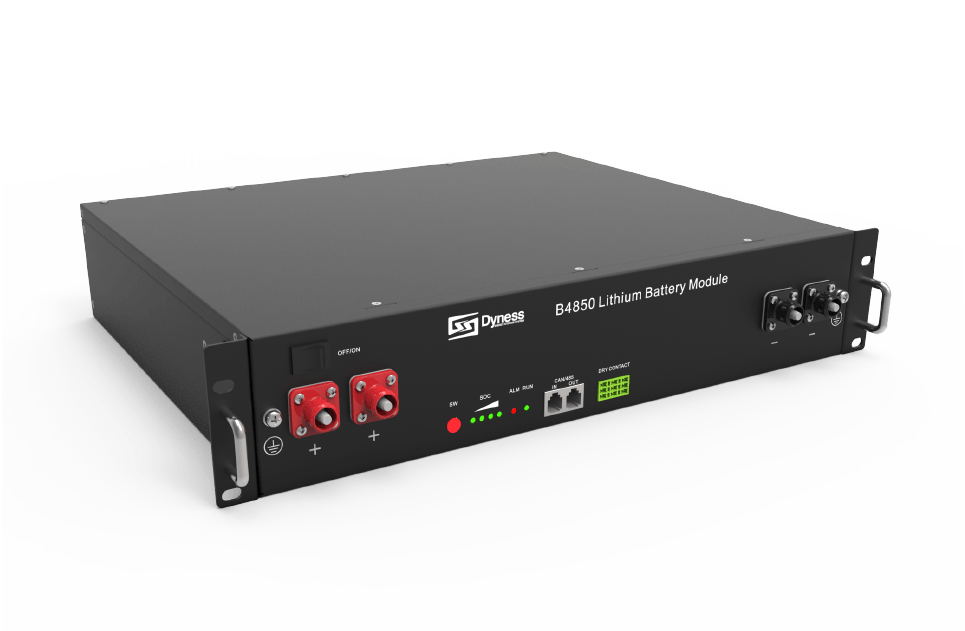
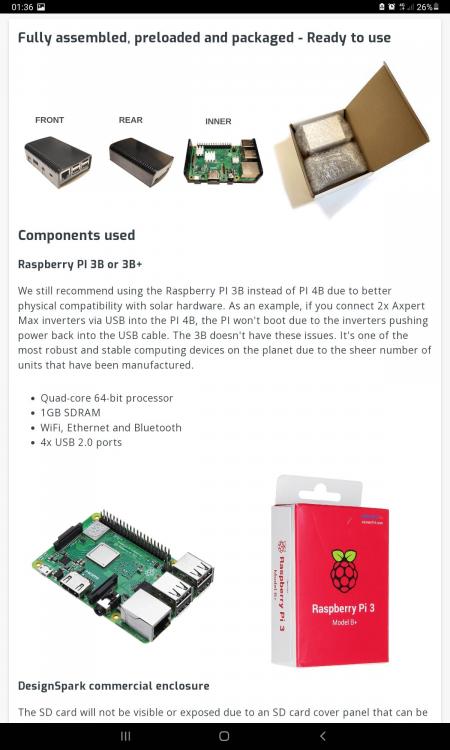
Hi. I am now the proud owner of the following device thanks to expert advice from Coulomb.....thank you
-
Thank you for the reply. Solar assistant? Is it software or device? Sorry.....but I am new to this and only starting now.
-
Hi, I would like to know if the above-mentioned inverter and battery have any way of communicating. Any advise would also be welcome.