


Echardt
Members
-
Joined
-
Last visited
Everything posted by Echardt
-
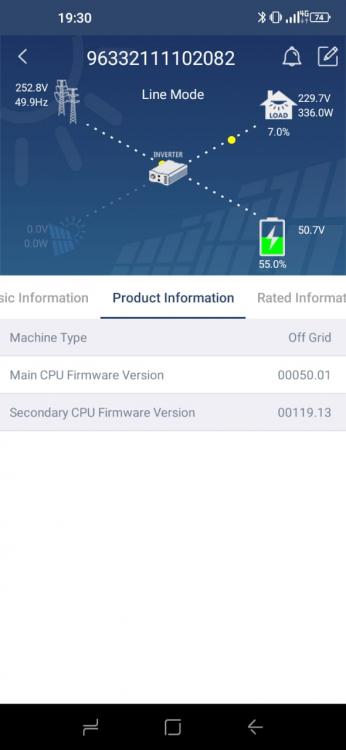
Hi The firmware is 50.01. Yes I swop the parallel cards with cables. I've now swoped both the inverters completely at installation "2" a week ago...yesterday the client phoned me and told me there was an error.. On arrival we found only 1 inverter displaying F80.
-
All the inverters was purchased on the same day and has the same firmware... When I swop the communication cards, I also swop the cables, to insure none of the old material is left in the system.
-
Hi All Please advise on a F80 on King 2 I have 3 installations that is constantly giving me F80 3Phase installation with 2 inverters per phase total 6 inverters with solar panels Single phase total 2 inverters with solar panels Single phase total 2 inverters without solar panels (Only happened once) According to the internet F80 is a “ can fail” fault. The problem is that it happens intermittently and there does not seem to be a pattern to when it happens. I have swoped the communication cards on installation “2” but it still does the same. When the error occur, all the inverters have all the same error, so it is imposable to tell which inverter is the problem. None of the other Axpert models are giving me this problem, only the King2.
-
Hi. Could you please give some contact info so I can get hold of you? Regards Echardt
