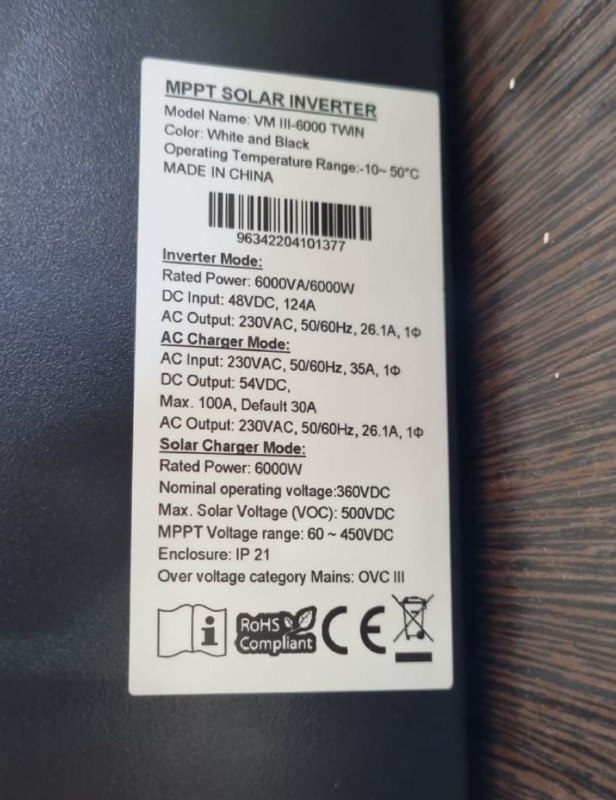
Guitaret
Members
-
Joined
-
Last visited
Everything posted by Guitaret
-
@Coulomb thank you so much, the company said they will assist me in updating the software, currently waiting for their call (fingers crossed) For testing, I did install one old-type incandescent light bulb and it confirmed to me that there is a voltage fluctuation issue in the house, apparently my voltmeter was not quick enough to detect that. Now I am afraid something might happen to my home appliances. All in all, I appreciate the helpful community here and I shall keep you posted if the issue is fixed. Cheers
-
Heheh not sure about the PowMr thingy, apparently you know a lot about the behind the scenes business than me. Update? You mean software update? And what is a teething problem?
-
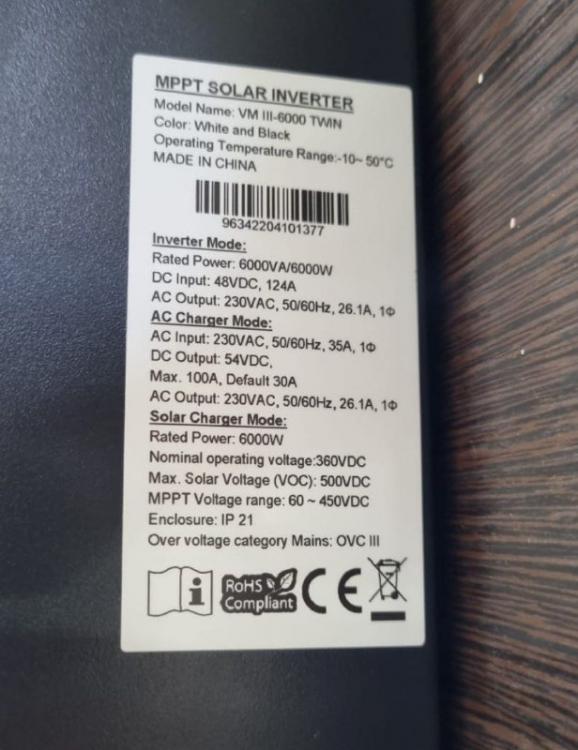
Thank you. Below is the picture, and this is the Inverter: https://voltronicpower.com/en-US/Company/News/148 (the orange one on the right, VIII twin) Attached is yesterday's data, I highlighted in red when the voltage drops below 220, and when battery is discharging even though battery is 100% & I have good PV input and low load. And I have upload a video of the inverter voltage fluctuation issue, you can see sudden droppage (happens very often). Axpert AC output Voltage fluctuation.mp4 energy-storage-container-June-20-2022.xlsx
-
It is a VIII 6KW twin, meaning it does have 2 outputs for different priorities load. Ex: output 1: house load, output 2: emergency light and you can program it to switch off output 1 first when on low battery. I think it is a new model. My batteries: 4 x 12v (200ah) gel. What do you think?
-
thank you @stokfor your input, and yes you are probably right, the ups is working perfectly fine (despite the solar installer company telling me they don't work well with each other and that I should remove it) This only happens when on PV, works fine on bypass and on battery mode after sun hours. My ups keeps beeping every 10-20 seconds, perhaps it beeps less when I increase the house load. I have all the data of the inverter on an excel sheet, it has a WIFI module. Another weird behavior as well, my inverter keeps charging/discharging the battery without any good reason (only during pv hours) even when it is 100% and I am using very low house load. What do you think? Anything wrong in my installation? or the inverter has issues? Do you want me to send the data dump? Thanks a bunch
-
Hello guys, I have the inverter Axpert VIII twin 6k (off-grid) connected to the main house load (with solar panels and batteries) Prior to that, I had a backup ups for my office room installed since 2 years, but after installing the solar inverter, the UPS is going crazy (please check the video link from my google drive: UPS problem video) The ups going into battery mode every 10 seconds and start beeping then goes back online. I have noticed that this only happens when the solar inverter(Axpert) is taking load from PV input, but not when it is on battery mode at night. And I have noticed that Axpert invert AC1 Output Voltage(V) is not stable, it suddenly drops to 216v then goes back to 230v. Perhaps this is a voltage fluctuation issue from Axpert or sinewave issue, can anyone help please? And why this is only happening during sun hours? Thank you