michael02
Members
-
Joined
-
Last visited
-
I'm not familiar with HCS08 (MC9S08AC48) MCU this is my first time used it. I purchased $20 USBDM programmer from aliexpress to clone MCU and hope is not code protect and work. I have download 30 days trial CodeWarrior IDE from NXP and is has MC9S08AC48 simulation and debug.
-
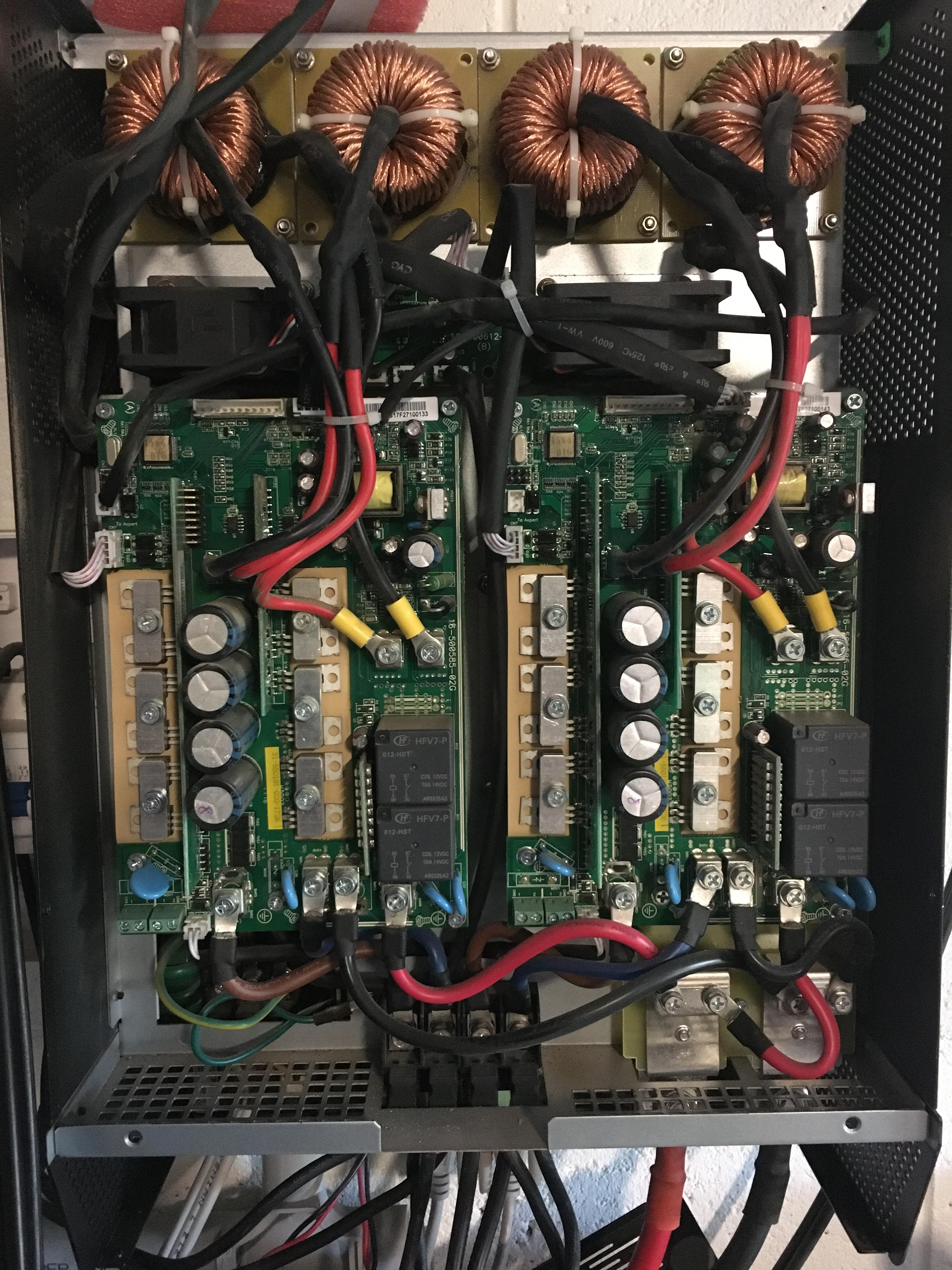
I had checked so many time on stereo microscope and no shorted or open circuit on MCU pin. I even replace other new MCU on working SCC PCB and has some problems (Error 12) which is mean charger current over and I notice pin 16 is on High which link to driver power mosfet gate and on my original MCU pin16 is on low. Do you thing original MCU is code protect so some code is missing or the setting for reading code is incorrect?

-
My SCC PCB is look same PCM60X solar charger controller PCB and similar PIP4948MS on manual. when I run is SCC the display showing error 12 and rest unit. SCC.zip


-
I has MPP Solar Hybrid V 5048 for few years ago and now one of SCC/MPPT PCB fail and MCU (MC9S08AC48) is short circuit and I has replace with new MCU but I able to extract firmware from second SCC/MPPT PCB and program to new MCU by using USBDM progammer and still not working and may be MCU code protect. I need working firmware and schematic please help.