lopezjm2001
Members
-
Joined
-
Last visited
Everything posted by lopezjm2001
-
After trying to flash the SCC firmware unsuccessfully I checked the cables and actually read the markings on the PCBs and realised I had the two 4 pin plugs swapped between the LED and the SCC. All is working well now. Thanks. So I was actually trying to flash the LCD, doh...
-
OK. But my inverter works with firmware update 73.0b but the SCC section no longer works. WatchPower is showing Secondary CPU Version 00000.00. - not good.

-
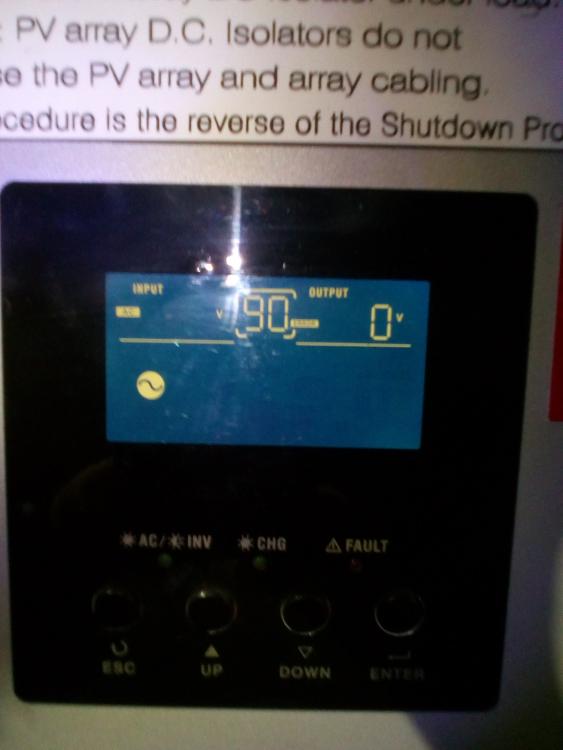
Hi Wolf, My PIP4048MS I bought some years ago from MPPSolar on EBay has just came up with error 90 some time during day time. Did you find a solution? I am currently using Coulomb's Beta Version of Patched Firmware 73.00a. Maybe upgrading to 73.00B will fix this problem. UPDATE: I just updated the firmware to 73.00b and the error 90 disappeared. The inverter works but the solar charge controlller does not. WTF.