BradZA
Members
-
Joined
-
Last visited
Everything posted by BradZA
-
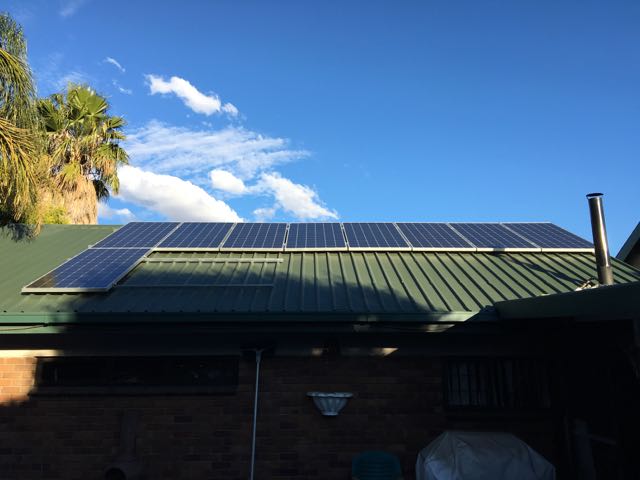
The pic was taken around 16:30 in the afternoon. The panels are fully exposed to the sun from 9:30. The system is producing between 1.4KW to 2.1KW Since I have 9x300W (2700W )Solar Panels and the system indicated in the manual that it can handle 3000W / 60A, does that mean that I can put another 3 Solar Panels on as im only producing 2.1KW on the system where it can handle 3KW?
-
I Was determining the run time calculated by my stored amp hours and my load that i have during the night.
-
So I have been running my system for a few days now. I have a total of 9x 300W Solar Panels. They are connected in a string of 3 and working well. My batteries get fully charged but I still only get about 2-3 hours backup on the batteries. So I now run a larger load during the day to consume the power generated as its sits between 1.5KW to 2KW from the solar power. I am happy to do this as I'm using the power generated to run most of my load during the day.
-
So I have ordered another 5x300W solar Panels. That will give me 3x strings of 300W solar Panels with a total of 2700W I will be installing them on Friday Afternoon, and will post a new picture and let you know of my results. I am hoping this will solve the problem.
-
Thanks for all the assistance. I agree that my panel size is to small and I don't have enough to keep the system going. What my plan is to do. Im going to buy another 2x300W panels and setup 2 strings of 3x300W panels to increase my voltage through my MPPT. In another month or so, I will purchase another 3x300W, so then ill have 9x300W panels with 3 strings and look into Viltron BMV 702 monitor. This is my first time using a mppt controller as I have always used the standard for my small systems on my towers. I will post an update this weekend or next week to the improvements of adding and changing my panel strings.
-
Hi Cobus, The battery voltage drops constantly, and on the inverter is shows that the discharge amps from the battery varies between 3-9amps. My back to grid voltage is set at 44V. The inverter is setup to 0S0, so only solar power charges the batteries. The batteries charge fully in a day as I'm getting over 850W and 17amps from the panels. Im planing in a month or so to put another 4x300w panels to the system. Im using 105aH Royal deep cycle batteries, and the whole system is only 3 days old. Attached is the history log. From page 77, you can see the discharge amps and the Load. I ran a log for 2-3days to see what was happening. History_datas.pdf

-
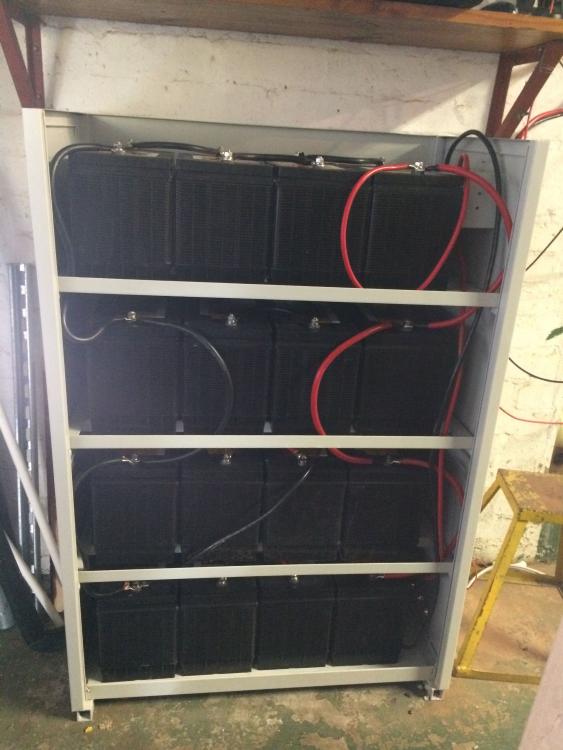
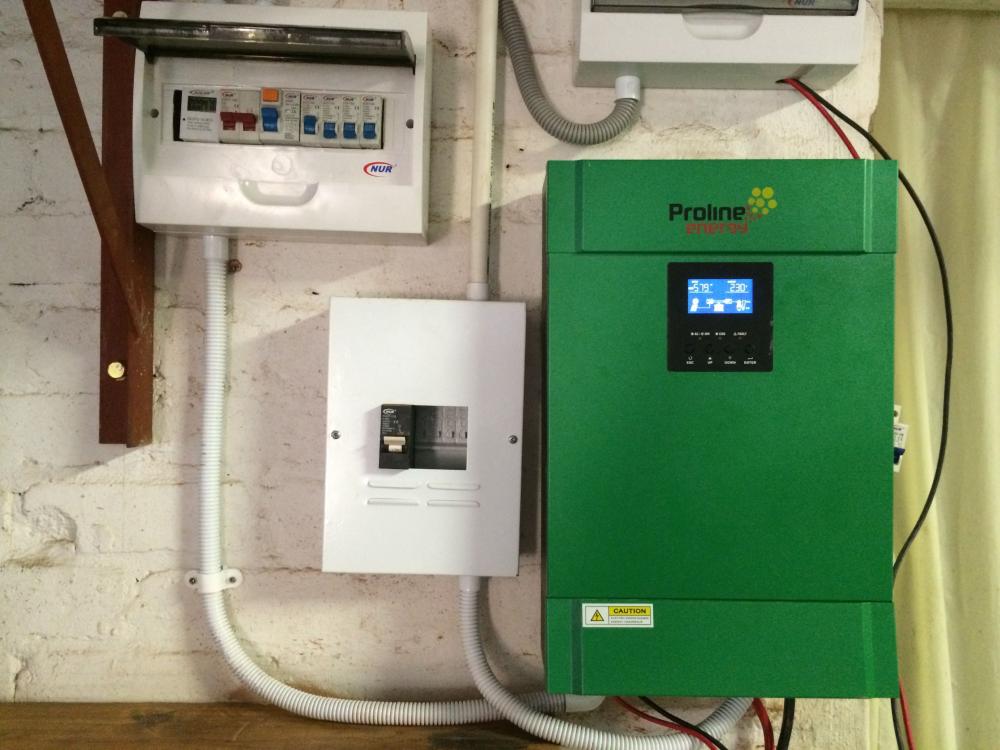
Hi All, Im having issues with my proline energy 5kva inverter. For some strange reason, my batteries only give me between 2 and 3 hours run time. I ran the watchpower software, and I picked up that my battery discharge current was running at 9 amps, but my load is 350W. Does anyone have some suggestions for me? Theoretically I should get over 20 hours run time off my battery pack. My setup is: 4x 300W 24v panels 16x 105aH Batteries giving me a total of 400aH @ 48v