


biscuitza
Members
-
Joined
-
Last visited
Everything posted by biscuitza
-
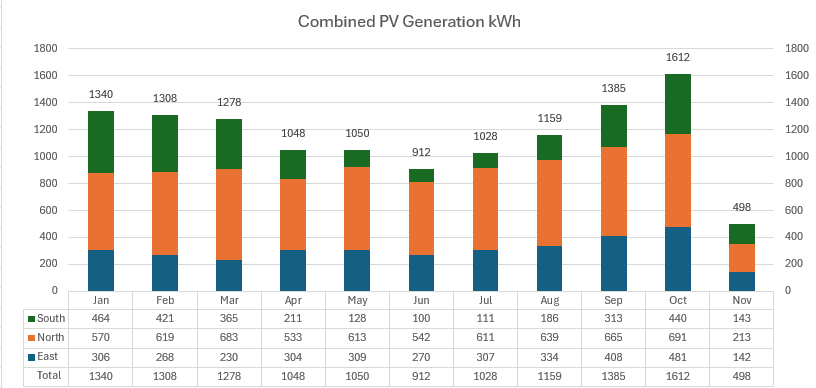
Yep same here, the 3 Esener 5.5KW in Parallel don't have the greatest reporting but we've had to supplement with Eskom a bit in winter, our solar rarely idles 🥳
-
Thanks Wicard, let me get some time to try this out on the Eseners.
-
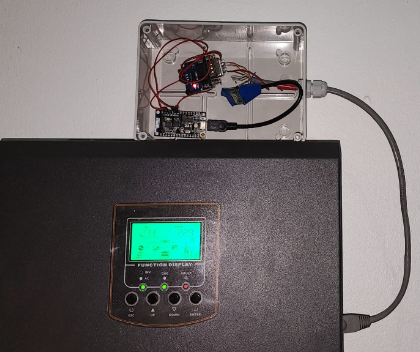
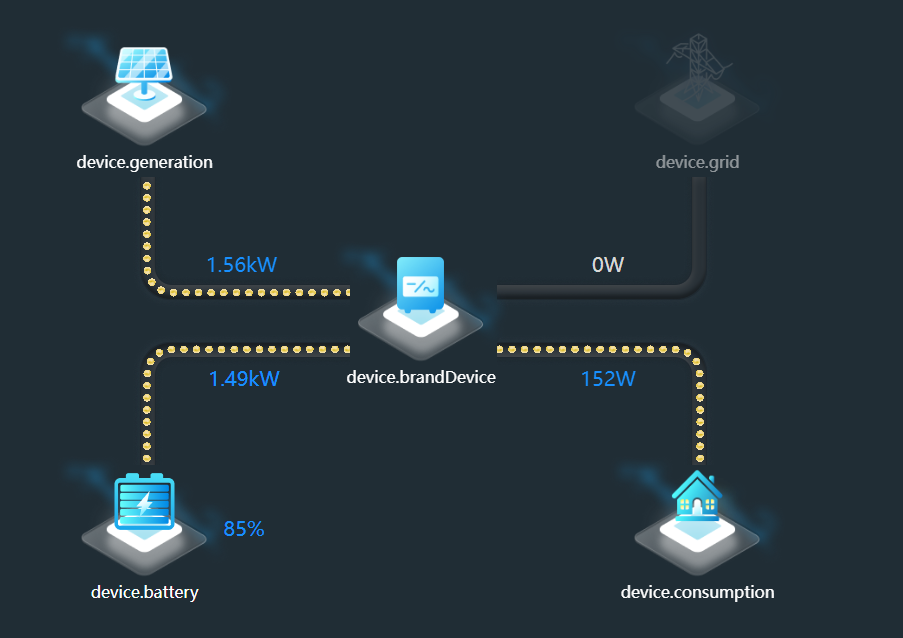
Hey all, Open for improvements, comments & suggestions for my v0.1 and lurked here a bit and the forums and my first topic because I built a thing! History: The forums have been great for my first IOT inverter monitoring setup with my old RCT 2.5KW Inverter where I managed to read the inverter data via RS232 and an ESP to Home Assistant's energy Dashboard which was fantastic... Until ...we upgraded to 3 Esener 5.5Kw inverters to cater our loadshedding/power needs. What I tried: The inverters where a great setup and they seem to graft well delivering 60+Kwh of power a day (we top up with Eskom in the winter months over night). The issue is that these inverters do have RS232 communication however I have tried Solar assistant, Windows software and ESP's to try read the data directly and no success ☹️. I'd attempt this for days and weeks but nothing seemed to work thus direct monitoring seems all but impossible. The Wifi Plug Pro that come with them seem to work albeit flaky on mobile and the DessMonitor site seemed to work well monitoring each inverter but one would need to toggle between and manually add up stats. Why? The biggest drive was to have a single view of all the inverters and their combined stats as a "virtual power station". Have a local/offline historical view of the inverter stats Discovery After a another random Brave search I found there was an API endpoint for Dessmonitor alas in Chinese, but this seemed possible and it was the similar method the web portal would use by sending Salt encrypted API requests to display the data (Thank you browser network tools) which I'd use to pull data however the token would last for 7 days only before I'd manually need to login and update my tokens in my PowerBI report. Some translating later I could understand how to generate a token and using NodeJS (with Copilot AI for code generation) I could build a NodeJS script to then generate the token and then retrieve the data in JSON per inverter. From there I challenged to then store the data in InfluxDB so I could aggregate in 10 minute windows the 3 inverter's stats (each inverter would send data to DESS via Wifi Plug every ~5 minutes and a ~1 minute delay from each of them at times). Lastly I managed to get Grafana to then aggregate the 3 inverters data into a Dashboard so I can finally see single virtual metrics for the total house consumption: Result Update: I also put my code here https://github.com/theLarryds/solar to show the logic


-
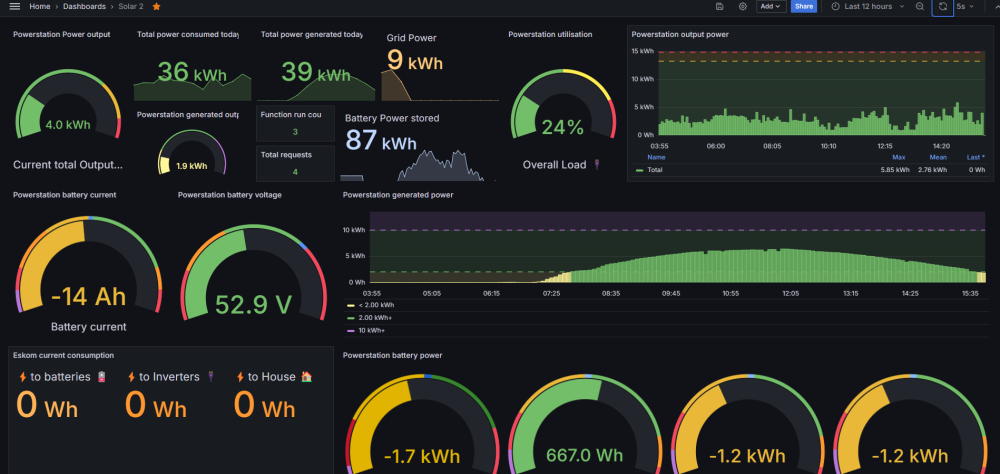
I didn't come right either with mine, and they are great Inverters handling 60+Kwh usage a day on 3 of them but alas have not found a way to directly read their status directly 😒. I did however manage to use the DESSMONITOR API (in Chinese) with NodeJS & InfluxDB to then build my own Grafana dashboard so I could aggregate the inverters together the best timing granularity I can get to is 10 minutes as the dongles send ~5 minutes a minute apart about and tried to share the code used to build it all (Not a developer 😏 so my code may be flaky but it runs) https://github.com/theLarryds/solar/blob/main/README.md
-
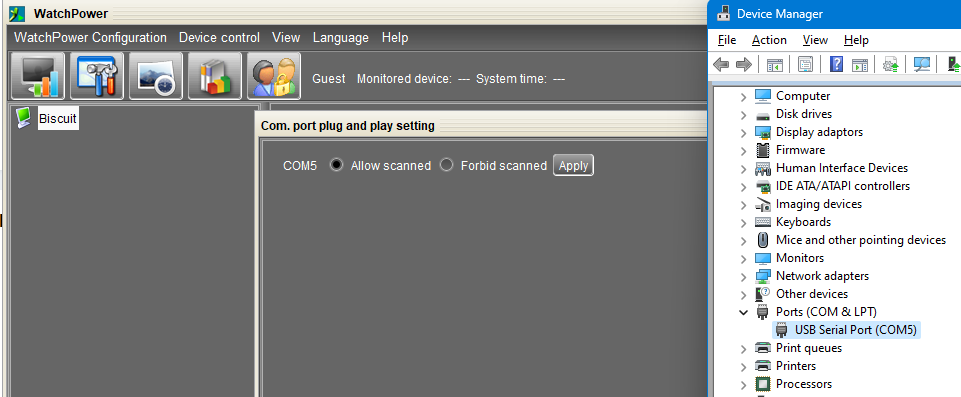
Tried to no avail, all options show a time out. I have asked Solar Assistant support for a cable pinout diagram to ensure the RX and TX are correct as WatchPower doesn't pick up anything on COM5. DessMonitor with the Dongle seems to work fine for all 3 of them in parallel
-
Let us know if you come right, I have Esener 5.5kw inverters with the same dongle and I can't seem to get watchpower to recognise over USB to Serial 🤷 (cable purchased from Solar Assistant).


