Siegfriedt
Members
-
Joined
-
Last visited
Everything posted by Siegfriedt
-
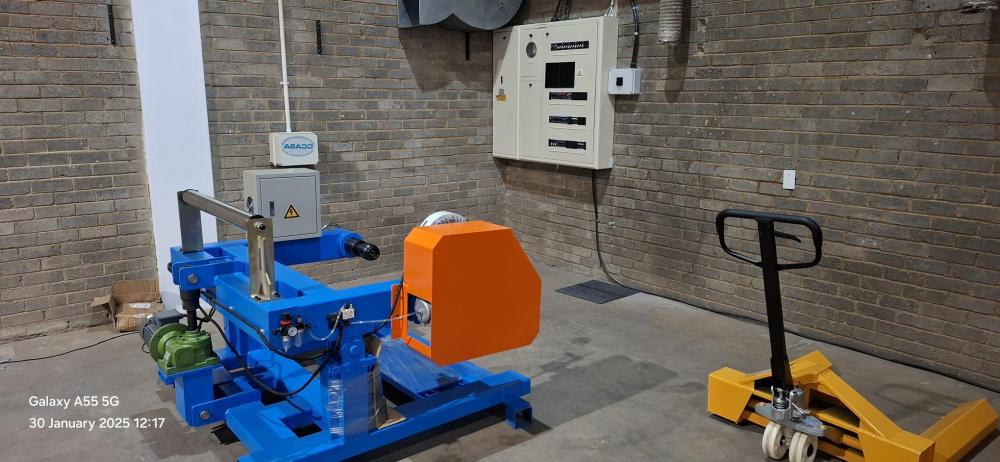
Good Day, Checking with the experts on any specific SANS requirements to install a operating machine close to a 3 phase DB board. Must there be minimum distance between machine and DB board? Appreciate any feedback, Thanks
-
Not 100% sure if this is the same, see manual link below: https://solaradvice.co.za/wp-content/uploads/2019/12/U-P48100-Wall-battery-User-Manual-V1.1.pdf
-
Was supplied by the installer @Milan188
-
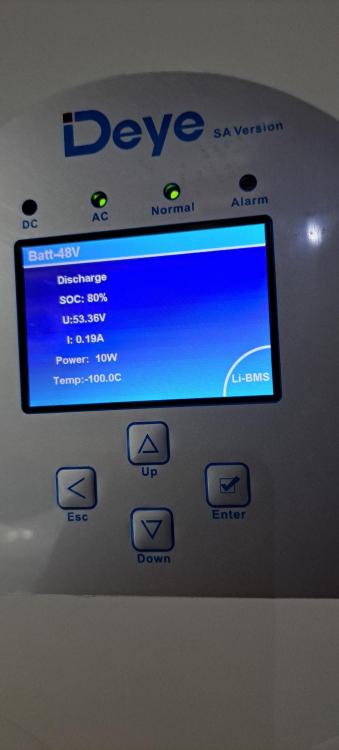
Just update regarding the battery temp showing -100c, Was a quick fix, on the Greenrich lithium battery, need to make sure dip switch set to master, even if there is only one battery connected to inverter.
-
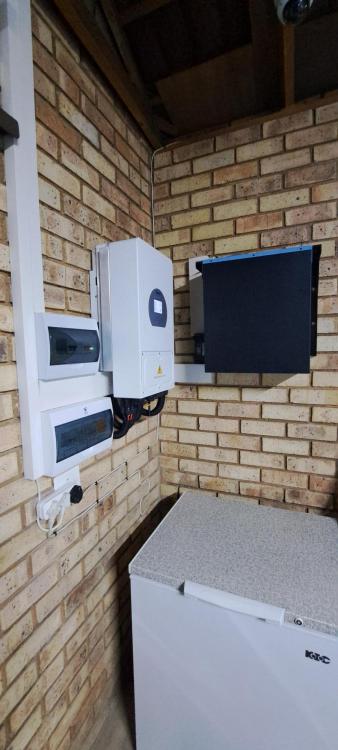
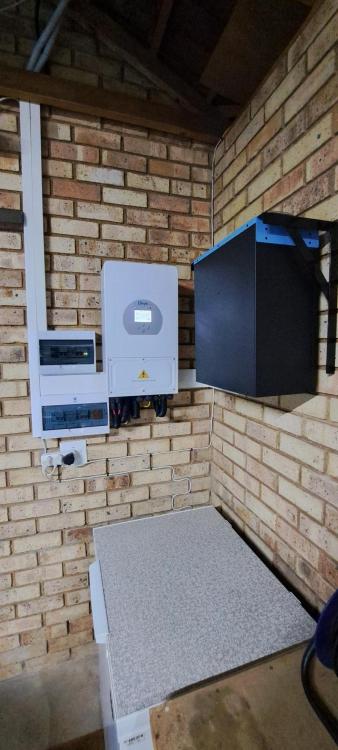
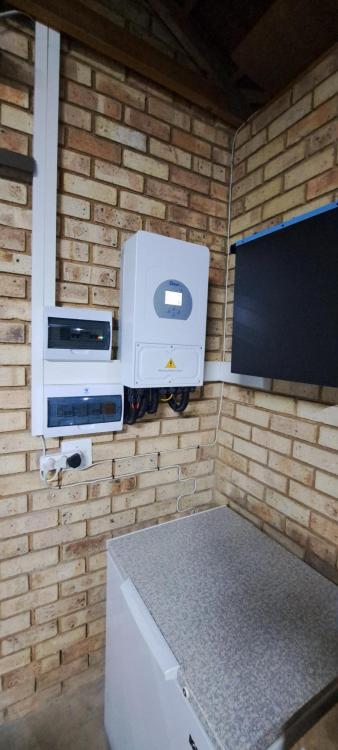
Morning All, Happy to join the solar power backup club but still have plenty to learn, Have a entry level system installed 7 days ago.... Deye 5kva Inverter and Greenrich 5kwh lithium battery with 10 x 455watt panels. See attached pictures of install for reference. So far the system runs smooth with no issues. Have one problem if anyone can assist, notice the battery on the Deye inverter temperature show -100c, surely this is not correct? Something that I can check on the inverter with settings etc? Inverter connected to battery via coms cable.. Must there be a separate temp sensor installed to measure battery temp? Will check with installer but would like some other feedback also. Thanks Regards Siegfriedt