The Eagle
Members
-
Joined
-
Last visited
Everything posted by The Eagle
-
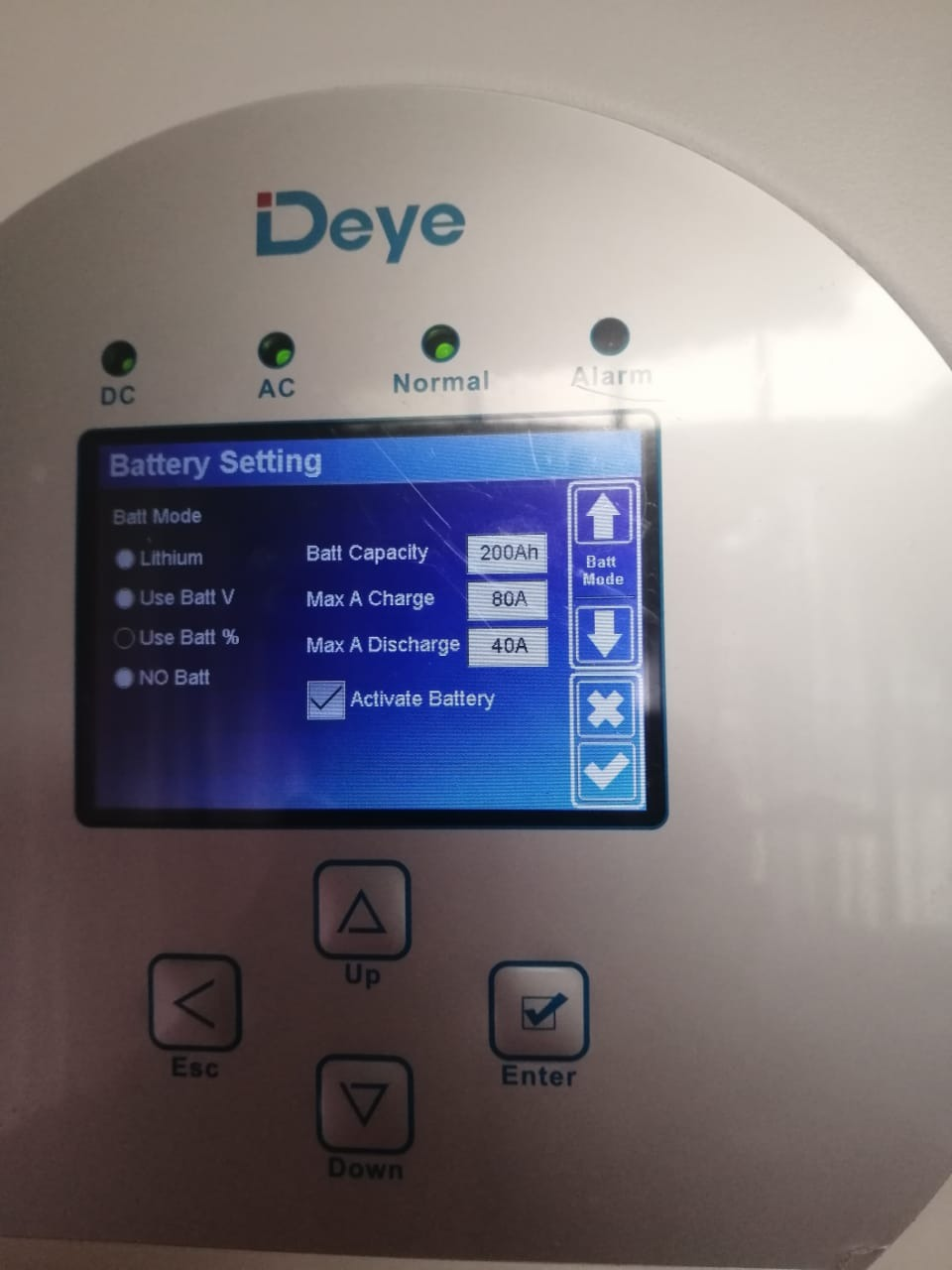
Initially the setting was to Lithium. Now the installer changed it to Batt %. Recon Lithium on Deye inverter is only for Deye Lithium Batteries.

-
Install was done more than a week ago. Been running since, but with this issue. Can I still do your recommendation?Deye 8.8 - Batteries in parallel.
 I have 2 Dyness BX51100 batteries on my newly installed system. The installer seems clueless. The batteries drain to 20% within 4 hours with an average load of .74 kwh Anyone that might have seen this before and some help if possible.