The Eagle
Members
-
Joined
-
Last visited
Everything posted by The Eagle
-
-
Hi What should the different settings be on the DEYE 8Kw inverter if I have 3 5.12kW Dyness batteries in parallel (100Ah) each. There are 3 page batteries settings
-
Hi 5kw Deye inverter MAIN:3384-1515 HMI:0000-C367 I understand this is the latest and was deployed to my machine yesterday. After deployment, my machine continuously takes power from the grid, even though there is enough PV and battery to cover Consumption. The grin inflow is between 80 and 140 w None of my settings was changed after deployment. Before it was working 100% Has anyone had the same issue?

-
Thanks After the firmware upgrade, both my 5kw inverters now take power form the grid, even though the batteries are at 100%. Maybe a new setting? Any ideas? Johan

-
Thanks - What is the latest versions?
-
Hi Can someone please indicate where to look for the firmware version, and what it would look like? Is it available to check on the app, or the Web, or only on the inverter itself? Regards J
-
Thanks all. I managed to get it fixed by starting from 00:00:00 in slot 1.
-
Thanks. I will test
-
-
Hi Please help. Setup: Deye 5kw Inverter Dyness 5.12kw Battery Attached I have my System Work Mode 2 settings, and my history from last night. Problem Note that my SWM2 setting from 18H00 to 20H30 says Grid Charge and battery to be 80% My hisrory shows that the battery reached 80% at 20H05 and started charging, but it did not stop at 20H30. It continued until 03H05(7 hours later) Is there some other setting, or why could it be wrong? Any help PLEASE


-
Hi I am helping an elderly couple to manage there system (Deye 5kw). The have there own user ids. We did the autherisation of user on there side, but how can I now add it to my dashboerd Regards
-
-
Hi All I see onmy Deye Remote settings that the "Grid Setting" is now password protected. My password does not work. Is it something special? Thanks in advance

-
Thanks all for the advice. Will action now
-
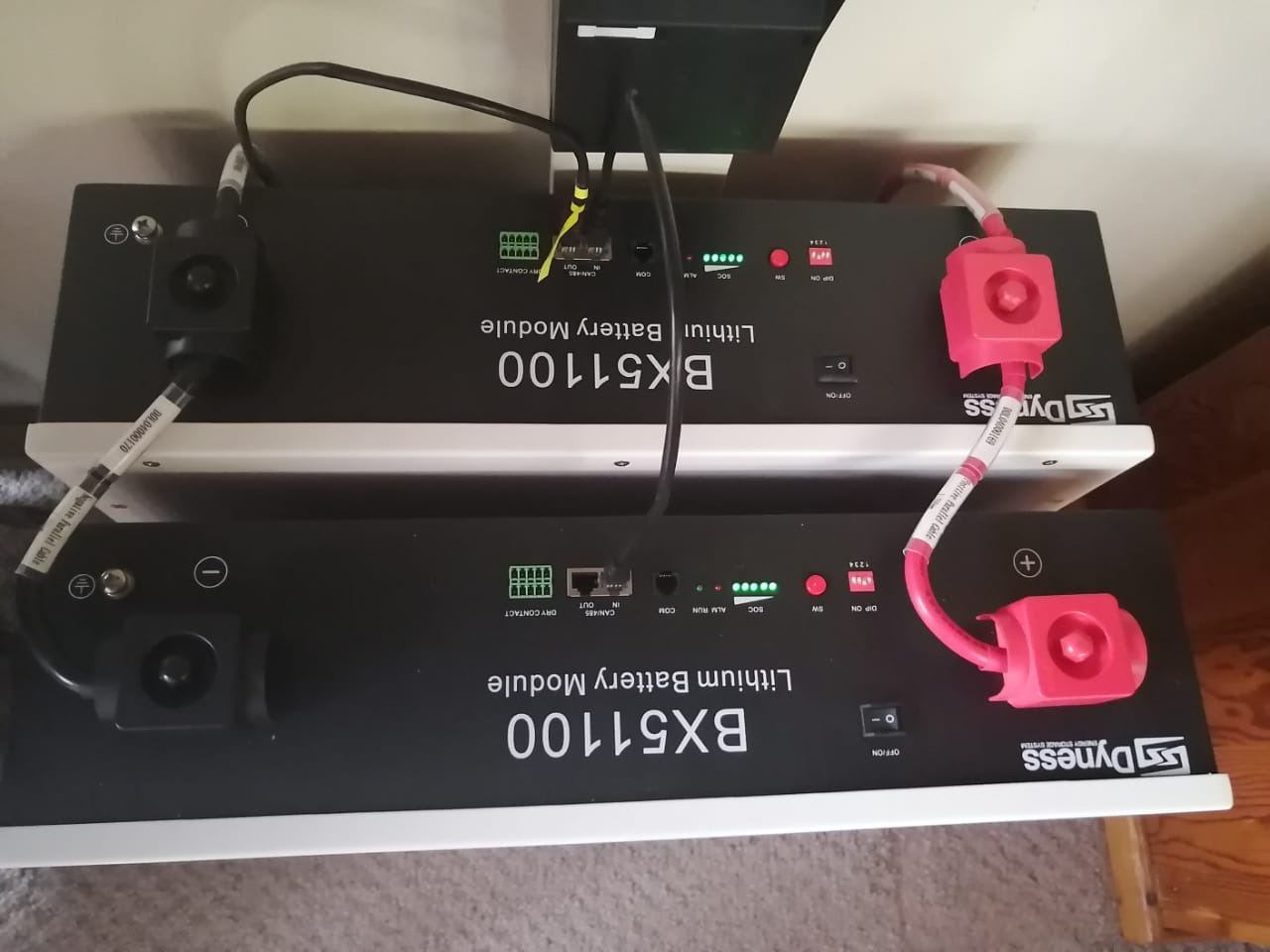
my ignorance - where do i get those?One string in series Azimuth : -16 - location -26.55437181235141, 28.022343848080556 Did not check - not technicalAll in 1 string % SOC 40 Shading only early morning - full sun from 8amHi My setup: Deye 8kw Inverter Dyness 5.12 batery X 3 Canadian 600W Solar Panels X 12 My Problem: The best yield I get form the panels is 65.3% thus 4.7kw from the 7,2 kw source Any ideas on how I can improve this.Thanks mzezman That info helped. Can now see when it was loadshedding.Hope this is the right place to ask about this topic. Is there a place in Solarman Business to see when there is no Grid connection ie. when there is loadshedding.Hi all. My batteries never drain below 35%. My setting in the inverter is 20%, but it never gets there. Should I force full draining now and then to increase life/performance? ThanksThanks all for the assistance. The batteries was up much longer last night. Now to get the Time In Use correct.The back battery is MAster - Dip switch 3 on The front is slave - Dip switch 2 on My concern is the in / out cables (ons is in yellow)
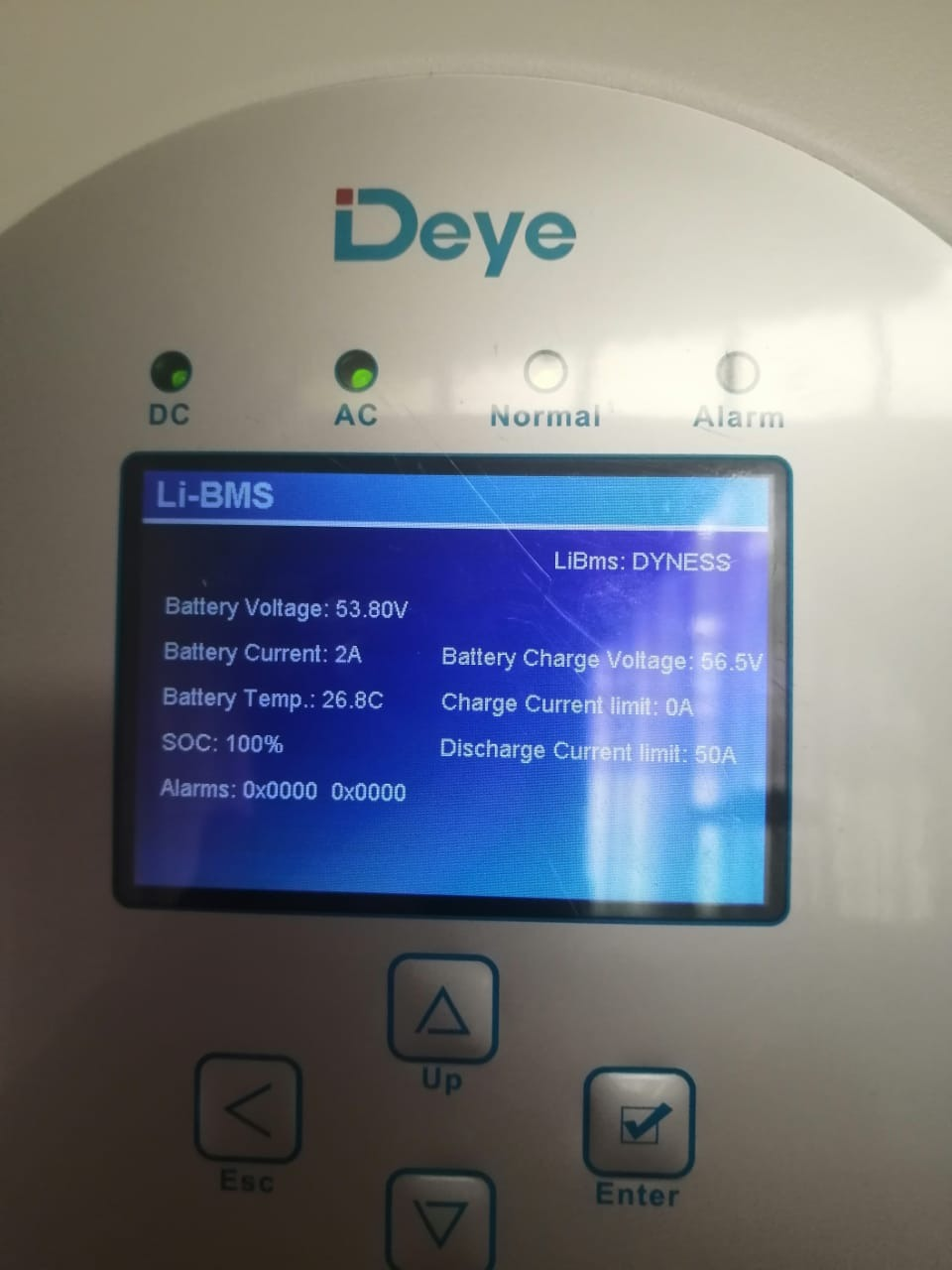
 When it was Lithium, this was the LiBMS Screen: