hegyis
Members
-
Joined
-
Last visited
-
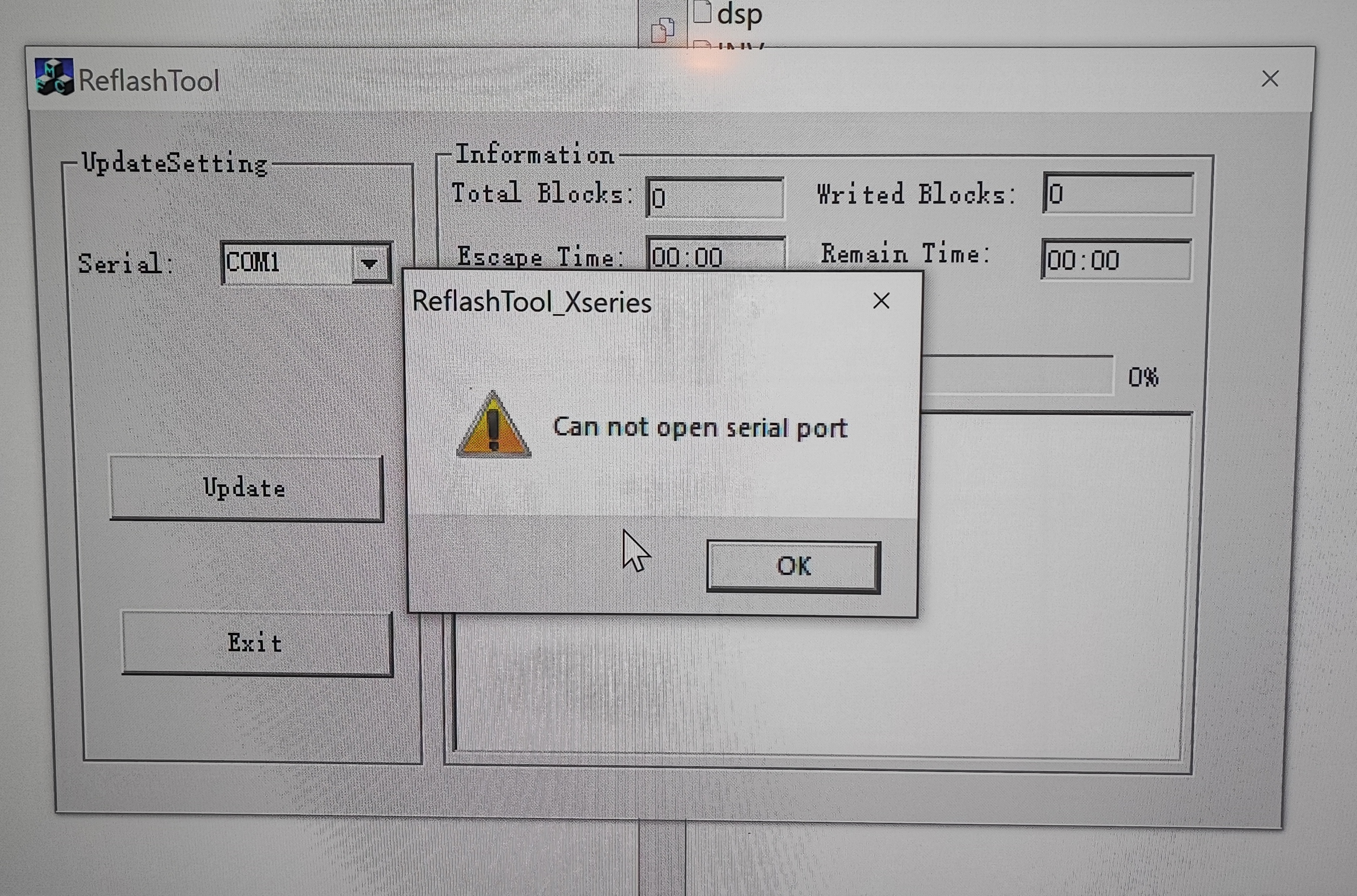
Thank you very much for the picture! Unfortunately, it does not communicate with the inverter!
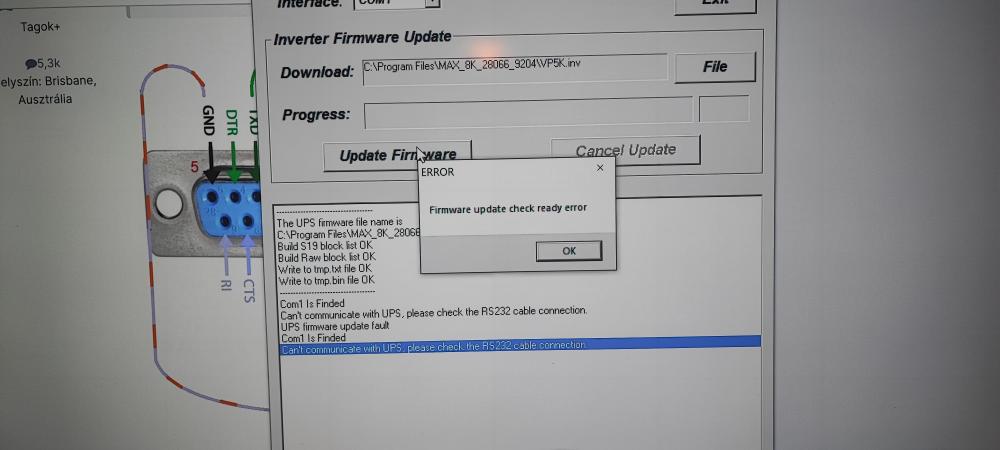 Could you draw the rj45 connector and how to connect the rs232 connector?Hi Coulomb! I did the file renaming and since then my inverter is a brick! Easun smw 8kw. I updated the factory firmware from the voltronic ftp page: MAX_8K_28066_9204.7Z After that, based on your description, I renamed dsp.hex vp5k and flashed it. My inverter has been a brick ever since. I tried everything, removed the display, but it didn't work! Can you give me some advice? Sorry for my English google translator! I'm Hungarian. Please help!