Gilberto
Members
-
Joined
-
Last visited
Everything posted by Gilberto
-
The inverter only spin fans and red light
-
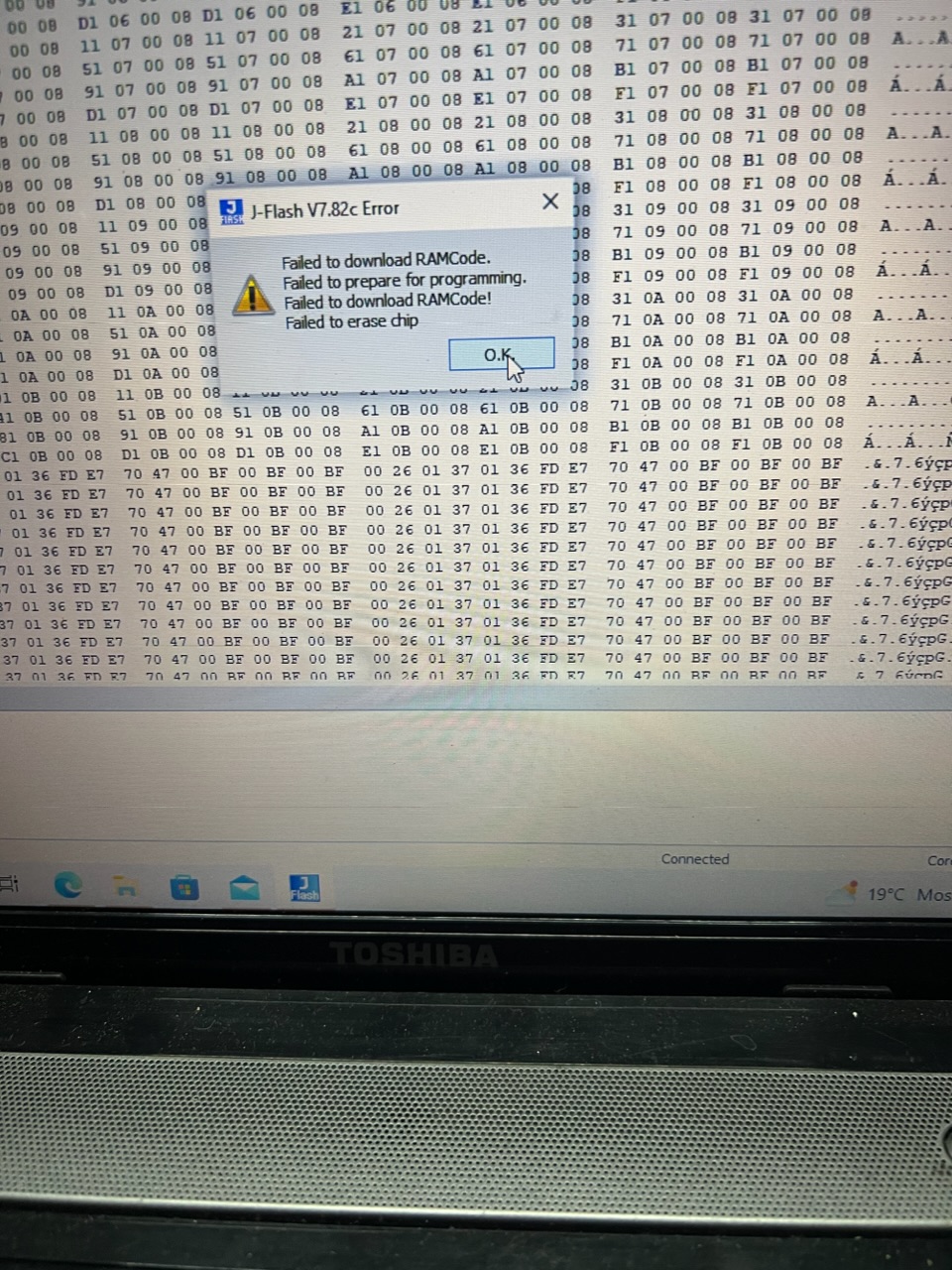
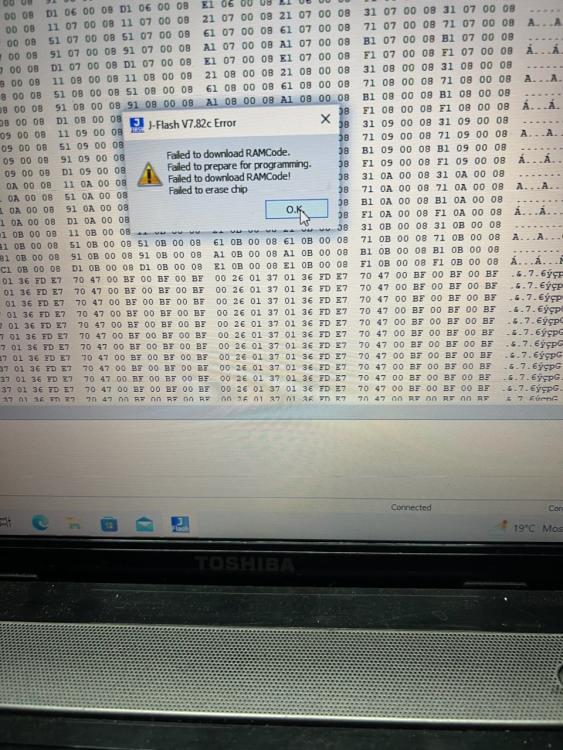
It now turns on with 1st file! Gives me error 32Do I have to load the 2 files?I have loaded your file and it write successfully. But the display still does not turn onsucsess! ut it is not in hex file real original.jflashI am using 3.3v and it does light up the Wi-Fi board.After I tried to update the control panel turned blackBut I can’t find that one on the list. What I find is GD32F105VC but I can’t download or erase alsoI can’t even erase
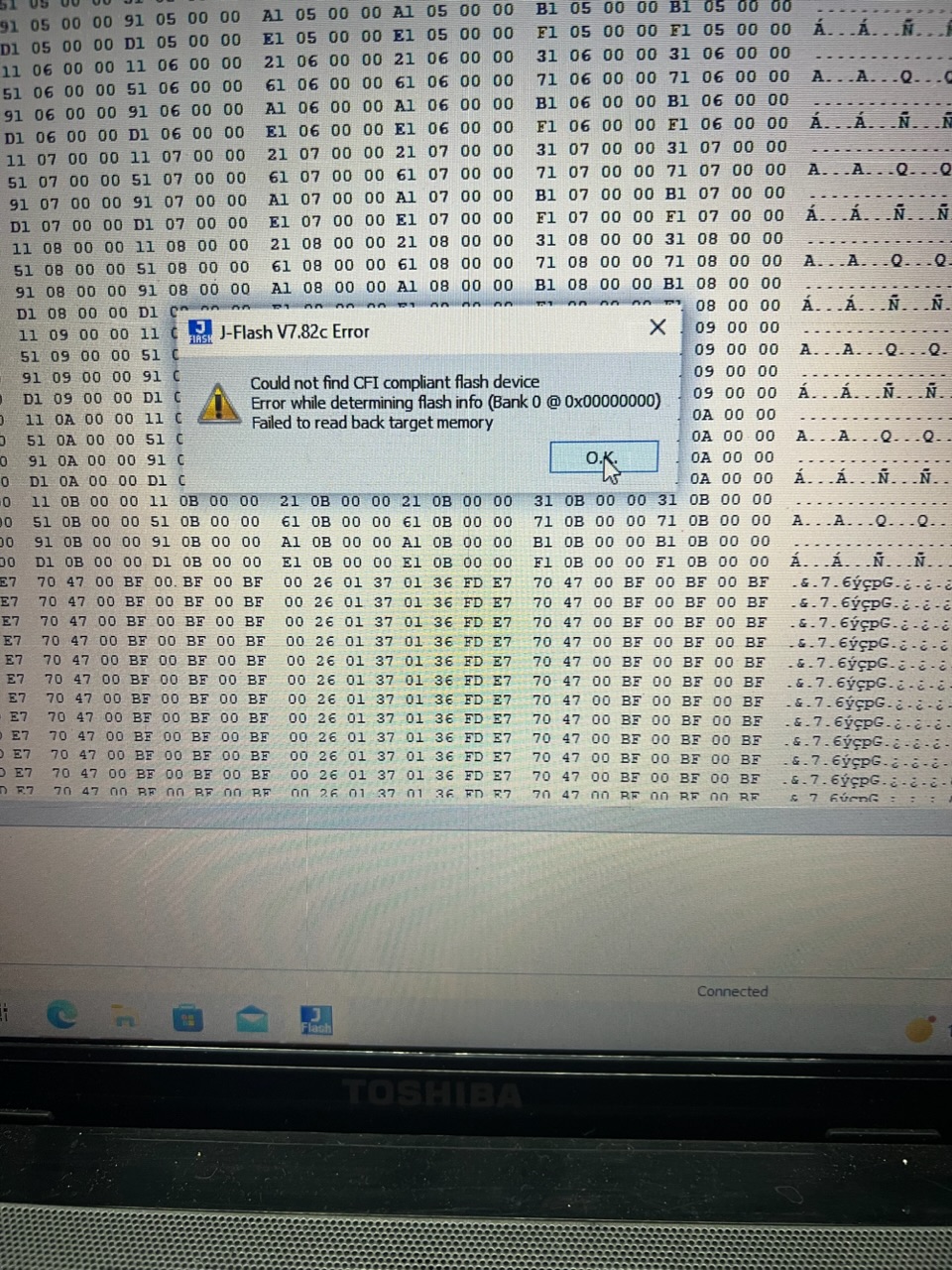
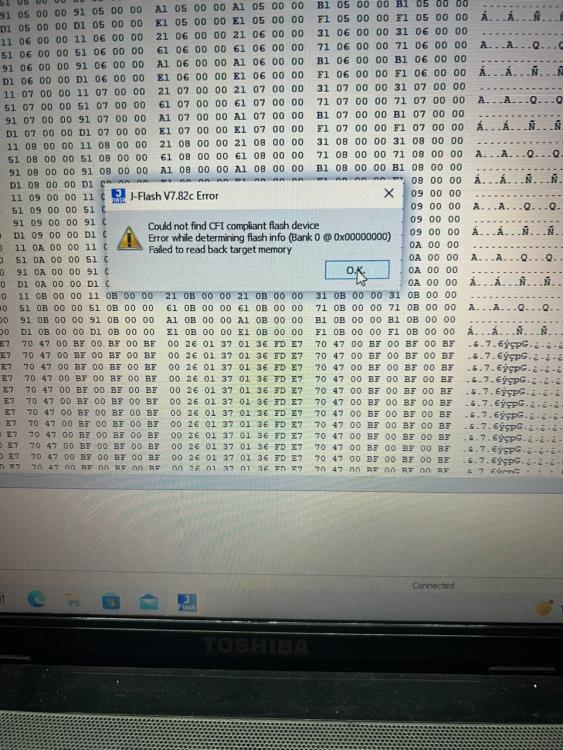
 When I select the chip there are several GD32F105 like this: GD32F105xx where can I find the last letters?Have this error
 But how do i download the original firmware from the chip?But how do download the oriinal irmware rom chip?To download is like this?
 I tink its this? original.hexThanks. I am going to look at it nowWhere do I do the backup?I think I have entered the chip. What now?
 I have recieved the jlink. How is the wiring to the control panel?
 Can u give me the firmware? Help me with the process?Mine is the same as that one!Thanks! No I don’t have the firmwareThat's great! Can u help me with the steps in doing this? What software needed? This is 1st doing something like this