gazzzzton
Members
-
Joined
-
Last visited
-
you must set your own wifi password at this place
-
Yes you can use the "pongo" example and you must change the corresponding registers numbers
-
hi, both use modbus protocol but use different registers. a little earlier in the conversation someone provided the smx2 protocol, it helped me to make a glow under node-red and now it communicates very well. personally I use the usb cable directly on my raspberry for communication.
-
Hi, thank you for your response. I use an rs485/TTL converter. I connect the A and the B to the converter and +3.3v, tx, rx, gnd respectively on the vcc, rx (gpio16), tx (gpio17), gnd terminals of my classic esp32. It's not good ?

-
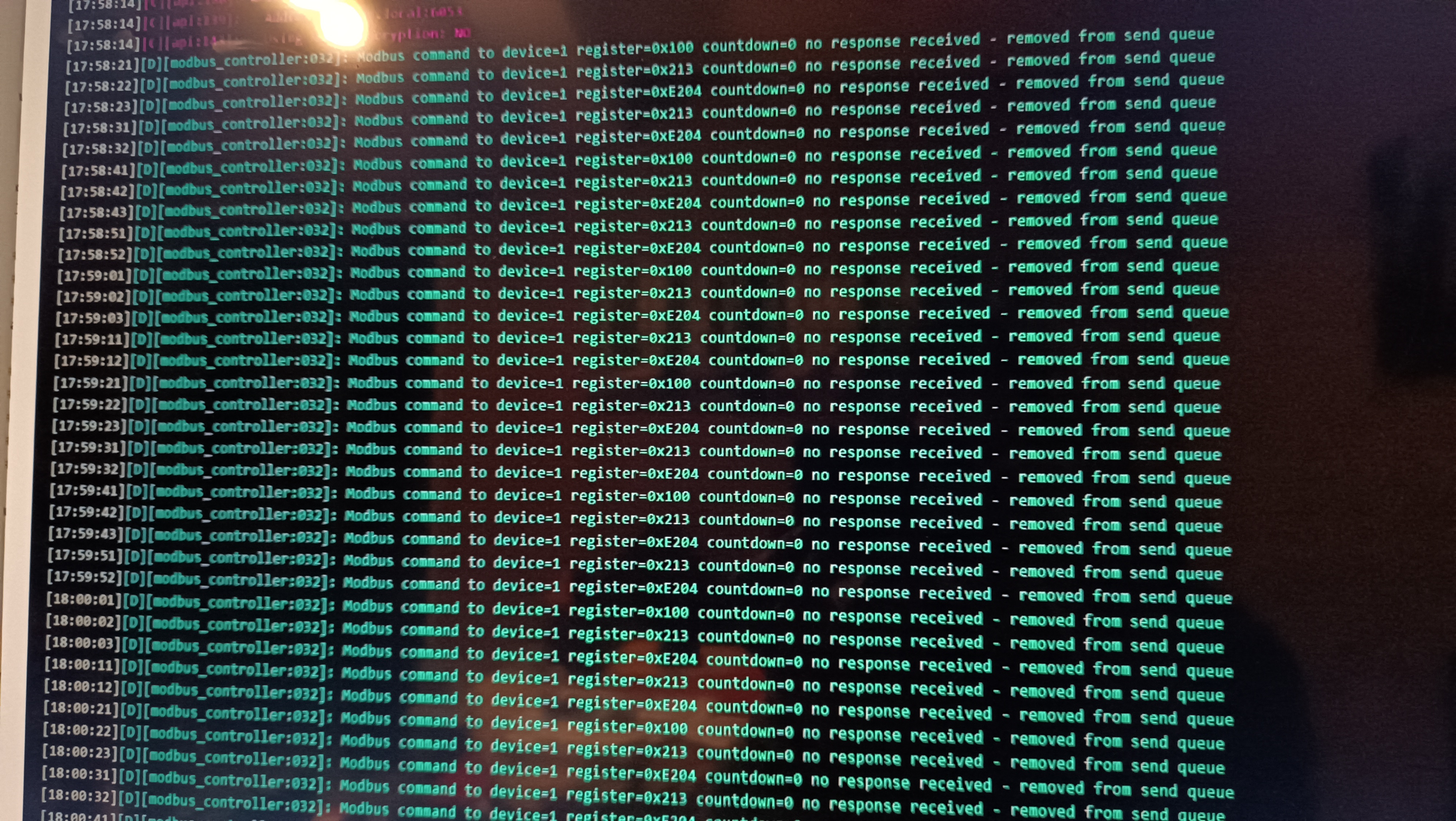
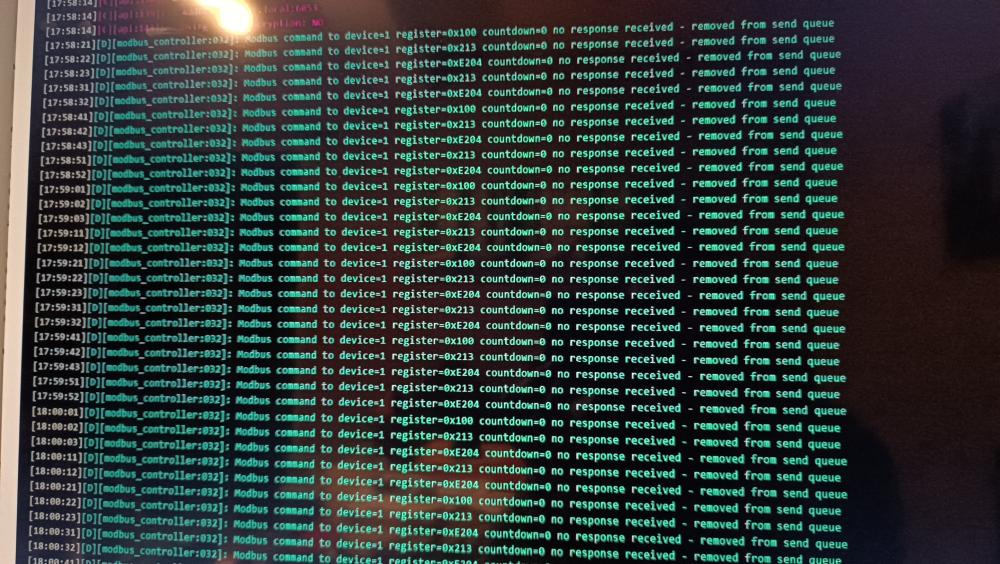
Hi Pongo, I try to connect my esp32 with my rs485 TTL converter like the home assistant docs, I programmed the following code, I can see it sending the modbus request but it returns nothing in return. Do you have any idea where it can come from in my esphome code? esphome: name: easun esp32: board: esp32dev framework: type: esp-idf version: latest wifi: ssid: !secret wifi_ssid password: !secret wifi_password ota: logger: api: #mqtt: # broker: !secret mqtt_host # username: !secret mqtt_username # password: !secret mqtt_password # id: mqtt_client uart: id: mod_bus tx_pin: GPIO17 rx_pin: GPIO16 baud_rate: 9600 stop_bits: 1 modbus: id: modbus1 modbus_controller: - id: easun address: "0x01" modbus_id: modbus1 sensor: - platform: modbus_controller modbus_controller_id: easun name: "Battery Capacity of SOC" id: battery_capacity_soc register_type: holding address: 0x0100 unit_of_measurement: "%" value_type: U_WORD - platform: modbus_controller modbus_controller_id: easun name: "tension entree edf" id: tension_entree_edf register_type: holding address: 0x0213 unit_of_measurement: "V" value_type: U_WORD select: - platform: modbus_controller modbus_controller_id: easun id: output_priority name: "Output Priority" address: 0xE204 value_type: U_WORD optionsmap: "SOL": 0 "UTI": 1 "SBU": 2
-
Would it be possible that you send me your tasmota configuration file that I try to import it on my module when you have the opportunity? I have searched with the links you provided me, I can not get the tcp tx and tcp rx thanks in advance, Alexis
-
Oh yes indeed I had not understood that the card does the job on its own. So Which version of tasmota are you using? Because I have installed tasmota (english) release in generic version 0 but in the gpio configuration I do not have tcp tx and tcp rx in the list like you. do you have to add a template in configure other to have these functions? thanks for all !
-
Hi Burleanu, I flashed the module with tasmota but I have trouble configuring the esp afterwards. Are gpio1 and gpio3 used? If yes, what did you put as module configuration? I tried serbrtx in gpio1 and serbrrx in gpio3 without success. Then in the console I send it the following command but no succes: ModBusSend {"deviceaddress": 1, "functioncode": 2, "startaddress": 256, "type":"hex", "count":1}`
-
-
Hello, thank you very much, I have just compared with the data that I had already found, it is indeed the correct protocol. I searched for two weeks without finding, congratulations to you !
-
Hi, good job ! Can you tell us more about the flashing of this original wifi module? I'm intrigued ^^ I took it out of the drawer right away ^^ I myself have an easun smxII 5.6kw inverter but the modbus protocol is not the same as the document above. I am in the process of decoding the reception and sending frames to integrate it into my red node. I will soon see the end of the tunnel!
-
i had found this link but no at first sight it does not correspond
-
Hello everyone, in order to integrate my easun smxII inverter into node red in modbus rs485 protocol, I will need the modus rs485 protocol manual for this inverter. Anyone have this available? I found a lot of manuals but none that matches mine. I manage to sniff the data that passes between the inverter and the software provided by easun (ipower-net) but with the protocol manual it would be much simpler. For example, to obtain a data flow equivalent to QPIGS in rs232, I run the command 01 03 02 04 00 1f 44 7b and the inverter responds: 01 03 3E 00 03 00 00 00 00 00 00 00 00 00 03 00 00 00 00 50 0A 01 01 01 0C 16 13 00 00 00 04 00 00 10 31 08 98 00 00 13 88 08 A6 00 00 13 88 00 00 00 00 00 00 00 00 00 00 00 00 00 00 00 00 00 00 00 00 00 00 00 00 00 00 00 00 00 01 00 01 00 00 00 00 00 00 01 33 01 56 01 f4 I managed to guess some data but not all... Thanks in advance everyone