RYANSOUTHAFRICA
Members
-
Joined
-
Last visited
-
Sorry, I'm new to this site / blog, and don't know how to PM you?
-
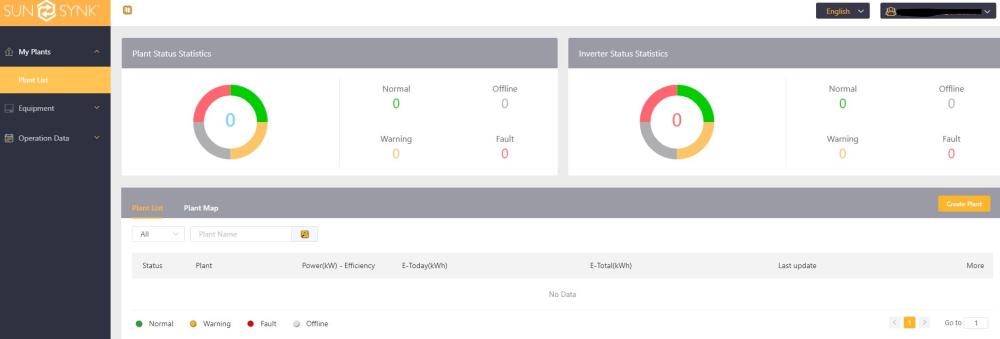
Here with a screenshot of the gateway sub tab. The unfortunate situation here was the original installer absconded and/or went broke, as such left me in a predicament. My electrician completed the job and the system works fine, however the issue is mainly getting it connected on the app / web based app.

-
HI Steve, when you ask for a photo of the equipment, do you need the serial numbers included or just to see what they are?
-
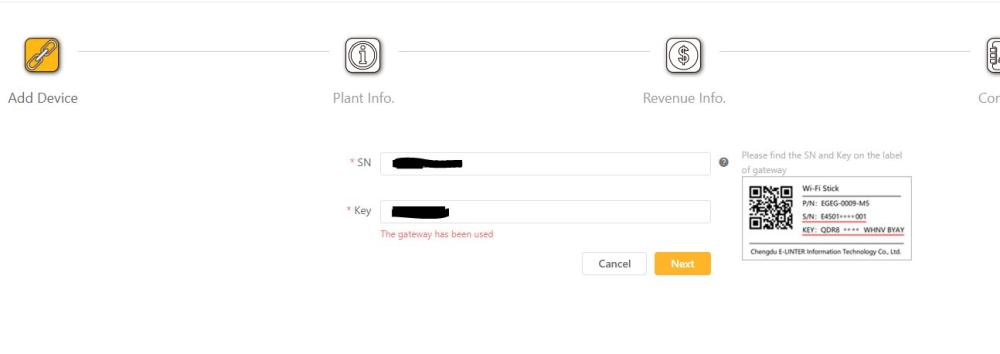
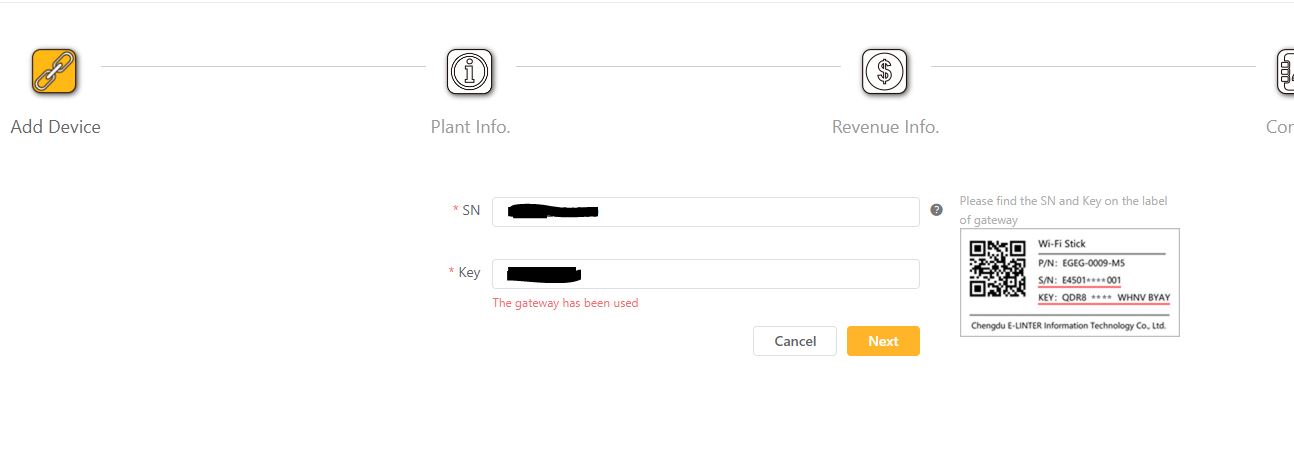
Hi Steve, No, not at all. I'm trying to add the plant. In doing so it requires the datalogger's serial no and key As soon as I the datalogger's input, I get the "the gateway has been used" message as such, the system does not want to go any further. I'm not sure what the solution is here, would I need a new datalogger? Maybe someone bay have used mu dataloggers information?
-
Hi, Maybe someone can shed some light on this issue or tell me how this has happened and assist in sorting our this issue? Short background is my original installer of my solar system absconded with our completing my solar system hence I contracted an electrician to complete the installation and commission the system. Unfortunately he is new to Sunsynk yet has done many Deye installations. A similar inverter yet different operating system. What we noted is that trying to create a plant on sunsynk.net is we are unable to add the plant. When entering the datalogger serial and key, there is a "the gateway has been used" message, thus we cannot complete the plant setup. Does anyone know, how the get rid of this error message or of Sunsynk can reset the datalogger? I though that with us trying to connect the mobile app, that there might be a plant on the mobile app that uses the logger, however no such plant exists on the app. Any assistance would be appreciated.