


Praveen
Members
-
Joined
-
Last visited
Everything posted by Praveen
-
Hello All, I have been using Easun power hybrid grid tie inverter with battery backup. Recently, it failed with error code "01". I could not find the problem with it. Thinking I should be replacing it. What are the options I have? This is 2 KW solar capacity with 24V battery. Also, the system is 230V
-
I do not remember this exactly. You can look at my code here. https://github.com/praveenkv1988/solarmon
-
@superdiy This is exactly what I was looking. Just run the command through this code in my mind and getting the expected output. I will implement this and write my findings here. Thank you very much.
-
I looked for a COM device in device manager(in a windows machine) when connected the inverter and I couldn't find one.
-
I do have CRC implemented now. I am validating CRC for every output. Also sending CRC bit for every input I send to the inverter. The problem is, the SolarPower software sends the command "PI"(from java) and it somehow gets translated to "^P005PIq..005PIq" while sending to inverter.(It sends two 8 byte hex -> 5E 50 30 30 35 50 49 71 8B 0D 30 30 35 50 49 71). A CRC doesn't explain this translation. I am thinking there is some function(in the libUSBDevice.so file) which does this translation. I want to manually send this hex message to the inverter. Is there any utility where I can directly send hex bytes to inverter and see the output? I have attached the USB communication between inverter and SolarPower 1.21 software(See the sequence id "0910"). usbread.html
-
Figured out communication with inverter using python. Facing a weird problem. SolarPower software sends command "PI" command and gets back "P18" as value. When I send the same, I get back "(NAKss". However, sending "QPI" command returns "P30". I am assuming the inverter is defaulting to P30 protocol because of something wrong with the command I send. Is there any encoding/transformation to be done before sending command to the inverter?
-
Update: I used the solarmonitor software from http://www.opti-solar.com/english/download.en.html and it worked. It seems the protocol is called P18. I will find more details about this soon.
-
I was trying to view the energy exported by the inverter to the Grid. WatchPower doesn't show those information. Is there any special privileges need to open the view?
-
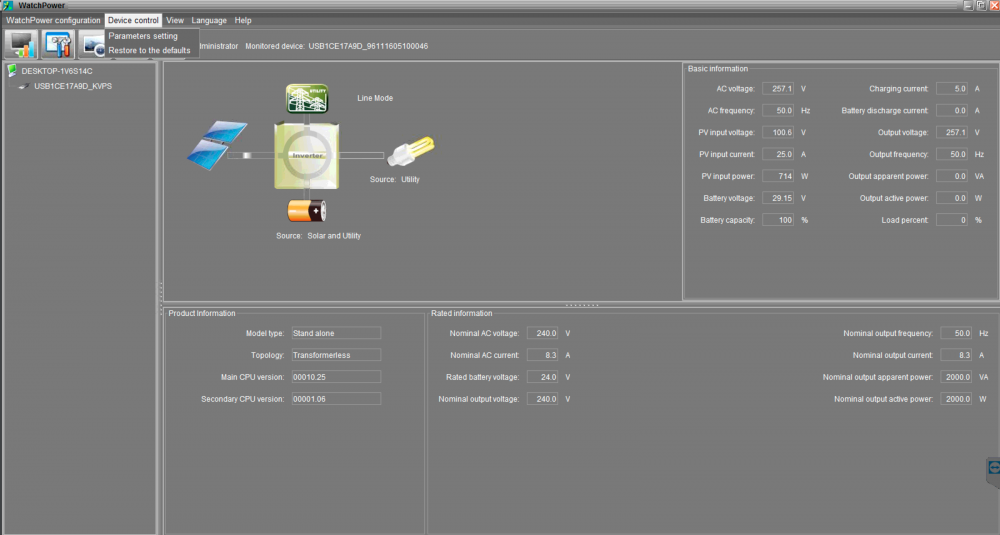
It is Infinisolar V model. Attached the device info view from WatchPower.
-
Mine is not a off grid inverter. Its a hybrid inverter with battery backup. My understanding is, WatchPower is for off-grid inverter.
-
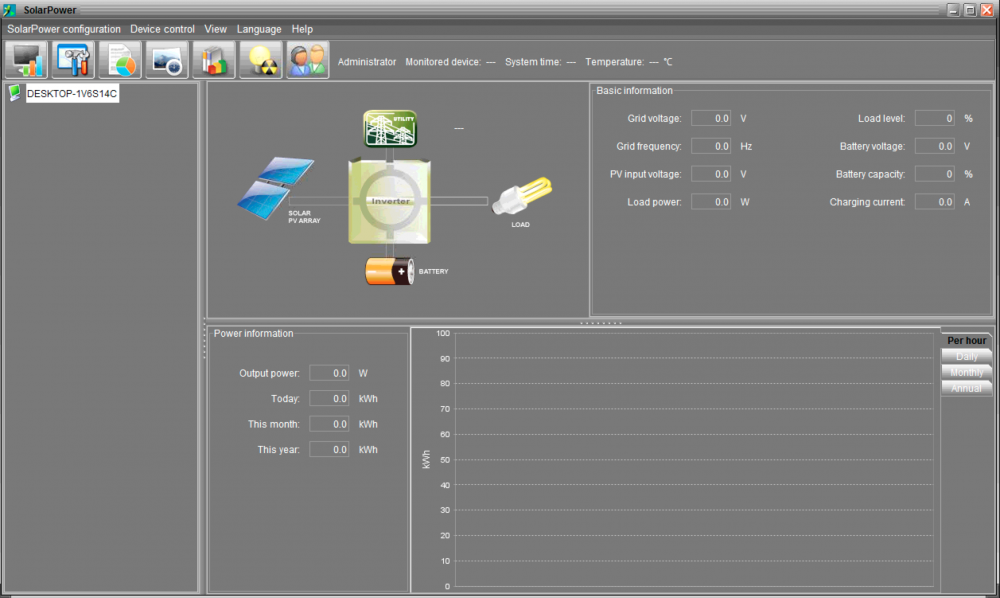
I was trying to connect the inverter to SolarPower software and the software is not able to read data from the inverter. However, WatchPower software was able to read the information from the inverter. It doesn't look like a driver problem. Anyone experienced this before? Screenshot of SolarPower software attached here. I used the software from here, http://www.giantpower.com.au/downloads/ as I thought this is the latest one.
-
I was looking for a similar solution. Did not find the right one which fits by use case better. Can you please point me to those projects? If it works, I will just contribute the code needed for this inverter.
-
Here is my plan (attached as img). Send the following parameters to cloud where they can be visualized. Energy generated Energy exported Energy imported -------------------- Inverter output load % Inverter load active power Inverter load apparent power Inverter voltage -------------------- Grid load demand Grid load power Grid voltage Grid frequency -------------------- Total battery charge current Battery discharge current Battery capacity Battery Voltage -------------------- PV input voltage PV input power Also, have plans to upload inverter warning status after completing the above.
.thumb.png.404424b660ed4408cac9fb371e95ab0a.png)
-
Agree. I was thinking about that as well Yeah, it makes sense to add more panels than investing in the complexities.
-
What are your experiences with solar tracking? I have 2KW solar installation. If I can do solar tracking(2 axis) that will help me generate 2.3 KWH more a day. My biggest concerns are, * I have to design the mechanical structure. * Stability from wind. I like this system below(from youtube). However, I don't see this available for sale in my place. https://www.youtube.com/watch?v=SSrnkKdo-0s
-
@The Terrible Triplett Thanks. I have seen this as well. However, my concern is, InfiniSolar V might have different protocol. I decompiled the JAR bundled in the SolarMonitor software and it looks like it goes with this documentation. I will try it(I will get to do this after few days) and update this thread.
-
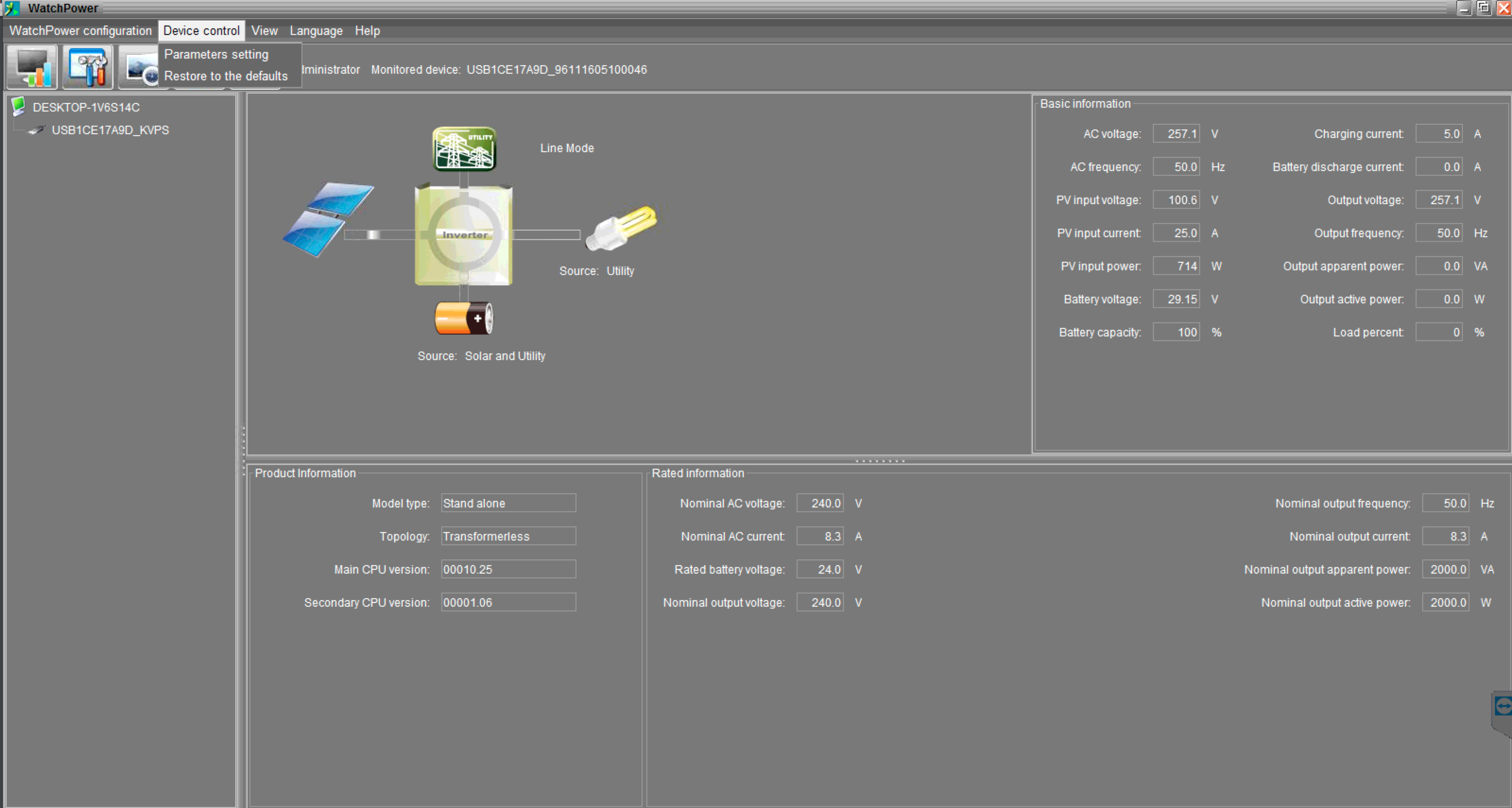
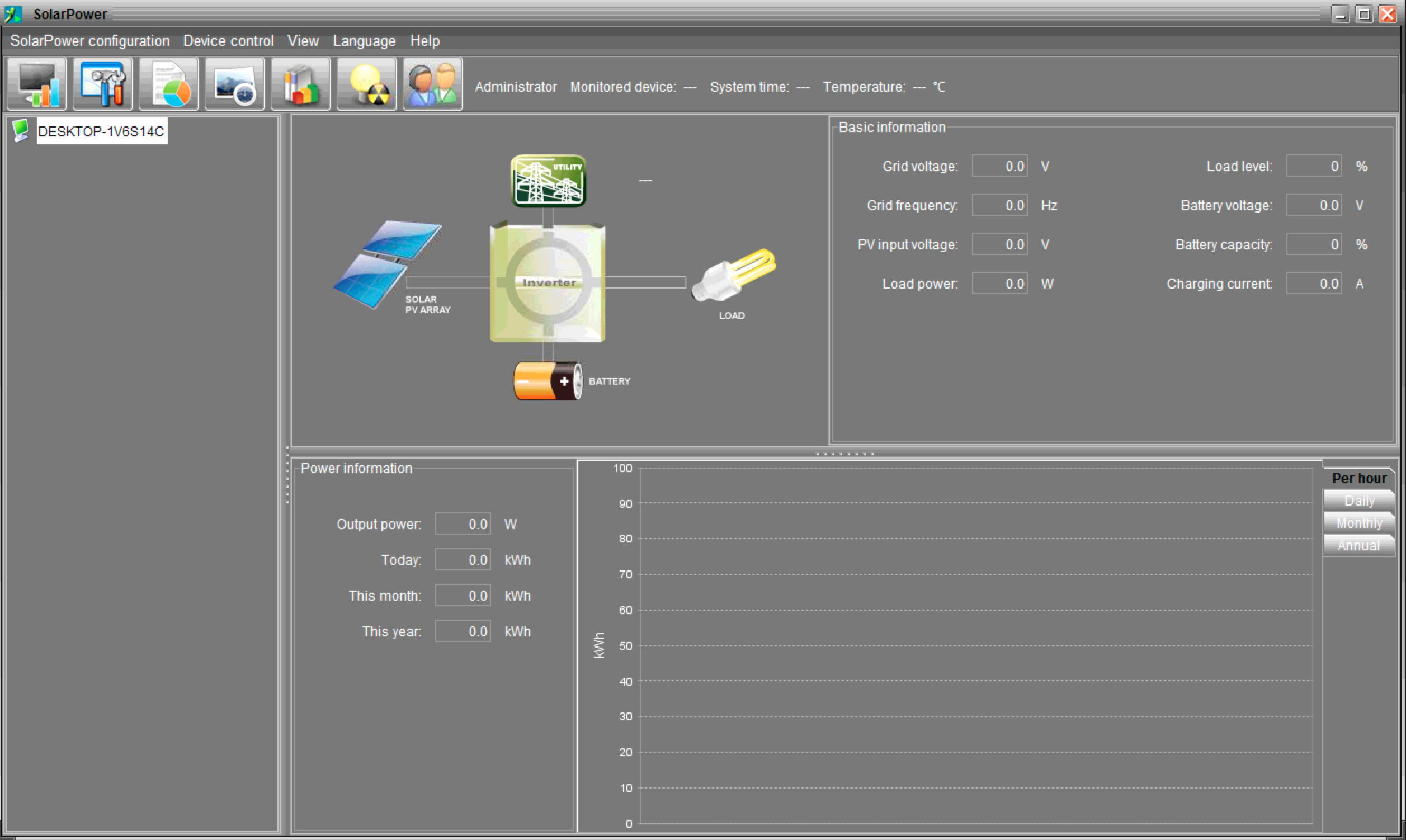
Hello All, I am new to this forum. I think I can get my answer here. I have a 2KW Voltronicpower InifiniSolar V (http://www.voltronicpower.com/oCart2/index.php?route=product/product&path=24&product_id=172). This does NOT have RS232 port. It has a USB port. I want to monitor this inverter using cloud. I am writing a python application which can read inverter stats, warning info and upload to cloud where I can monitor the inverter and battery state. I have been searching for USB protocol/commands to connect with the inverter. If you have the protocol doc, please share the doc to me. Thanks in advance.


.png.402fd64680c989f83a972c36b0a80e46.png)