Skip to content
View in the app

A better way to browse. Learn more.

Power Forum - Renewable Energy Discussion

A full-screen app on your home screen with push notifications, badges and more.

To install this app on iOS and iPadOS
  1. Tap the Share icon in Safari
  2. Scroll the menu and tap Add to Home Screen.
  3. Tap Add in the top-right corner.
To install this app on Android
  1. Tap the 3-dot menu (⋮) in the top-right corner of the browser.
  2. Tap Add to Home screen or Install app.
  3. Confirm by tapping Install.

Abucompu

Members
  • Joined

  • Last visited

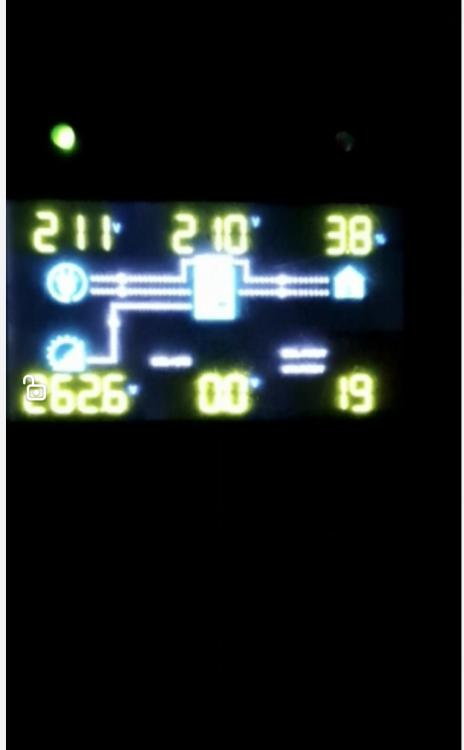
  1. Hi guys, I've done a few installs and have only 1, out of several installations issue. Long story short the system was working perfectly fine until the client started doing ironing on the system. The battery got drawn down and was struggling gain charge. We managed to source a li-ion charger and the battery shows full on charge. However connecting it back onto the system we getting error 19(battery disconnect) on the inverter. We've decided to take the battery in for a warranty check. Is there anything else I can check to ensure the system is still good. This was my very first growatt installation.
Account

Navigation

Search

Search

Configure browser push notifications

Chrome (Android)
  1. Tap the lock icon next to the address bar.
  2. Tap Permissions → Notifications.
  3. Adjust your preference.
Chrome (Desktop)
  1. Click the padlock icon in the address bar.
  2. Select Site settings.
  3. Find Notifications and adjust your preference.