Skip to content
View in the app

A better way to browse. Learn more.

Power Forum - Renewable Energy Discussion

A full-screen app on your home screen with push notifications, badges and more.

To install this app on iOS and iPadOS
  1. Tap the Share icon in Safari
  2. Scroll the menu and tap Add to Home Screen.
  3. Tap Add in the top-right corner.
To install this app on Android
  1. Tap the 3-dot menu (⋮) in the top-right corner of the browser.
  2. Tap Add to Home screen or Install app.
  3. Confirm by tapping Install.

Erpenstine

Members
  • Joined

  • Last visited

Everything posted by Erpenstine

  1. @meetyg It did install the drivers in the background on windows 11, still kept searching in the software though (Inverter is on), I am using a printer cable to connect from the inverter to the PC. Is this correct?
  2. @AlexanderR I bought my MUST PV1800 mppt inverter and battery from solarway last week, they are legit and the cheapest I've seen so far, after plenty research.
  3. @OrbiterDo you have solar panels? I was told that if you don't one needs a specific MUST dongle to run without solar, which I have ordered.
  4. Any link for a driver I can download to make this work for me in SolarPowerMonitor, mine just searches and searches and does not find my Must PV1800 MPPT inverter
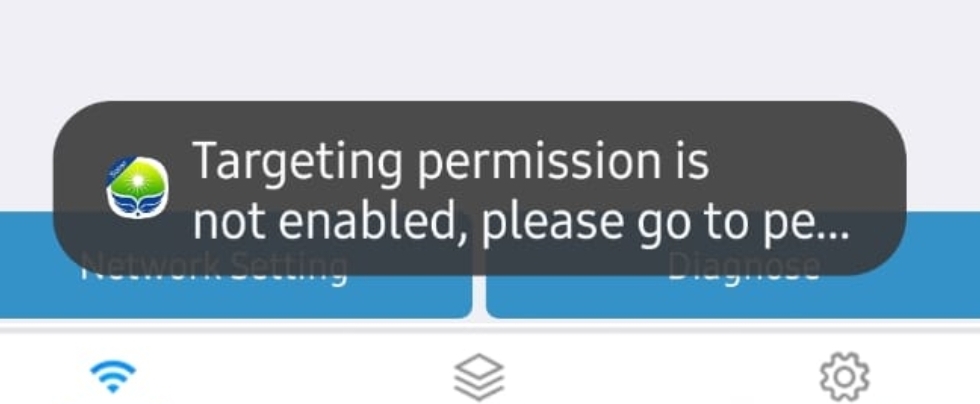
  5. Can't get the WiFi Smart client to connect to the MUST INVERTER at all, MUST Battery doesnt communicate with inverter either
Account

Navigation

Search

Search

Configure browser push notifications

Chrome (Android)
  1. Tap the lock icon next to the address bar.
  2. Tap Permissions → Notifications.
  3. Adjust your preference.
Chrome (Desktop)
  1. Click the padlock icon in the address bar.
  2. Select Site settings.
  3. Find Notifications and adjust your preference.