chrisvanwyk
Members
-
Joined
-
Last visited
-
Apologies bit of a High-jack post but it seems our setup is almost the same and I want to see if my suggestion would fit your setup and mine.
-
Will this do as per my setup above?
-
Supplier details?
-
Hi What would the below setup cost?
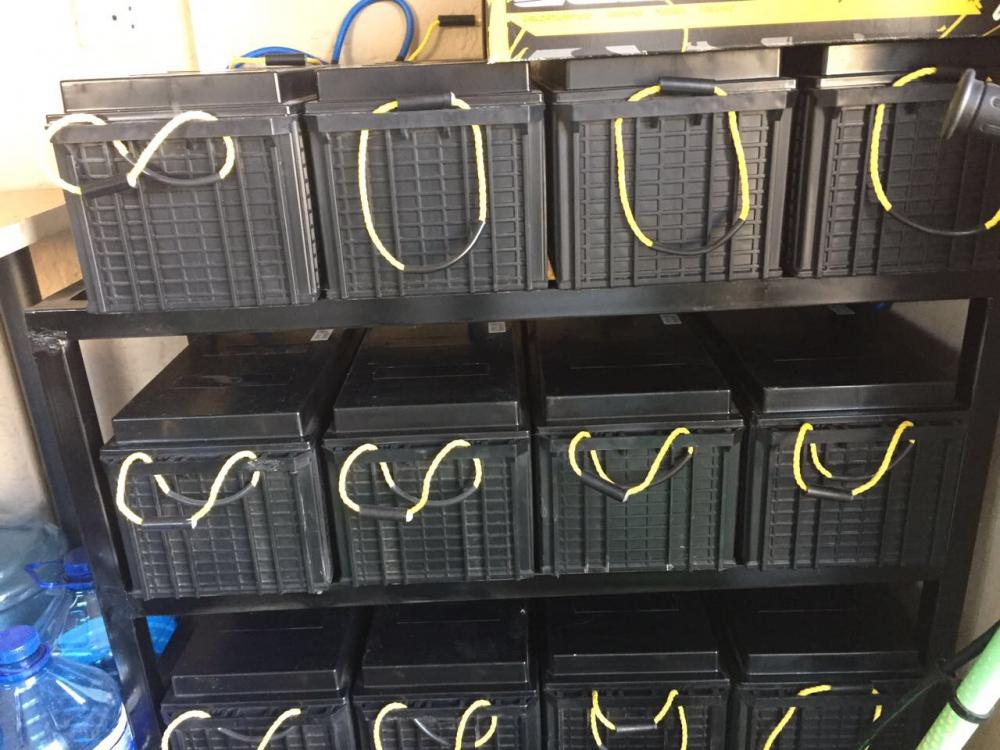
 Hi This was done by an installer. I have 5.2 KW solar panels split between the 2 5Kva Axpert's master and slave. My knowledge to this is very limited hence I found this site and will ask a lot of questions. I have GAS hob , oven and solar geyser still connected to the grid. If you need more photos and close ups I will provide. The setup is grid tied so it will charge the batteries at night if they do need to.I need to check whats happening after installing the extra 4 batteries by Elec usage has no gone upwards. 800 rondellas a month.Hi Siewinder Where do I get one of these and price?Will do need to know how and where to connect stuff.