


Andre DIY
Members
-
Joined
-
Last visited
Everything posted by Andre DIY
-
Hi there, I'm new to Growatt, which software or website do I need to access to adjust client's inverter? Because we inherited this inverter after initial installer refusing to answer call from customer.
-
I got manual from Leroy Somers guys. FIVESTAR_Manual_8KVA.pdf
-
If possible can you scan page where it shows this error code and description
-
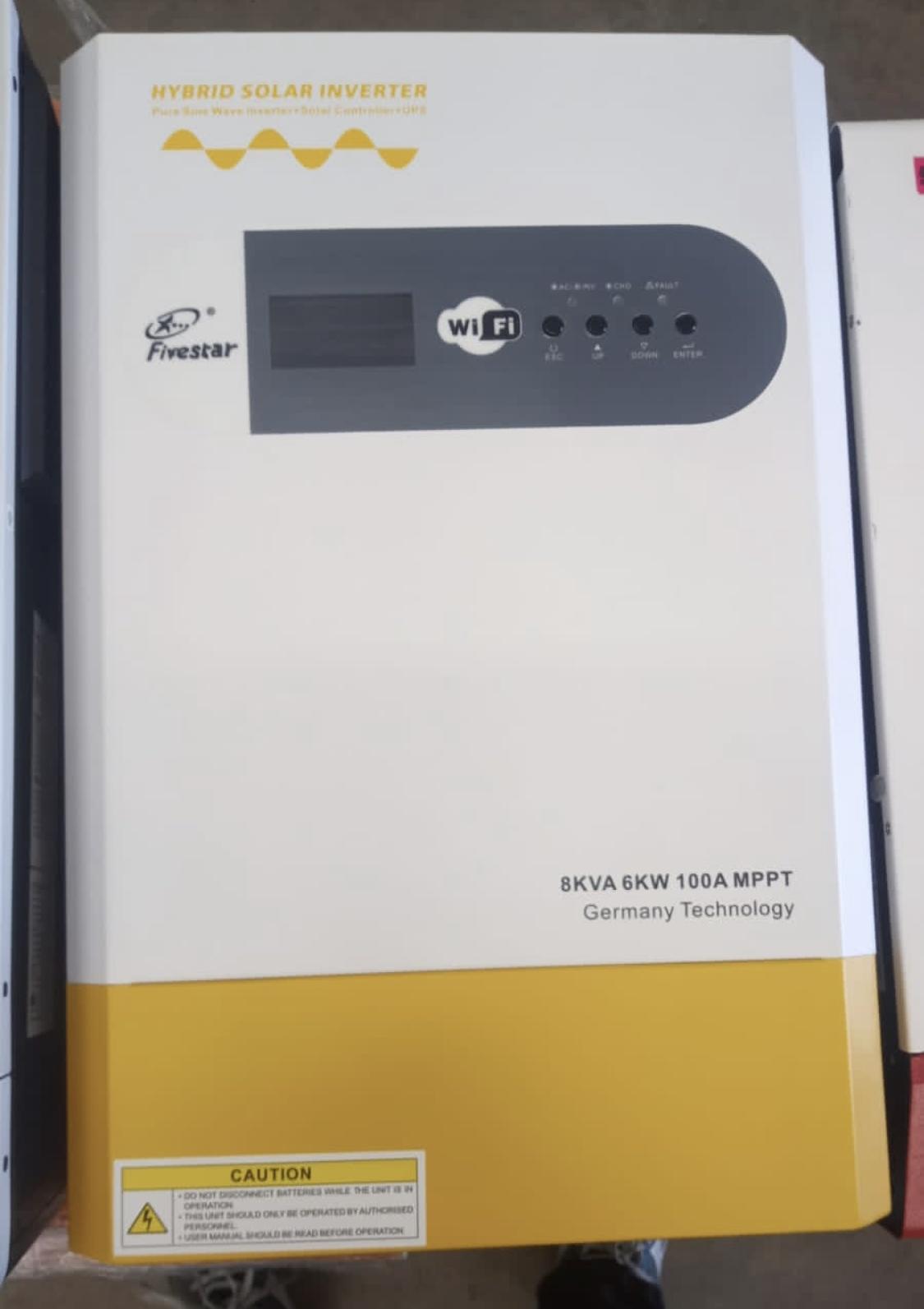
Hi there i need manual for this inverter, new client of us. have a problem with this inverter. Showing fault or alarm code 4 So im looking for the manual. The installer that did the job did not leave and comms or manuals for client and I've tried looking online. So many different models each one parameter's, in different order. Model number FS-I008


-
Hi there, I want to know if I can connect to Pylon UP2500 battery with my Techgeek inverter? My client uses Lead acid batteries, and he is not getting decent endurance on those lead acid batteries. Before I go quote on new Pylon battery, I would like to know if it's compatible with this inverter. Inverter info.docx
.thumb.jpg.a7b02fd210921d534aa38e5fdeca70b1.jpg)
.thumb.jpg.e91182ba85c458065a56a337a7e4da4e.jpg)

.jpg.8a0fefd8a1a02d4422ee079a69e34c6d.jpg)
.jpg.3b0715a16f8dedeb0254884a1b32fce6.jpg)