Murariu
Members
-
Joined
-
Last visited
Everything posted by Murariu
-
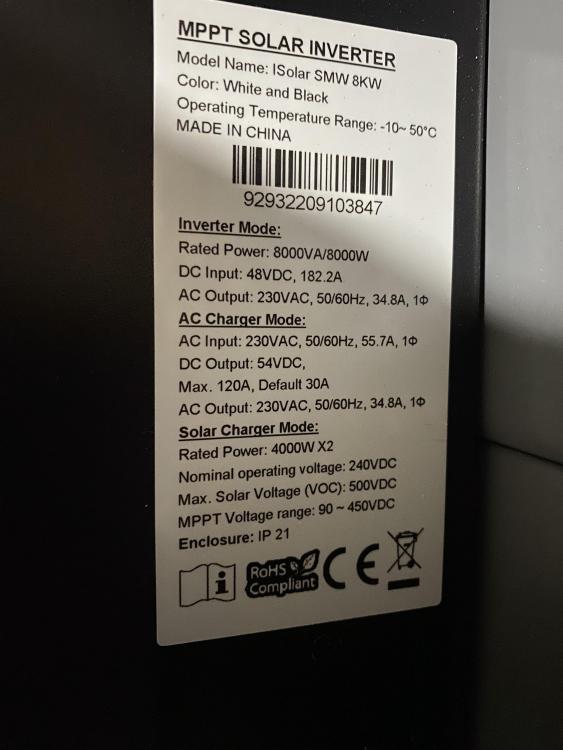
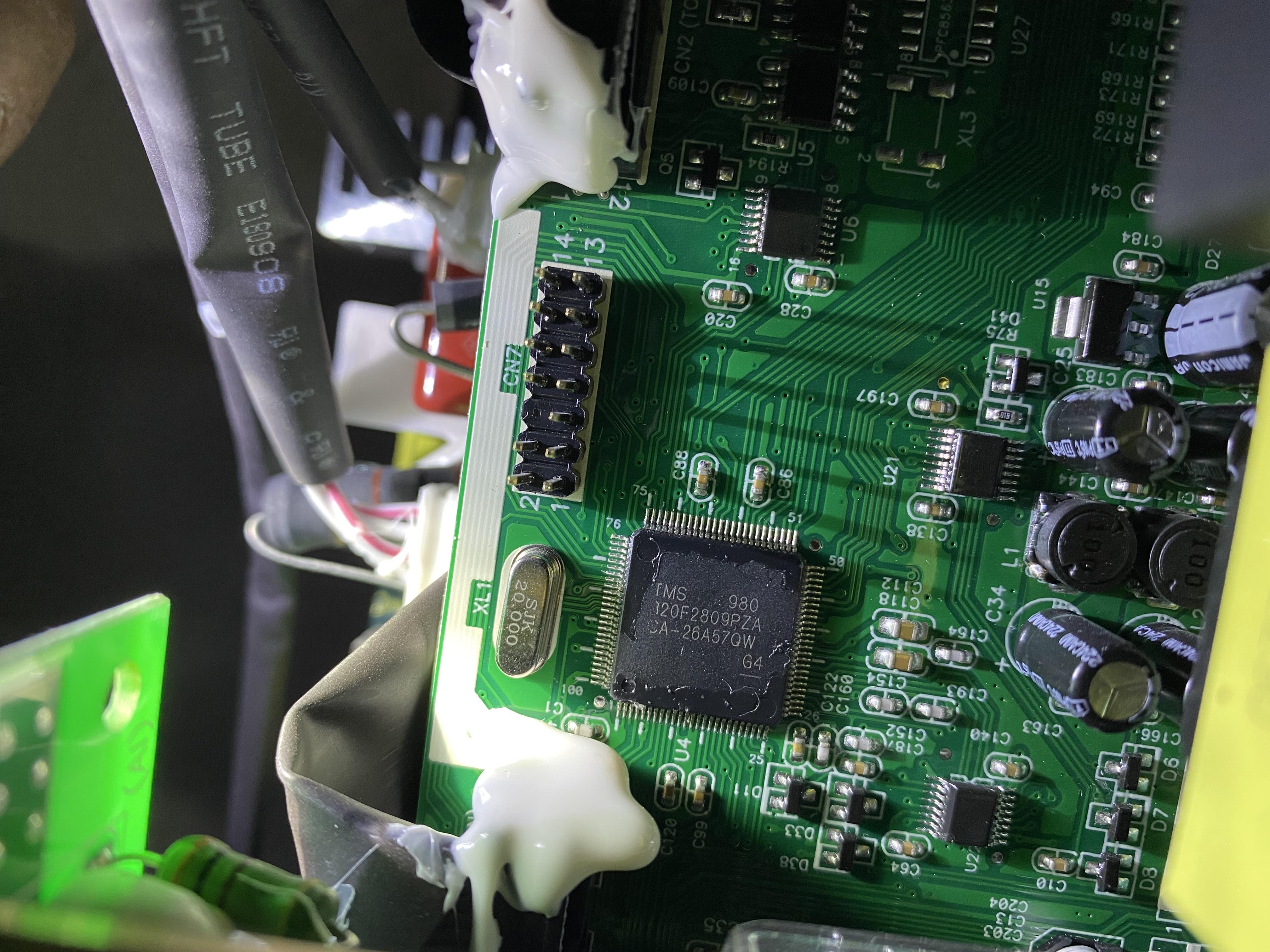
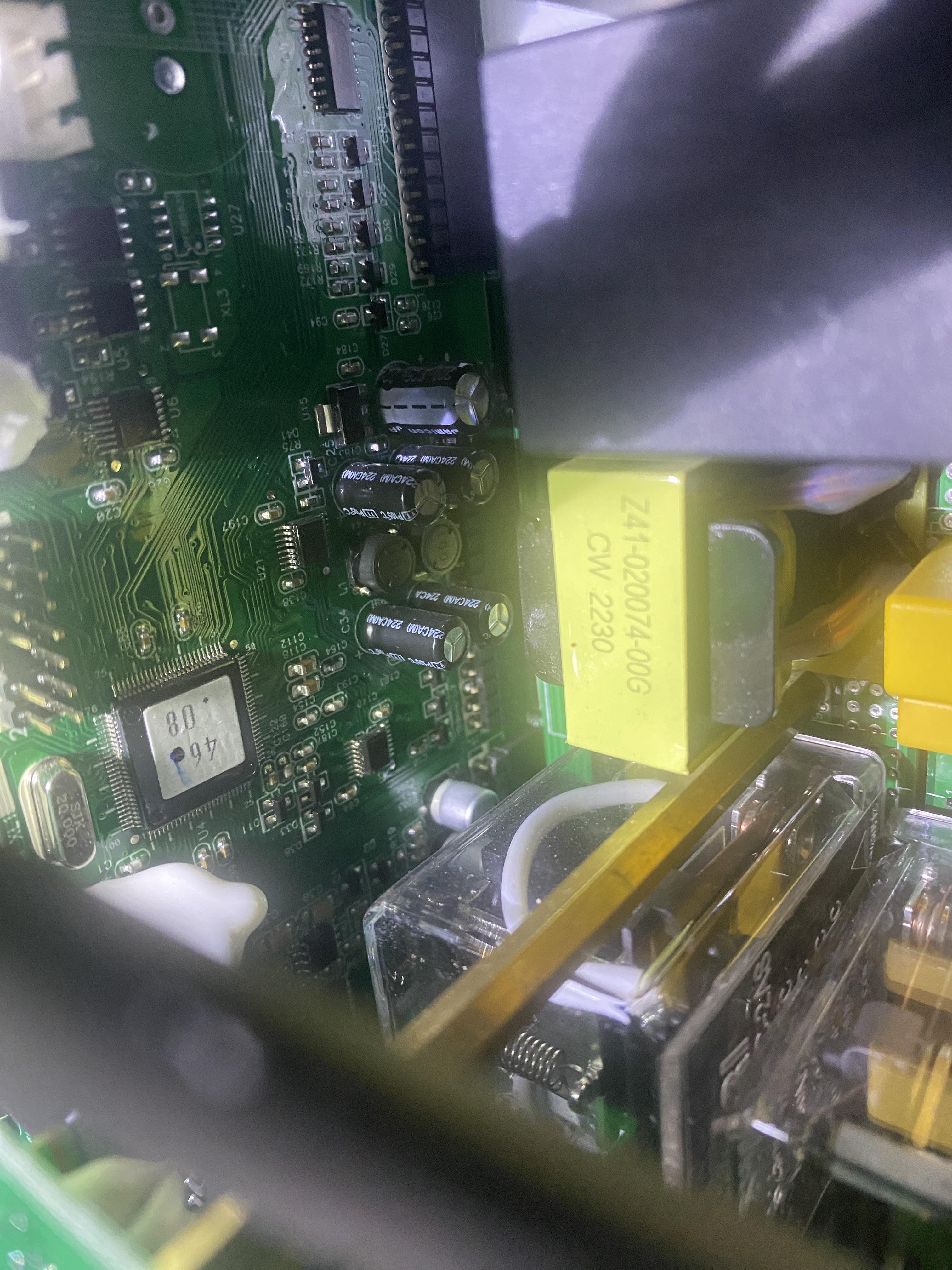
Alex fierar is a Voltronic clone for sure, you should take it apart to see the main chip on the board to be sure if it is 2809 or 28066 and choose which one of the modified ones fits... I have 2 rows of 20 panels Canadian 375w and I use the 200v version and I don't have problems with it being blocked at 90v... Good luck! you do it at your own risk!
-
Hello Noxar! I have the same inverter and I installed this version (see photo) which does not block at 90 V, I am very satisfied because even in cloudy weather it produces energy.
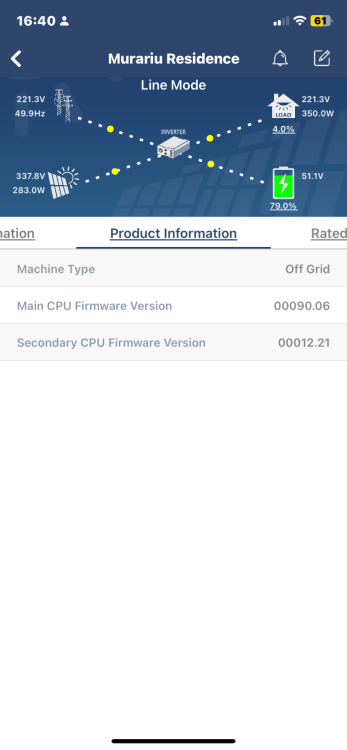
-
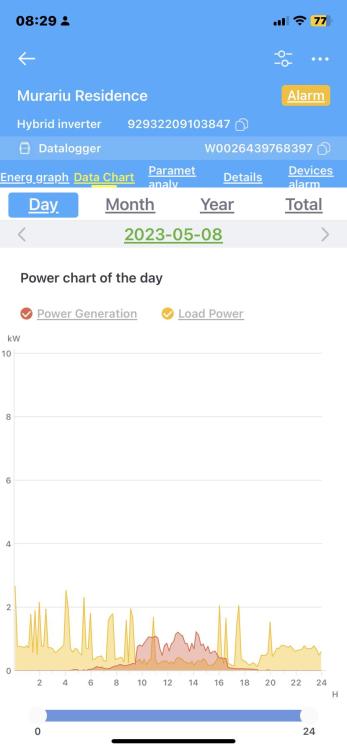
Good evening! It was an error in the application, I checked the application on the watchpower laptop and it is OK. At 10:20 there was a drop in production because very thick clouds came.
-
salut dragi prieteni! dupa 2 luni de teste cu noua versiune 90.09 a lui Georg594, pentru care nu am cuvinte sa-i multumesc pentru ca productia a fost grozava, astazi am observat cu surprindere pe graficul pv ca productia a scazut undeva intre 10 si 20 si apoi- a revenit, ce s-a intamplat ? tensiunea era pe panourile pe ambele fluxuri, doar puterea era de 0.1 Ah... o explicatie va rog? tensiunea de la retea era de 230 V si sunt deconectat de la retea. mulțumesc!
-
to be more sure, carefully read this post by Coulomb… be careful because you will lose the warranty if it is under warranty.... https://powerforum.co.za/topic/15880-axpert-chipset-chatter/
-
Howdy! any of them, which suit you depending on the voice and how many panels you have installed... I chose 90.09 because I have a string of 20 Canadian panels... 410v voice on a string of 10... Use at your own risk!!!
-
hi guys! with the help of Coulomb and Georg594 I succeeded and upgraded my Easun 8kw inverter from version 46.08 to 90.09 of 280v and it works fff well, both in the morning and in the evening, when it is no longer "stuck" in 90v... to this version worked with Reflash, I tried with Arena and it doesn't work, it can't open the port... Seeing that I managed to upgrade it with my inverter, I also tried with another Easun inverter of 8 kw but with version 72.03 to 92.05 and it also works fine, but this time it didn't work with Reflash but with Arena . I thank you very very much!!! You are some special people! I will try to do honor with a coffee by donation. Thank you again!
-
hello again CouLomb! I opened it and I have version 2809 at DSP,so it should work, what do you say? thank you very much!
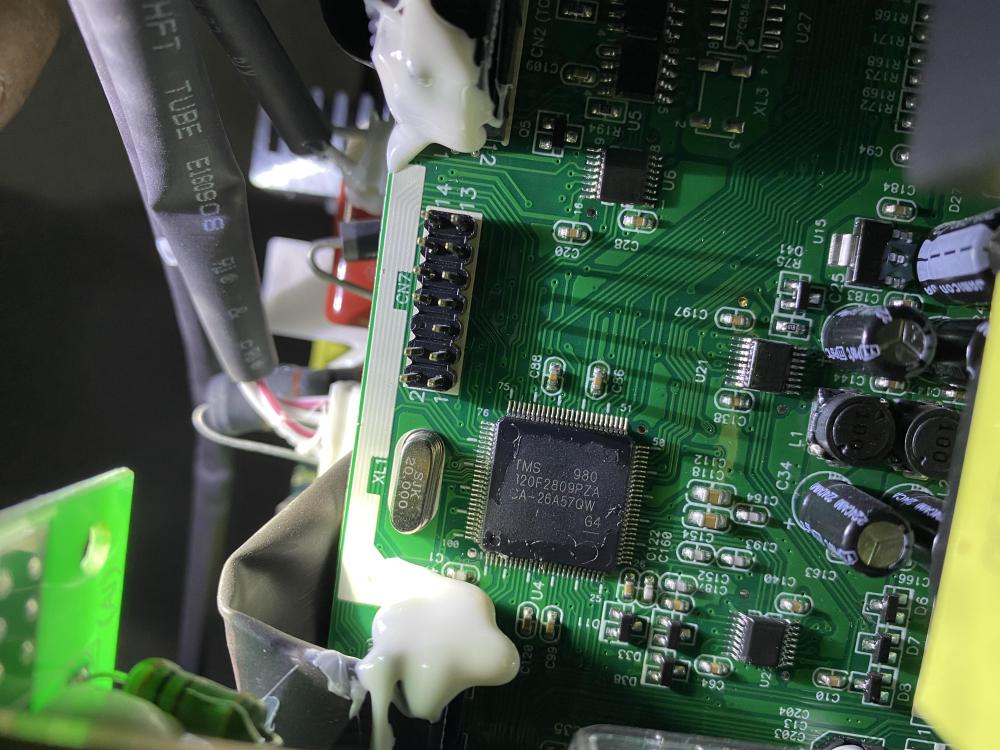 Salutare. s-a deschis ca sa vad varianta ta DSP, voi incerca sa incarc niste poze. Cu siguranta voi posta pentru ca sunt multe altele ca si in cazul meu. mulțumesc!thank you! please send me the download link…https://www.gigadevice.com/product/mcu/arm-cortex-m4/gd32f303vet6hello again Coulomb, I opened the display and tried to take a picture of the processor, it is from GigaDevice Arm code: GD32F30 VET6 AUJ9008 AC2221 that's all I managed to read after the GD32F30 wifi board thank you very much!
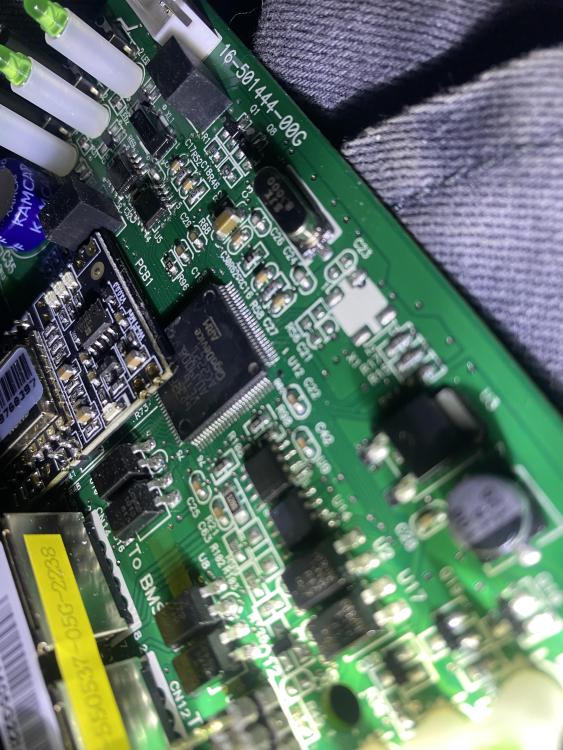 my inverter has a removable display, I also check the processor to be sure.. thank you very much! 12.21
 If i try georg 594’ s firmware 92.04 could it be ok?Hi, i have this inverter Easun SMW 8KW, and have problem with 90V in morning its stuck in 90V.... Actual version firmware Main CPU its 00046.08 and Secondary CPU firmware version its 00012.21. And i have 20 Canadian Solar panels 375 w , 41 v Voc (10 and 10 / string) which firmware do you recommend? Thank you for your answer!!!