surajsurya
Members
-
Joined
-
Last visited
-
surajsurya changed their profile photo
-
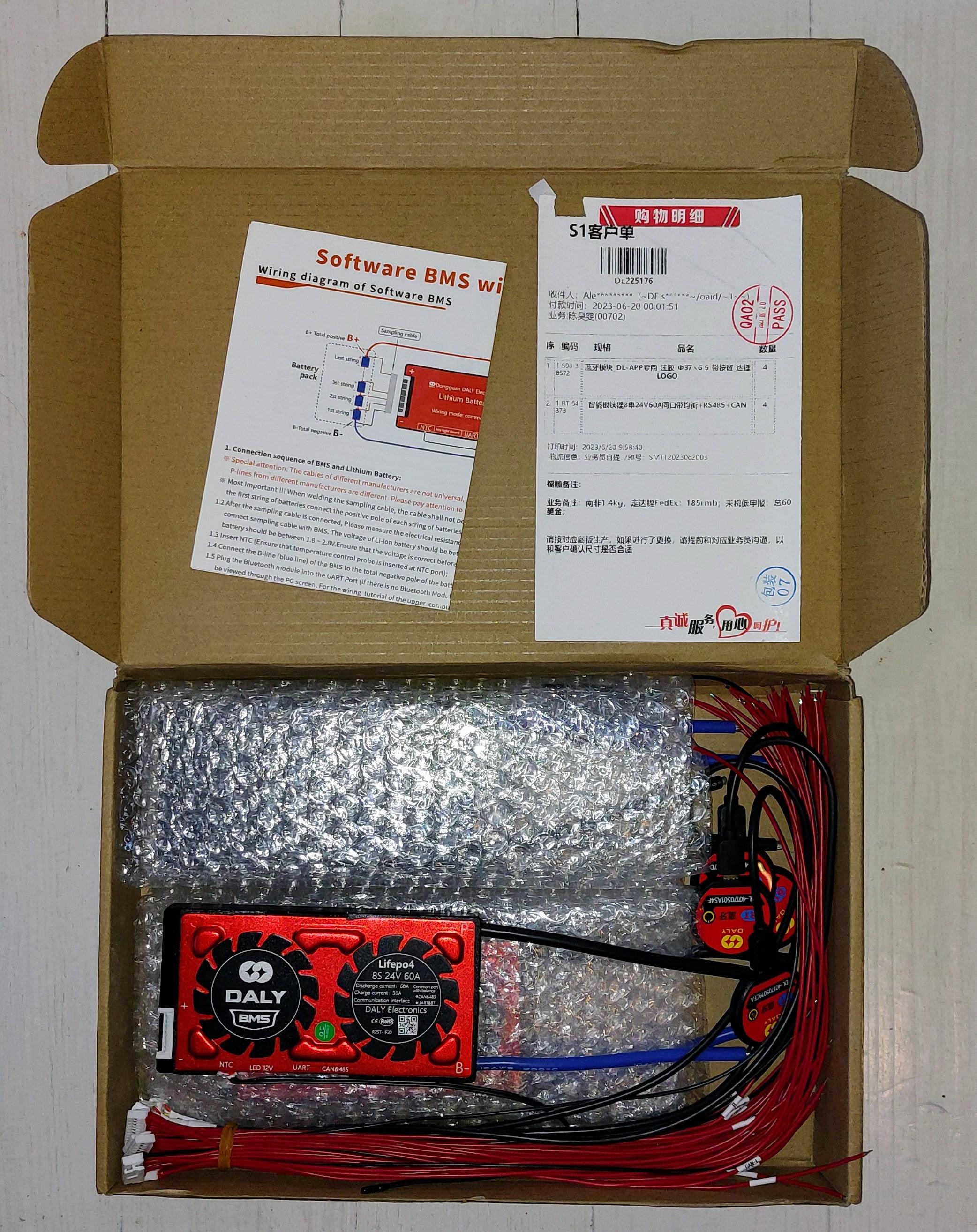
Item: Brand new, unused Daly 'smart' BMSs. Comes with NTC cable, bluetooth dongle, and cell measurement cables. For use with 8 cell, 24V batteries. Age: Brand new (unused, unopened) Price: R1,300 each plus shipping (R4,900 if buying all 4) Payment Method Accepted: EFT Warranty: Manufacturers Packaging: Original packaging from Aliexpress (see photos) Condition: Brand new Location: Cape Town Reason: Ordered the wrong specs (note these units are rated 60A discharge but only 30A charging) Shipping: Courier with tracking (Postnet, etc) Collection: Available if buying in the southern suburbs Link: https://www.aliexpress.com/item/4001321708781.html


-
Hi, just came here to post my issues with the 5kVA sacolar and saw this post. I've tried nearly everything. Connecting to the USB-B brings up a serial converter (tty on Mac/linux) but no data is output using various Python scripts I found on Github. Bought a USB-A to A cable to try the USB dongle port, but I don't even get a tty with that. Last tried using an RJ-45 to DB9 + DB9 to USB converter to use the RS-485 port. On that one I got some gibberish data when using a PC (a serial converter shows up on Mac but no data). Next I may buy a RS-485 to USB converter. It's possible the gibberish data might be readable with that.