Muzammil
Members
-
Joined
-
Last visited
Everything posted by Muzammil
-
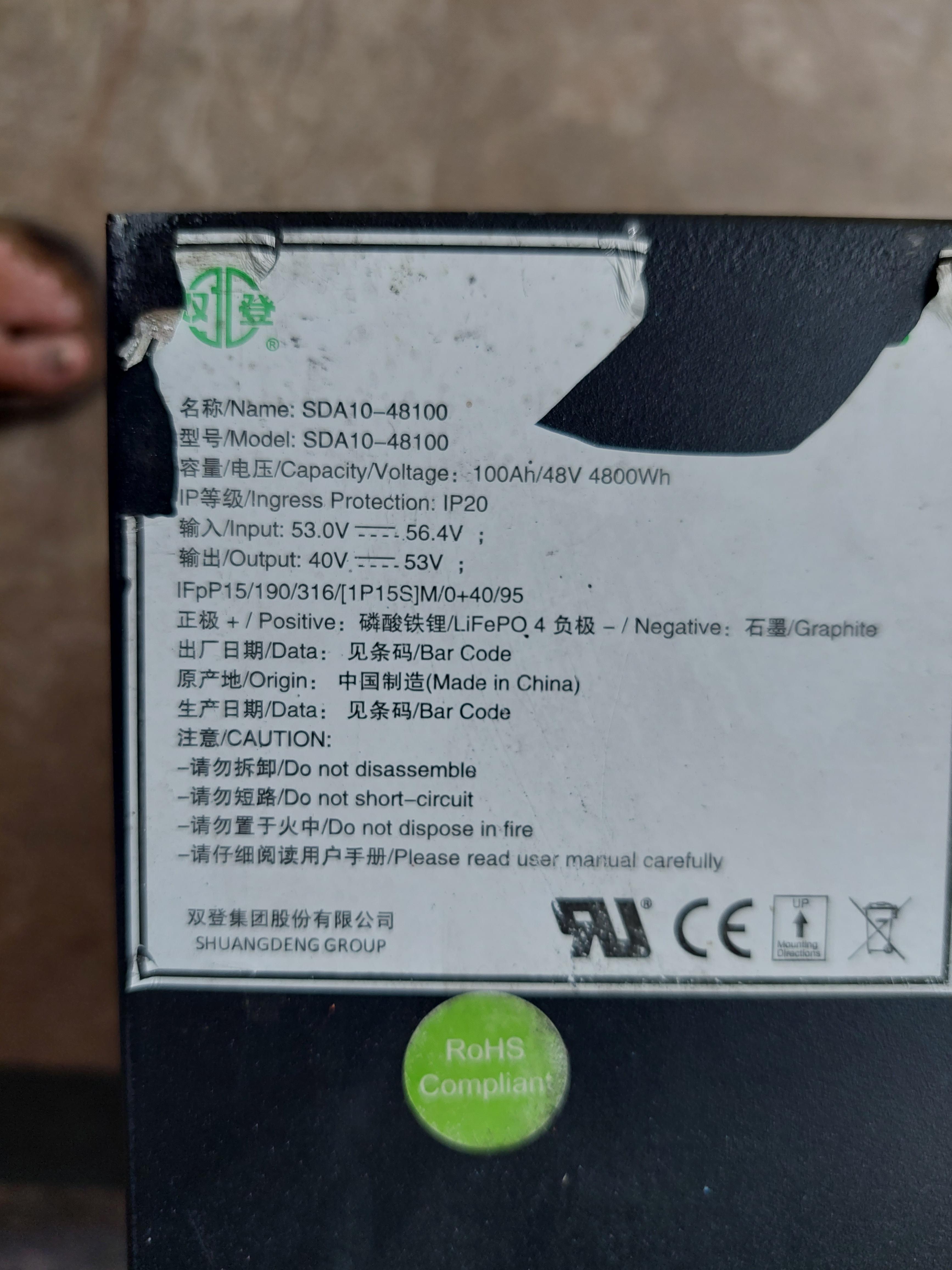
Attached herewith is the pic of my battery. I think its old model which also has RS 232 port.
-
Dear @jumper, Thank you very much for your time for discussing my issue. It will certainly help. I will follow your advice and hope it will solve my issue.
-
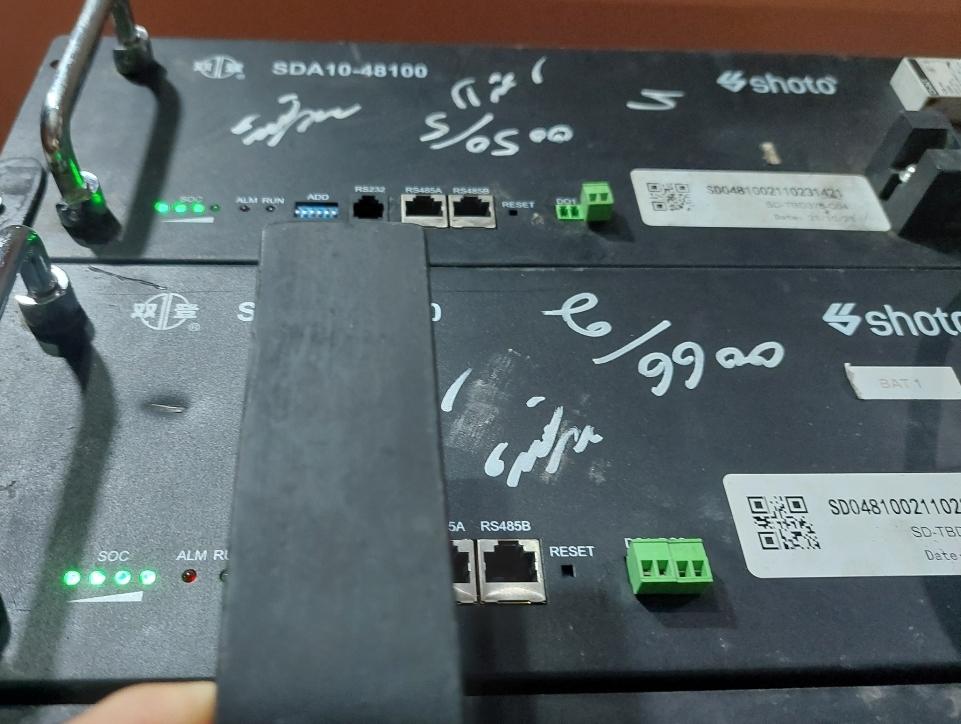
Thanks for detailed reply. My battery is old with RS 232 port on the far left. I have tried to make connection with BMS with following combinations; a) Pin-1 connected to port B and Pin -2 connected to port A. Other end of cable connected with RS-485-B at battery. b) Pin-7 connected to port B and Pin -8 connected to port A. Other end of cable connected with RS-485-A at battery. Unfortunately, got time out error in both of above cases. I will use another cable and adaptor to confirm if there is problem in cable or adaptor.
-
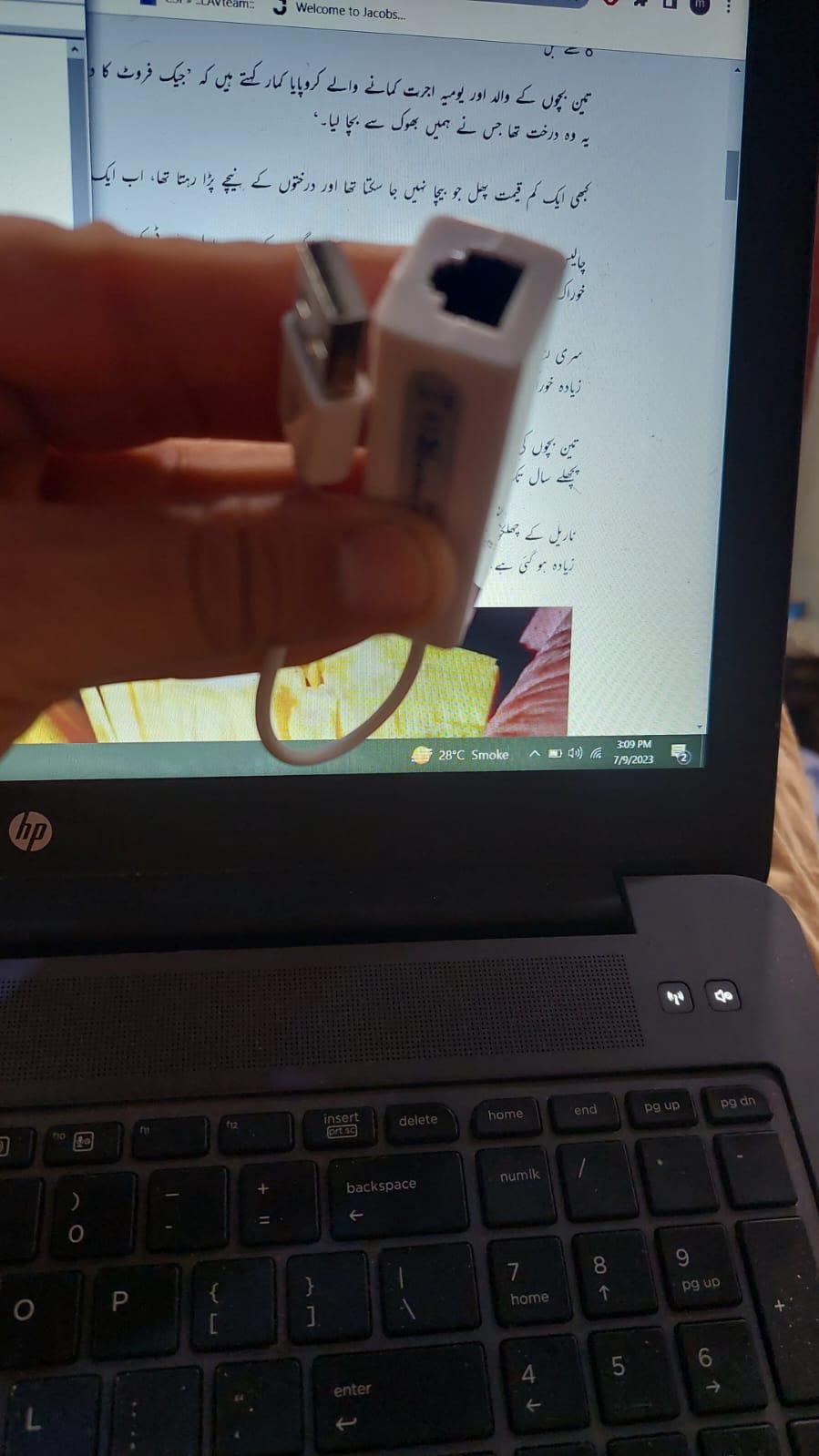
Thanks @jumper for your reply. I received two pin adapter this morning and connected pin 1&2 with (D- ) and and 7 & 8 with (D+) as advised in the post by @TheoVogel. Unfortunately, got Time Out error again. I mirrored the connection but even though could not get connected with BMS. As far as driver of two pin adapter is concerned, its already loaded in Win 10 by default as confirmed from Device Manager. I have followed all steps as advised in the post you mentioned from @TheoVogel except that in my case color code of pin 1 & 2 cables are light orange and orange whereas, color code of pin 7 & 8 cables are dark brown and light brown. But i think its just color coding and connection is dependent on cable position. The issue is still not resolved.
-
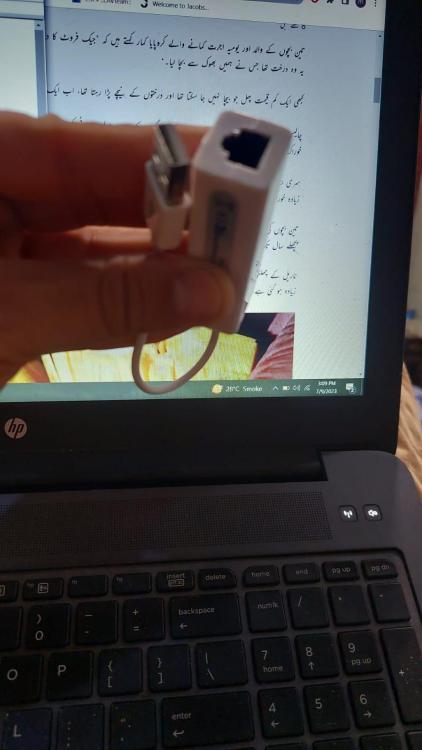
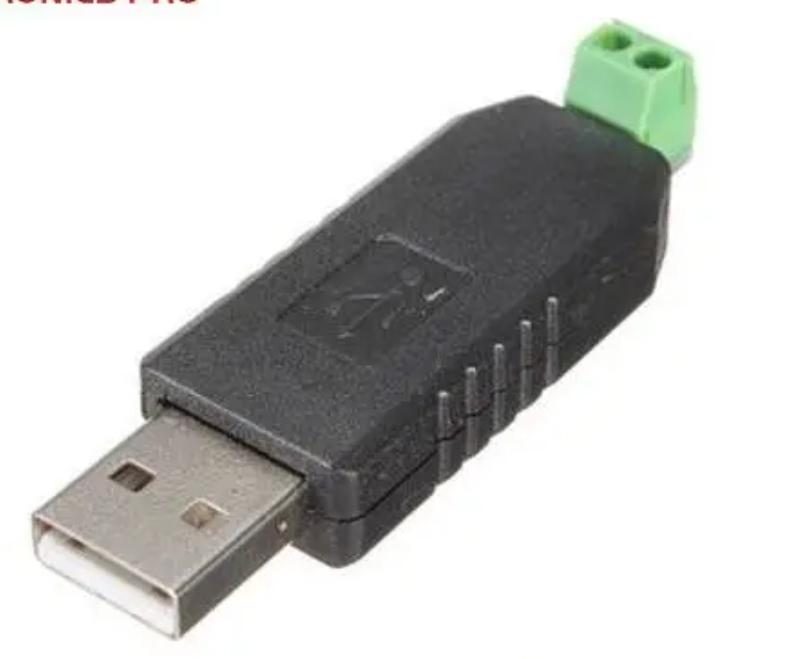
Please see the adpater being used in attachment. Its driver is installed and i have checked its connectivity with using internet. But i think, there is difference in internet connectivity with this adapter and BMS contectivity. Should i go for adapter with manual connection? I have ordered adapter to be used with manual connection as shown in next picture. Hopefully it will be delivered to me by tomorrow. I will use manual connection as per your advice and will try to connection. thanks for your help.
-
Hello Friends, I am facing issue in establishing connection between Shoto SDA 10 100 Ah battery with my laptop. I am using CH 9200 Adapter for USB to RS 485 communication. Battery monitor software is Seplos V 2.1.9. CH 9200 driver is installed in my laptop and working fine. I am using Baud rate 19200. Even though not getting connection with Shoto Battery system and receiving Time Out error. What could be the issue and solution?
-
Thanks. I will follow and see the charging current with revised settings.
-
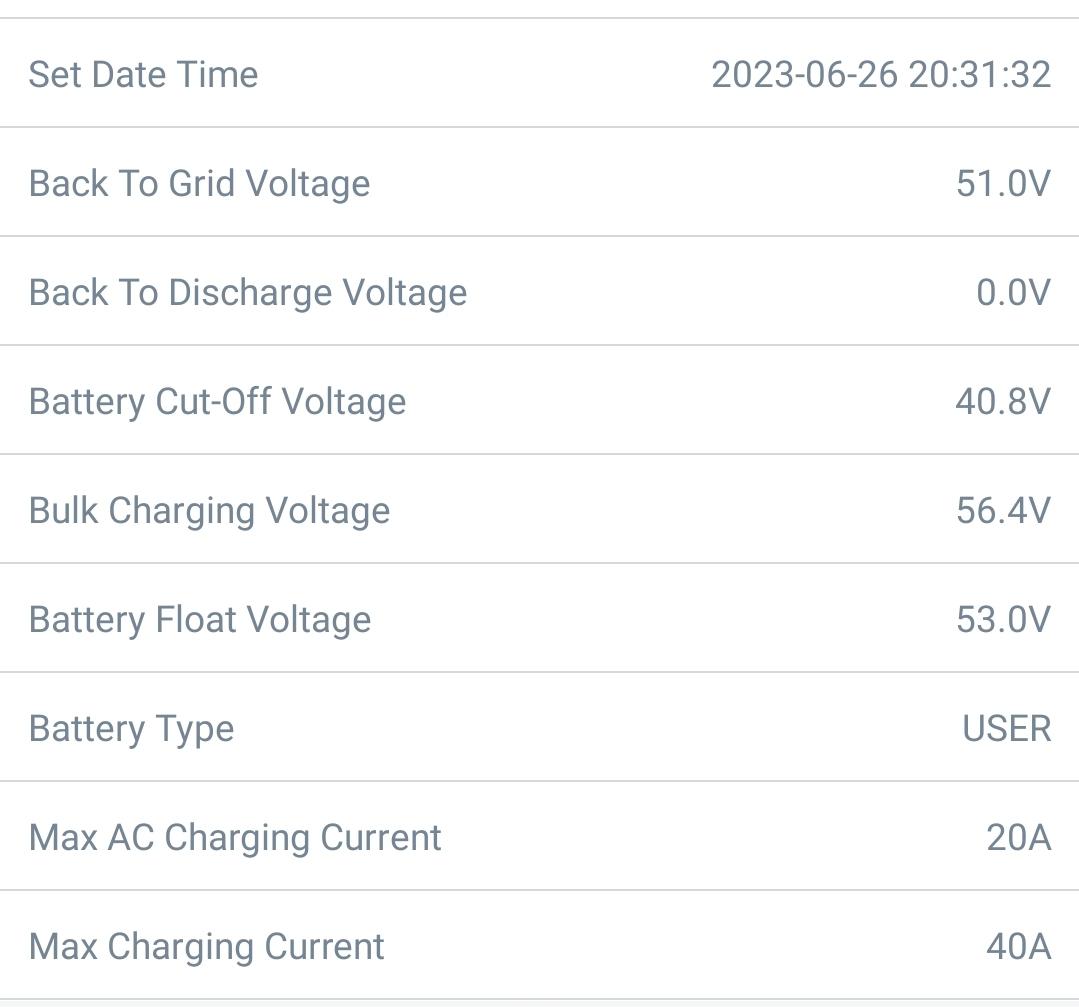
Thank you for detailed response. I have set the bulk charge at 54.5V and float at 52.5V. Back to Grid is at is Battery Stop discharging when grid is available. Its at 51V by default in my Invetor setting. I will check the charging behaviour and update you. thanks again
-
Unfortunately, such charts are not available in my Invetor. But you can see inverter settings for battery in attachment. At any battery capacity level, peak charging current never goes up to 9 A. So charging current is between 1A to 9A. I want to know is there any charging limit setting in BMS which can be adjusted to change charging current as we do in Invertor settings?
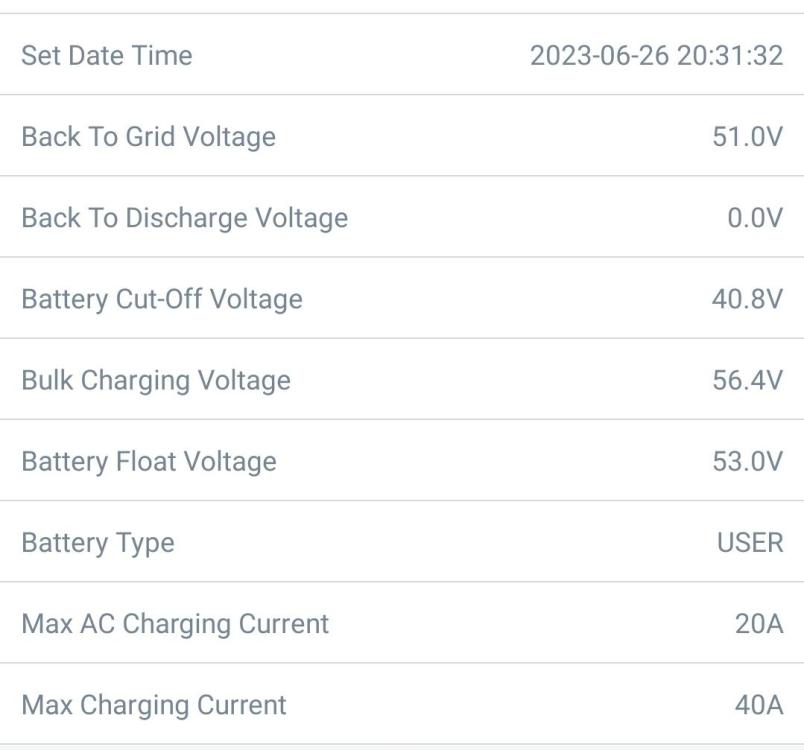 Hello Guys I am using Shoto SDA10 48100 model battery with 5kw Tesla Infini V2 inverter. I am facing issue that charging current is not going above 9A in any case ( i mean even when battery is at 80% discharge state) although i have set the it at 40A in Invertor charging settings. What should be the solution?