Sinopesolar
Members
-
Joined
-
Last visited
Everything posted by Sinopesolar
-
@Coulomb Thank you so much 😊
-
@Coulomb should this fuse work for replacement of F3? I have seen F3 is burned.

-
Thank you very much Coulomb for your reply. I think, I will be able to bypass LCD display with the proposed wiring. I don’t want to send any command to the inverter, because of lack of knowledge. If I can use WatchPower with PC, it would be great. I have also a Wi-Fi Module; connected to DSP, but there is no power. (How) Is it possible to connect Wi-Fi Module to DSP in a way enabling remote monitoring of the inverter? Do you have a picture that shows where the SMD fuses and power supply located? By the way, I am also looking for the replacement LCD Display Panels to purchase, but the proposed items are not for Axpert King II, they are for Axpert Max 8kW or 11kW. I am not sure, if these product are compatible with Axpert King II. Finally, I hope I did not damage any component of Inverter I.e. com board etc.


-
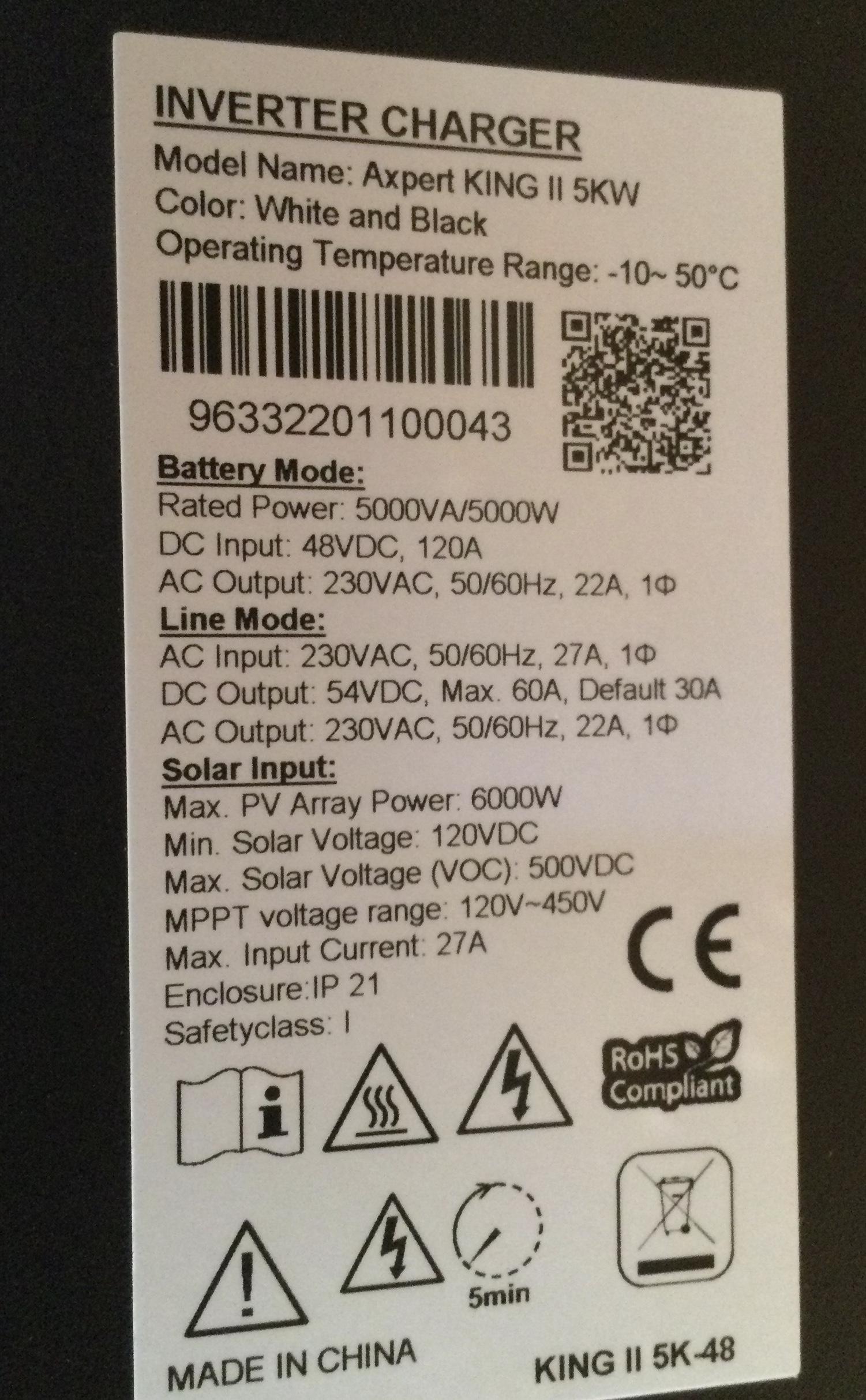
Hello together, I have 2x Voltronic Axpert King II 48V inverters in parallel use. When I tried to connect a Pylontech US5000 battery, I connected the Battery-Inverter cables with RS252 ports instead of BMS ports RS485 of the both inverter, which was a huge mistake. Since than there is no information on both displays anymore, only on/off buttons on LCD displays are working to switch inverters on or off. But no additional info will be shown; LCD displays are dead. Also Wi-Fi data collectors are not visible in my WLAN. The management of the inverter is not possible. Has anyone an idea or similar experience, how I can solve this problem? I’ve read several proposals in this forum, i.e. to reflash LCD display firmware, but it is not possible to get a connection neither via RJ45 nor USB port, because LCD display has no POWER. Thank you for your support and suggestions. This picture was taken, when LCD display was working.