Skip to content
View in the app

A better way to browse. Learn more.

Power Forum - Renewable Energy Discussion

A full-screen app on your home screen with push notifications, badges and more.

To install this app on iOS and iPadOS
  1. Tap the Share icon in Safari
  2. Scroll the menu and tap Add to Home Screen.
  3. Tap Add in the top-right corner.
To install this app on Android
  1. Tap the 3-dot menu (⋮) in the top-right corner of the browser.
  2. Tap Add to Home screen or Install app.
  3. Confirm by tapping Install.

Dualstar

Members
  • Joined

  • Last visited

Everything posted by Dualstar

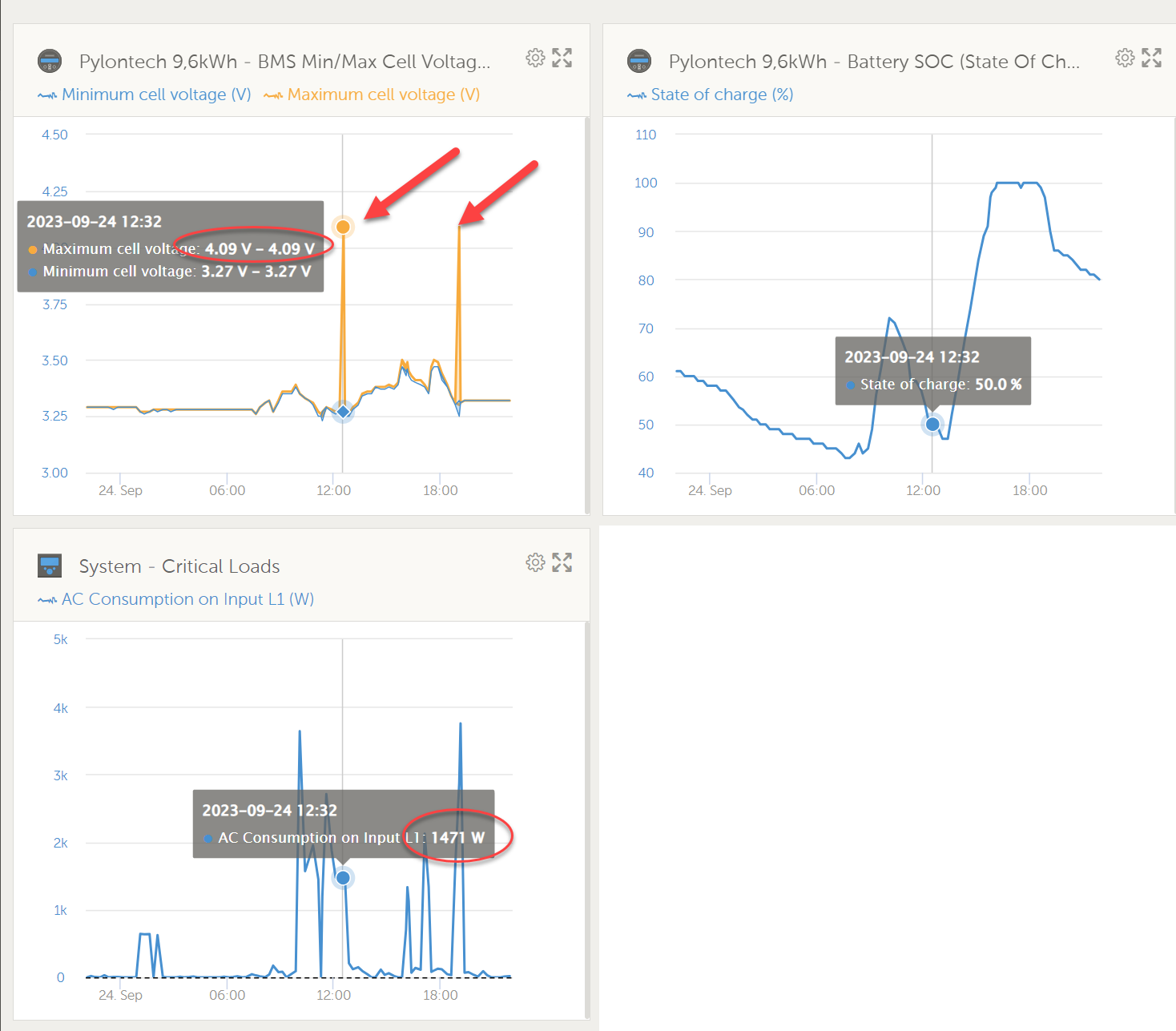
  1. I did in fact contact Pylontech and got an answer 2 days later. cool response time! They say its a "firmware problem and can be fixed easily". For that, they send me a file with batteryview 3.0x B1.1 and a firmware (US5000_st1.4+e21.6) file for the US5000 + instructions. ill try tonight and report if it works. M.
  2. HI, i have 2 Pylontech US5000 blocks combined with a Victron Multiplus 2 48/5000. unfortunately i get a high cell voltage warning and the batterie is always going ito savety mode. as far as i found out, a firmware upgrade solves this problem (probably software glitch) with the smaler variants, and i was hoping there is a update for the US5000 too, but it looks like there is none. does anyone have an info about new firmwares for the US5000 series? thanks in advance. Martin

Account

Navigation

Search

Search

Configure browser push notifications

Chrome (Android)
  1. Tap the lock icon next to the address bar.
  2. Tap Permissions → Notifications.
  3. Adjust your preference.
Chrome (Desktop)
  1. Click the padlock icon in the address bar.
  2. Select Site settings.
  3. Find Notifications and adjust your preference.