Skip to content
View in the app

A better way to browse. Learn more.

Power Forum - Renewable Energy Discussion

A full-screen app on your home screen with push notifications, badges and more.

To install this app on iOS and iPadOS
  1. Tap the Share icon in Safari
  2. Scroll the menu and tap Add to Home Screen.
  3. Tap Add in the top-right corner.
To install this app on Android
  1. Tap the 3-dot menu (⋮) in the top-right corner of the browser.
  2. Tap Add to Home screen or Install app.
  3. Confirm by tapping Install.

MINOSC

Members
  • Joined

  • Last visited

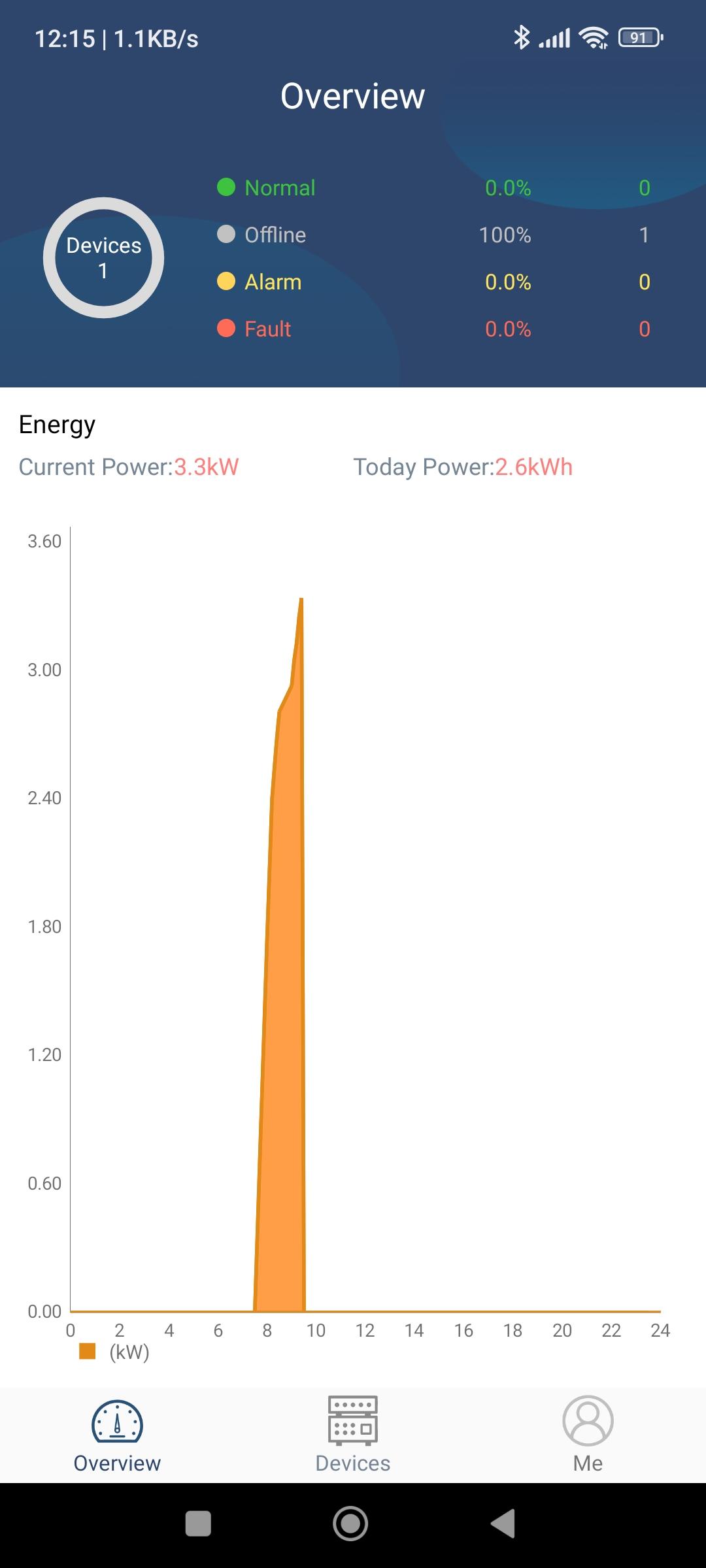
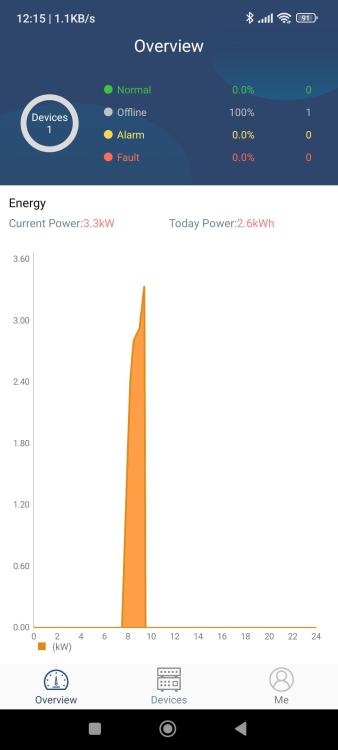
  1. I have a Kodak OG5.6 inverter and run the Watchpower app on it. The App only shows it is connected from about 8 in the morning until about 12. On rare occasions it also show information in afternoons but never for the full day or at night. During the the time it is on it shows as "Normal" and the rest of the time it shows "Offline". I have tried it on a dedicated modem with a sim card connection as well as my home's wifi. Both being online 24\7. It give the same results on both. Is this an issue with the WiFi module or are there perhaps settings that needs to be changed? I have made screenshots of this over the last month but only attached 2 screenshots of the issue.

Account

Navigation

Search

Search

Configure browser push notifications

Chrome (Android)
  1. Tap the lock icon next to the address bar.
  2. Tap Permissions → Notifications.
  3. Adjust your preference.
Chrome (Desktop)
  1. Click the padlock icon in the address bar.
  2. Select Site settings.
  3. Find Notifications and adjust your preference.