Skip to content
View in the app

A better way to browse. Learn more.

Power Forum - Renewable Energy Discussion

A full-screen app on your home screen with push notifications, badges and more.

To install this app on iOS and iPadOS
  1. Tap the Share icon in Safari
  2. Scroll the menu and tap Add to Home Screen.
  3. Tap Add in the top-right corner.
To install this app on Android
  1. Tap the 3-dot menu (⋮) in the top-right corner of the browser.
  2. Tap Add to Home screen or Install app.
  3. Confirm by tapping Install.

jarno Hissink

Members
  • Joined

  • Last visited

Everything posted by jarno Hissink

  1. Thank you, it worked!
  2. Did you also use the U.S. measurement system
  3. Hi @AlexTZA that was a great surgestion, but unfortunately I still get the same error.
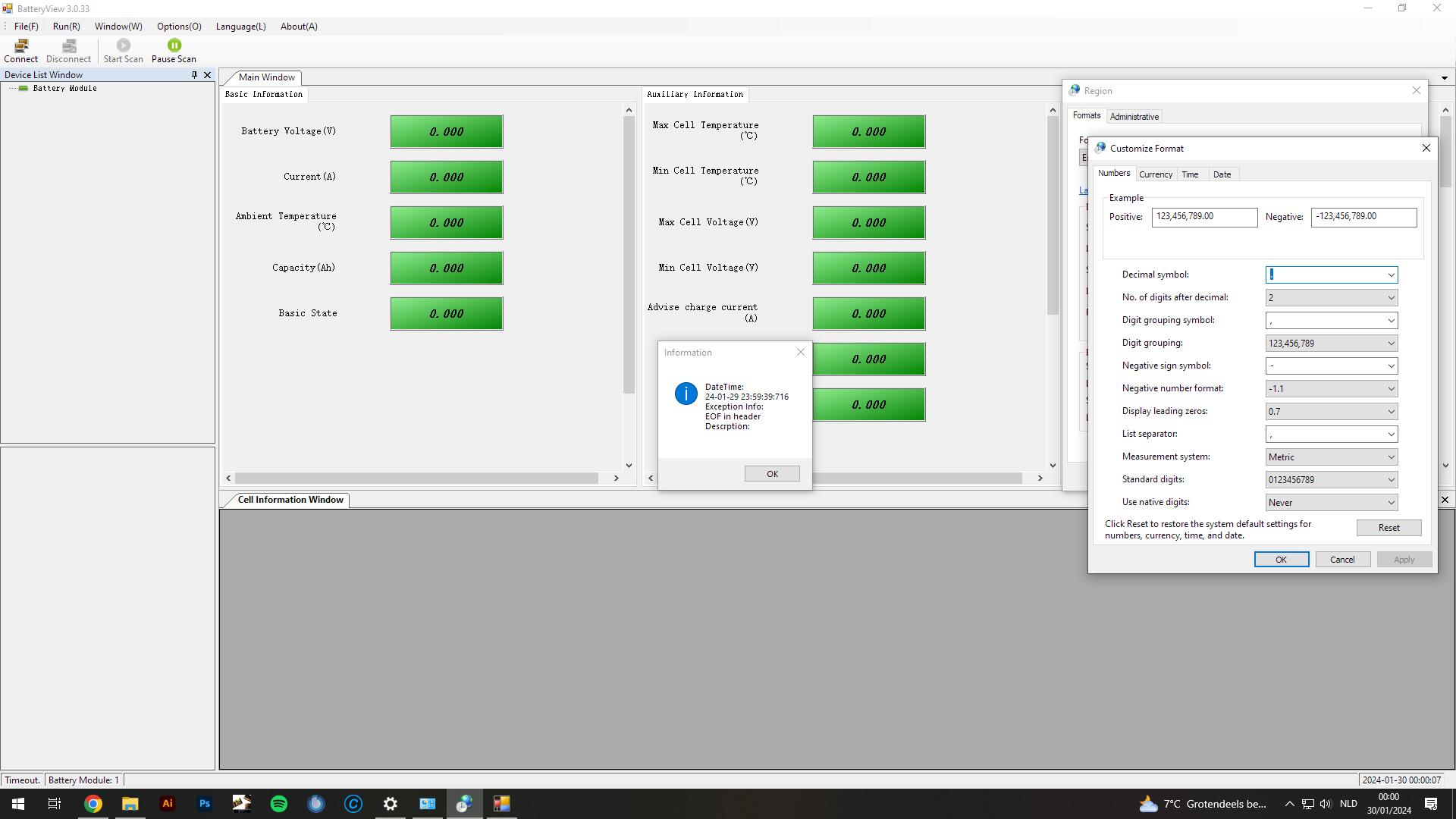
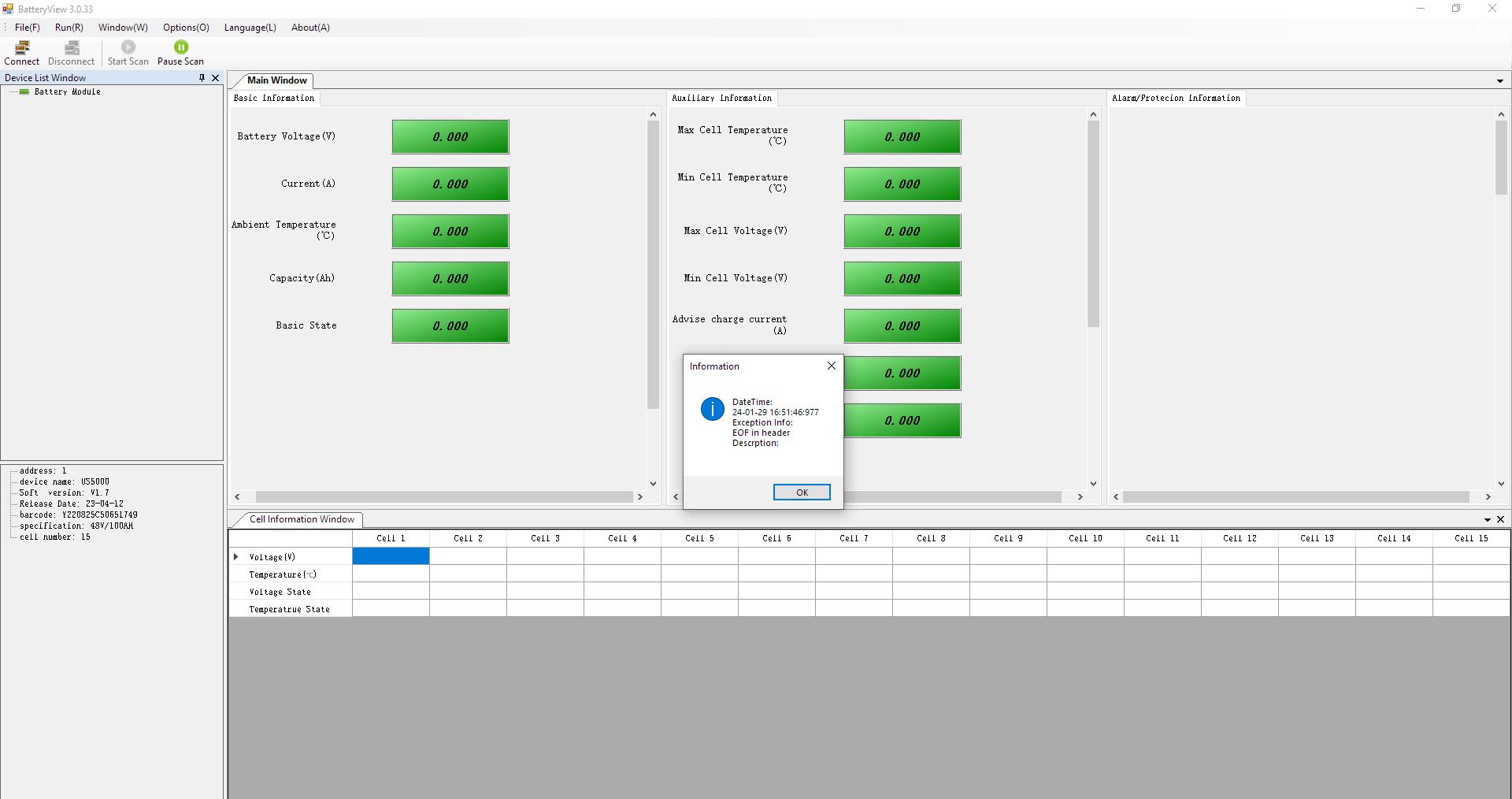
  4. Hello I have a pylontech US5000 battery The battery alarm licht is on, so i put it on my PC with the latest batteryview 3.0.33 But i get an error: EOF in header Just to make sure it is not a PC issue i have tried 3.0.28, 3.0.29 Then i updated the firmware trough the upgrade tool (PYLONTECH TOOLS 2.0.0) That went smooth like a breeze and the battery has now firmware version 1.7 But the alarm licht is still on and i can't get the logs or see the error messages EDIT: When it take the cover of and use a multimeter on it the battery is at 49,5V. but when i use it on the outside terminals there is no voltage. I hope someone can help me

Account

Navigation

Search

Search

Configure browser push notifications

Chrome (Android)
  1. Tap the lock icon next to the address bar.
  2. Tap Permissions → Notifications.
  3. Adjust your preference.
Chrome (Desktop)
  1. Click the padlock icon in the address bar.
  2. Select Site settings.
  3. Find Notifications and adjust your preference.