Skip to content
View in the app

A better way to browse. Learn more.

Power Forum - Renewable Energy Discussion

A full-screen app on your home screen with push notifications, badges and more.

To install this app on iOS and iPadOS
  1. Tap the Share icon in Safari
  2. Scroll the menu and tap Add to Home Screen.
  3. Tap Add in the top-right corner.
To install this app on Android
  1. Tap the 3-dot menu (⋮) in the top-right corner of the browser.
  2. Tap Add to Home screen or Install app.
  3. Confirm by tapping Install.

Ali Rammal

Members
  • Joined

  • Last visited

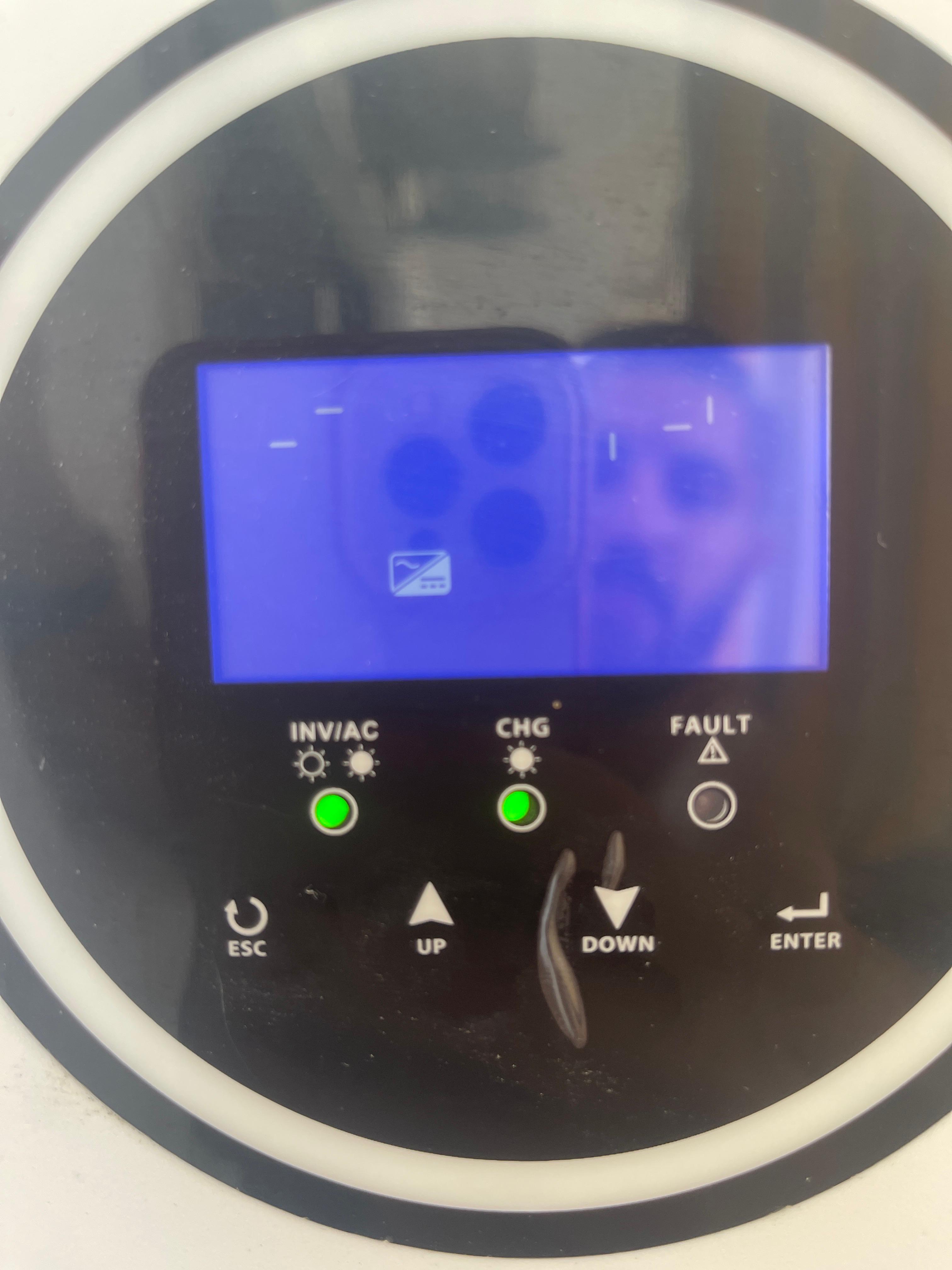
  1. Hi @Moffat , 1. small inverter 3000W 2. 6 panels 3.4. nothing suddenly the electricy went down in the day sunny day, I checked the inverter unable to start, I tried many things but if started with or ref light fault or the first two green and shutdown, even on AC utility did not turned on, blue screen only, the fan did not work also.
  2. Hello, Suddenly my inverter turned off in the sunny day, and it is not able to load - check the images.
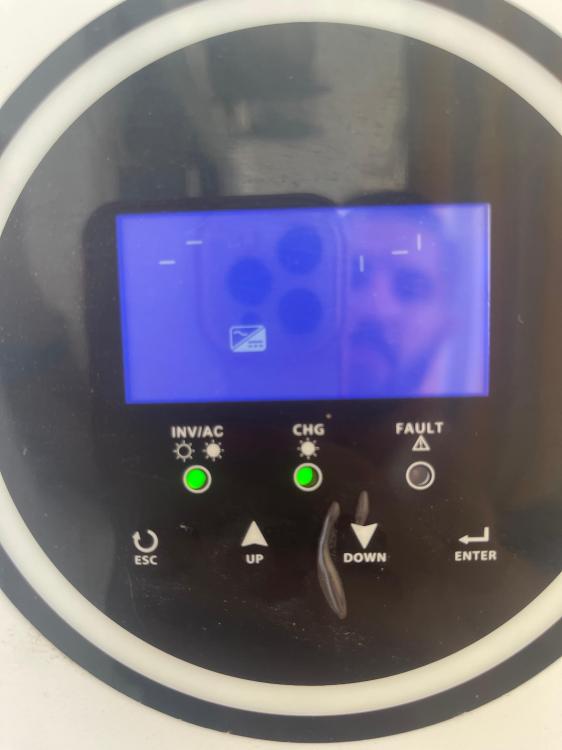
  3. Hello, what does the attached code means? I got it after I clicked many time to Down button(in function key) it was the last displayed information. and the inverter not showing any fault or alert.

Account

Navigation

Search

Search

Configure browser push notifications

Chrome (Android)
  1. Tap the lock icon next to the address bar.
  2. Tap Permissions → Notifications.
  3. Adjust your preference.
Chrome (Desktop)
  1. Click the padlock icon in the address bar.
  2. Select Site settings.
  3. Find Notifications and adjust your preference.