


Diono
Members
-
Joined
-
Last visited
-
Thanks Coulomb. I thought you might be interested in the ratings. Also, do you know where I can get c style program examples of comms with this type of inverter? Cheers, Dion

-
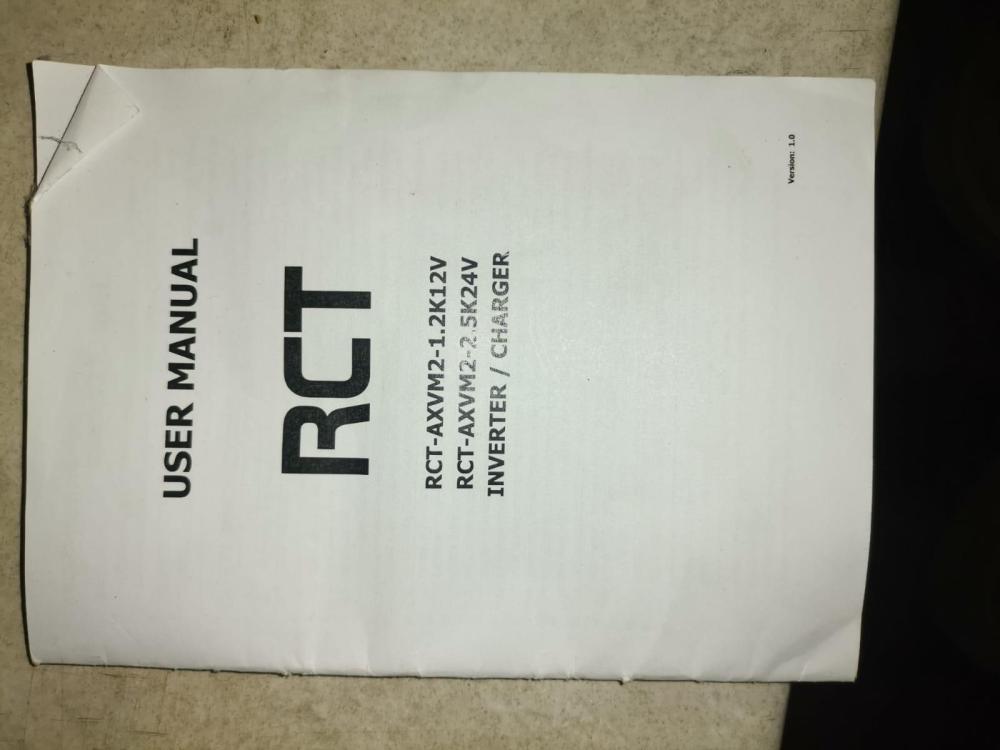
Thanks for the reply Coulomb. I am not sure if this manual can shed any light on the rebranding or not issue. The monitoring apps i looked at wont work. I want to perform certain tasks when values are at predetermined levels. If the unit is a rebranded one, any idea how to listen to the serial port and figure out which protocol is being used?
-
Hi, I recently had a RCT-AXV2-2.5kW inverter installed and have subsequently decided to try and comm with the unit. Can anyone point me in the right direction. I would like to poll the unit for voltage at this time. I do have programming experience. Thank you for your time. Cheers, Dion
-
Diono joined the community
-
Hi, I have recently had a RCT-AXV2-2.5kW inverter installed and would like to know how to communicate with it using the comm port. Thank you. Dion

