Dario Lorenzoni
Members
-
Joined
-
Last visited
-
Hi Coulomb, I'm very desperate, I'm willing to pay for your work but can you help me by fixing my firmware? I work with car control units, if you tell me how I can help you I'll do it too, do I have to read you the firmware? i'm very desperade i want fix 90v stuck
-
could you make me a patched version of 11.05?
-
can it be set manually by running some codes to solve this problem in your opinion?
-
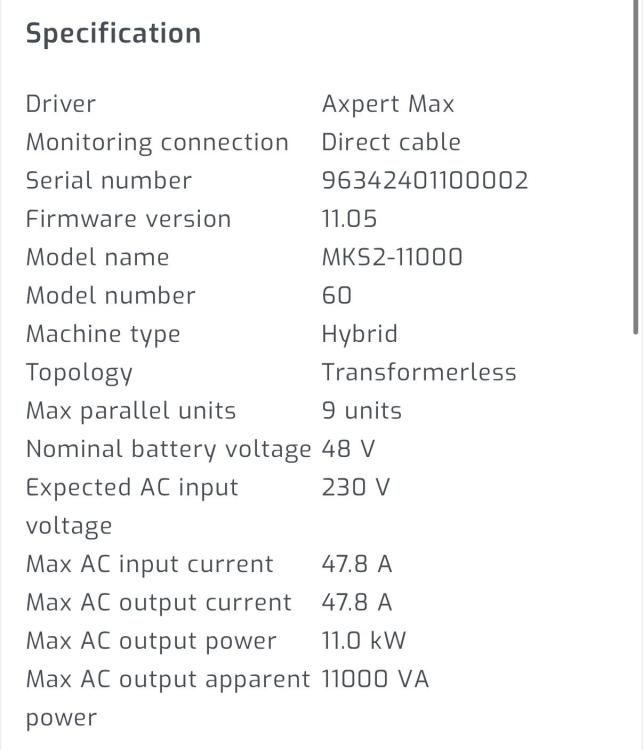
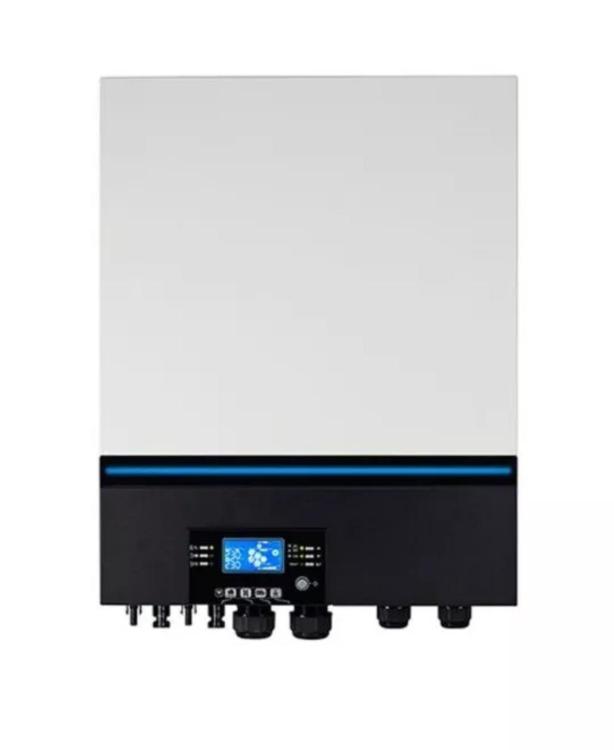
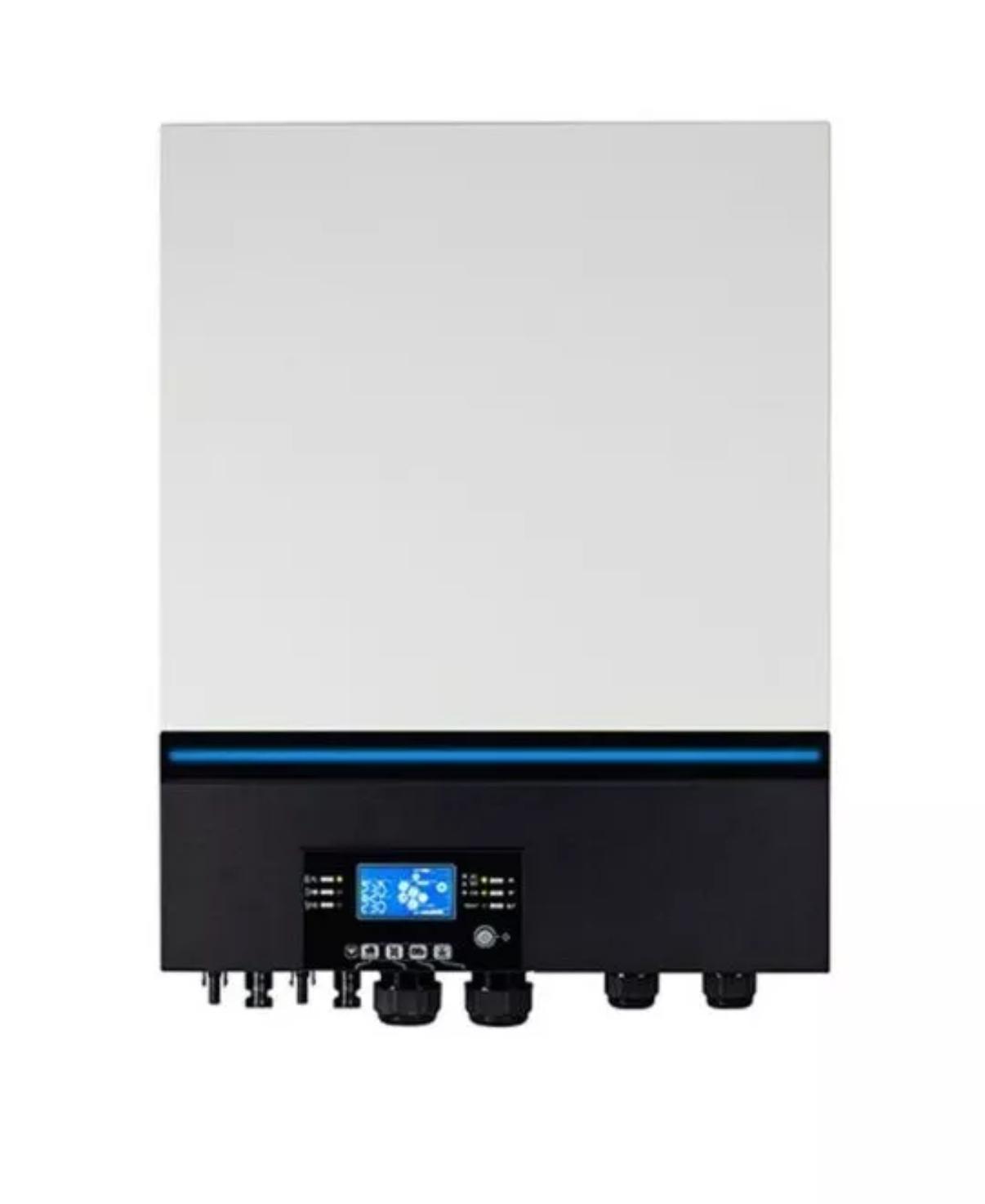
hi guys, I'm a new user who purchased this Voltronic Axpert MAX DUPLEX 11000-48 Inverter 11.0kw 48 volt inverter, I noticed that it remains at 90v until it exceeds a threshold, I had read that this problem had been fixed, can you help me out look for the correct firmware version for my inverter? A thousand thanks. I add a screen of the inverter info since I connected it to solarassistant