


Vlado
Members
-
Joined
-
Last visited
-
That's exactly what I thought, but after reading the manual I couldn't find anything - so I'll try again, maybe I overlooked something Is it normal for the batteries to run out in SUB mode?
-
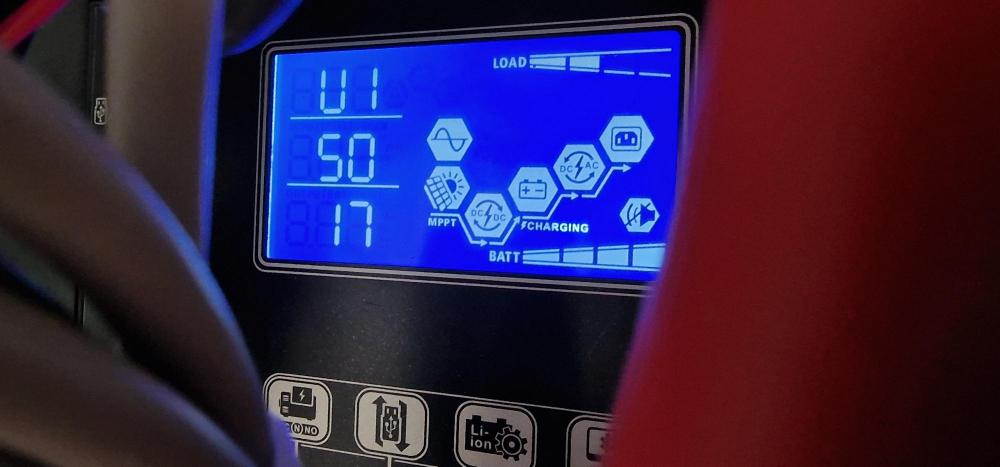
By default I work in SBU mode I sent the SUB command via SollarAssistant to the Master The Master and Slave started working in SUB mode - that's fine I sent the SBU command via SollarAssistant to the Master The Master and Slave continued to work in SUB mode but the display showed that they were in SBU mode - I don't understand why I turned off and then turned on the 230V supply circuit breaker to the Master and Slave and only now they started working in SBU mode
-
yes I have Master and Slave I can send ECO command to both Master and Slave I sent ECO via SollarAssistant to the Master inverter Result: Master - ECO Slave - ECO Bypass did not switch I sent AUT via SollarAssistant to the Master inverter Result: Master - AUT Slave - ECO I had to switch to AUT in the Slave via the display panel could a different U2 software do this too?



-
Hello, Please advise. I have 2x Axpert King II in parallel connection monitored and controlled via Sollar Assistant. Can King work in parallel connection via bypass? When I had 1x King I was able to switch to ECO mode via Assistant and the inverter switched to bypass. Now when I added another King in parallel it doesn't work - I switch to ECO mode but the bypass doesn't turn on. Thanks for the answer.


