dobber
Members
-
Joined
-
Last visited
Everything posted by dobber
-
Glad to be of help. I know what you mean by going mad... my experience as well, after almost a week of not getting it to work! But now it's been working solid for a few months now, and got it integrated with Home Assistant so that I can collect stats and perform analysis. Loving it!!
-
Yes, I was able to fix it by disabling DRM (Demand Response Mode) under advanced setting, then wait for 2 minutes for the inverter to adjust to the new setting.
-
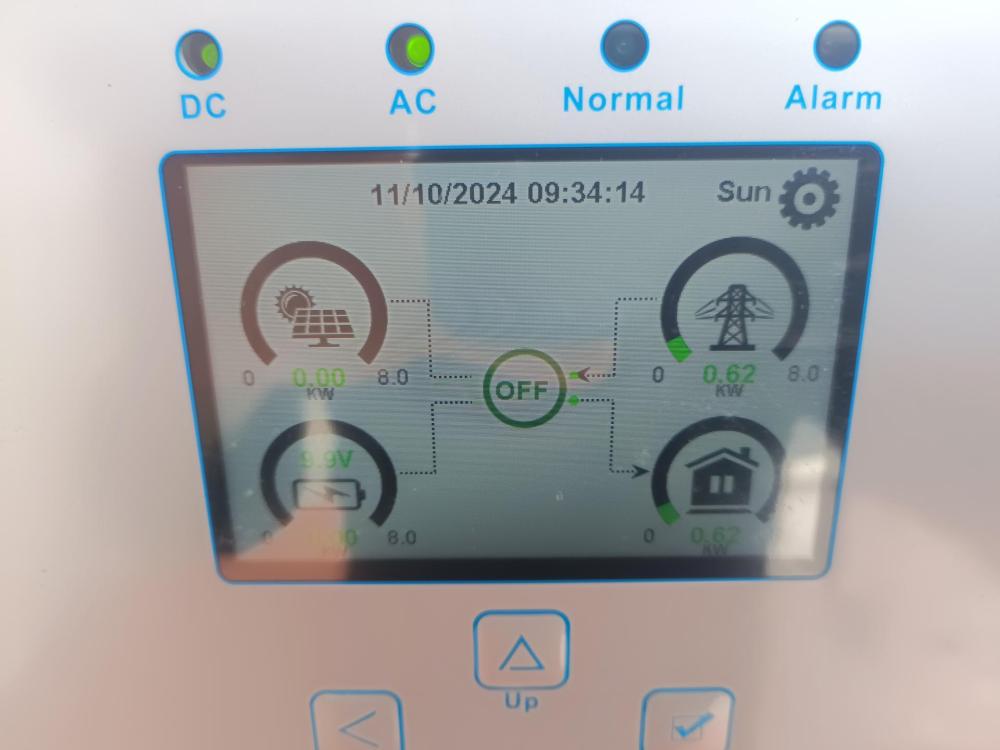
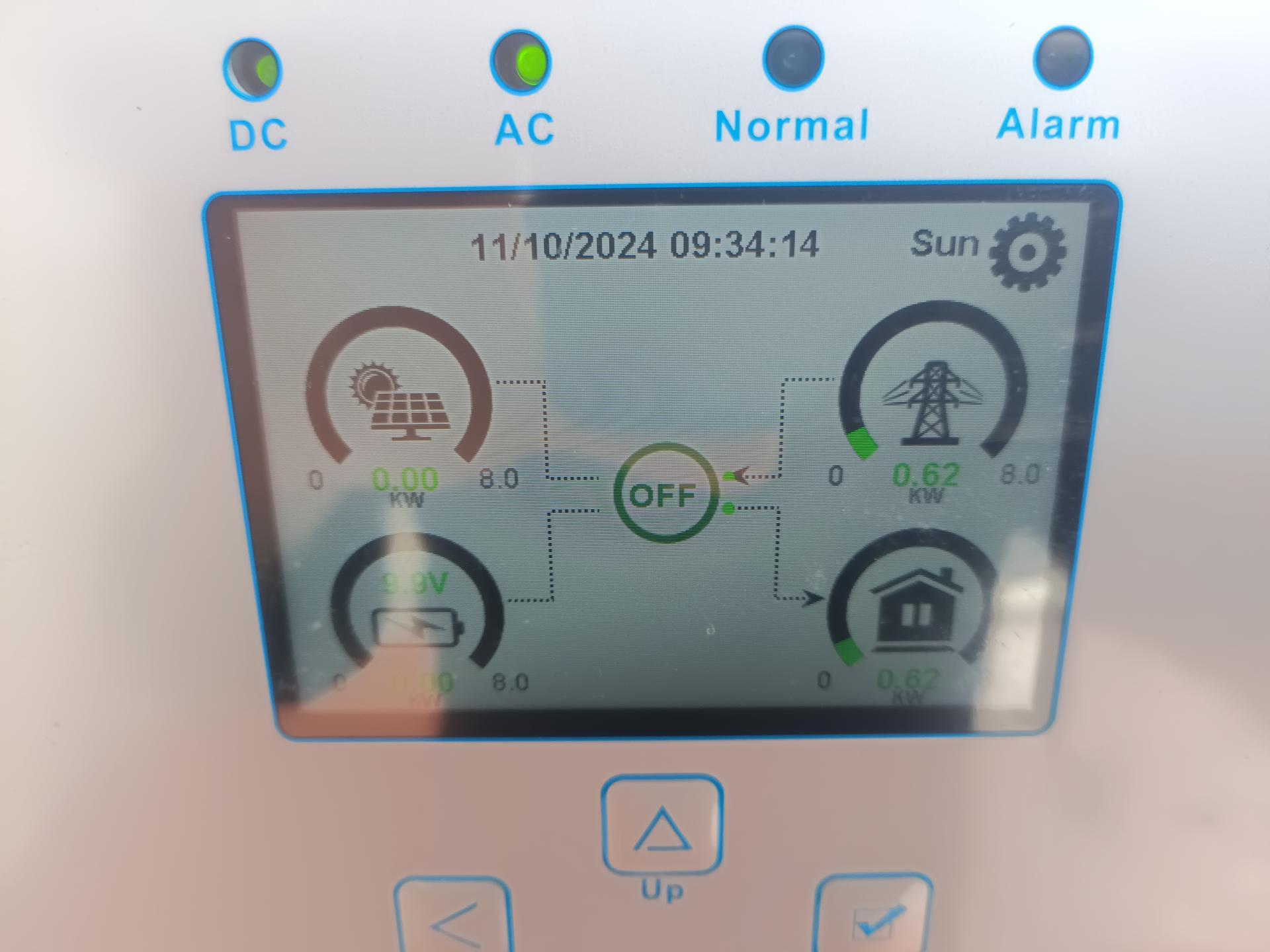
Yes, positive. Blue ring around ON/OFF LED button was on. When I pressed it again, blue light goes off. Pressed it again, blue light goes on. But inverter status on main screen remains "OFF". That's exactly the problem I am trying to diagnose: 1) Correct voltages at PV 2) Normal light is off 3) Inverter status is off Shouldn't inverter still work if: 1) No battery 2) Work mode is "Sell first" 3) Load port is connected Unless you are telling me if inverter can only turn on if battery is connected. However, from my research, it seems inverter should still be able to work even if no battery connected.
-
Most definitely!
-
I have a follow-in question. In my current config, if I change work mode to "Selling first", wouldn't the inverter turn on and start selling solar power back to the grid? But when I did this, inverter stays off, and no power was produced. Any idea why? Thanks!
-
Thanks Calvin. I think you explanation makes a lot of sense. I have a battery coming end of the month. We will see how it goes then.
-
I believe "Zero export to load" means it will provide enough power to LOAD, but will not sell power to the grid? This means it will use solar first to try to power LOAD, and supplement the rest with GRID. Is my understanding incorrect? Thx.
-
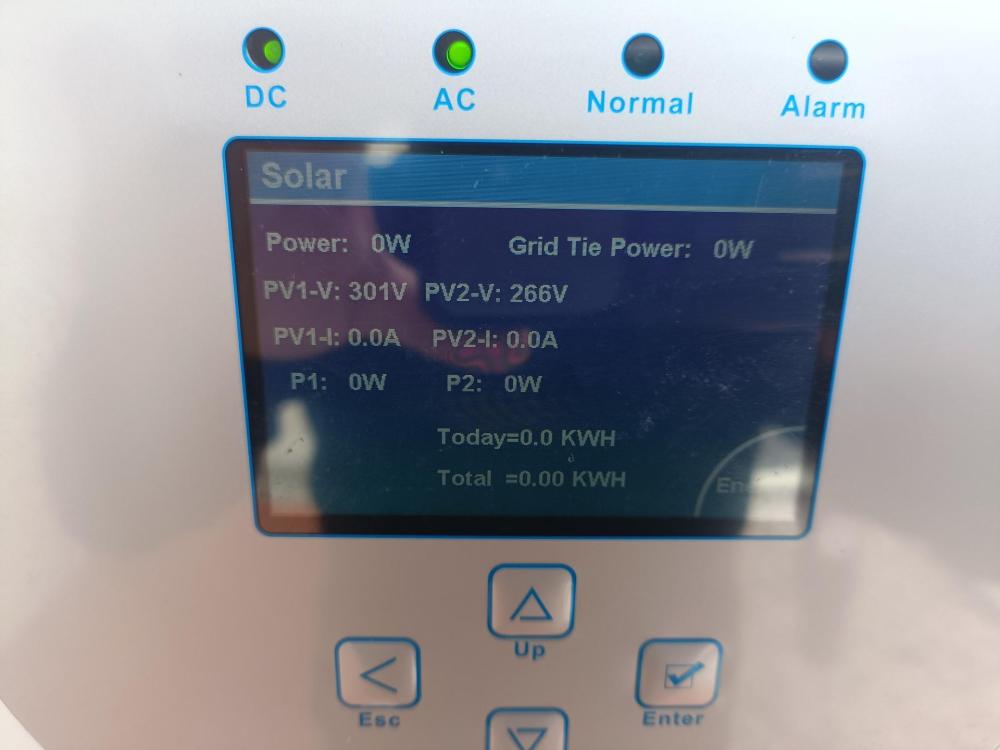
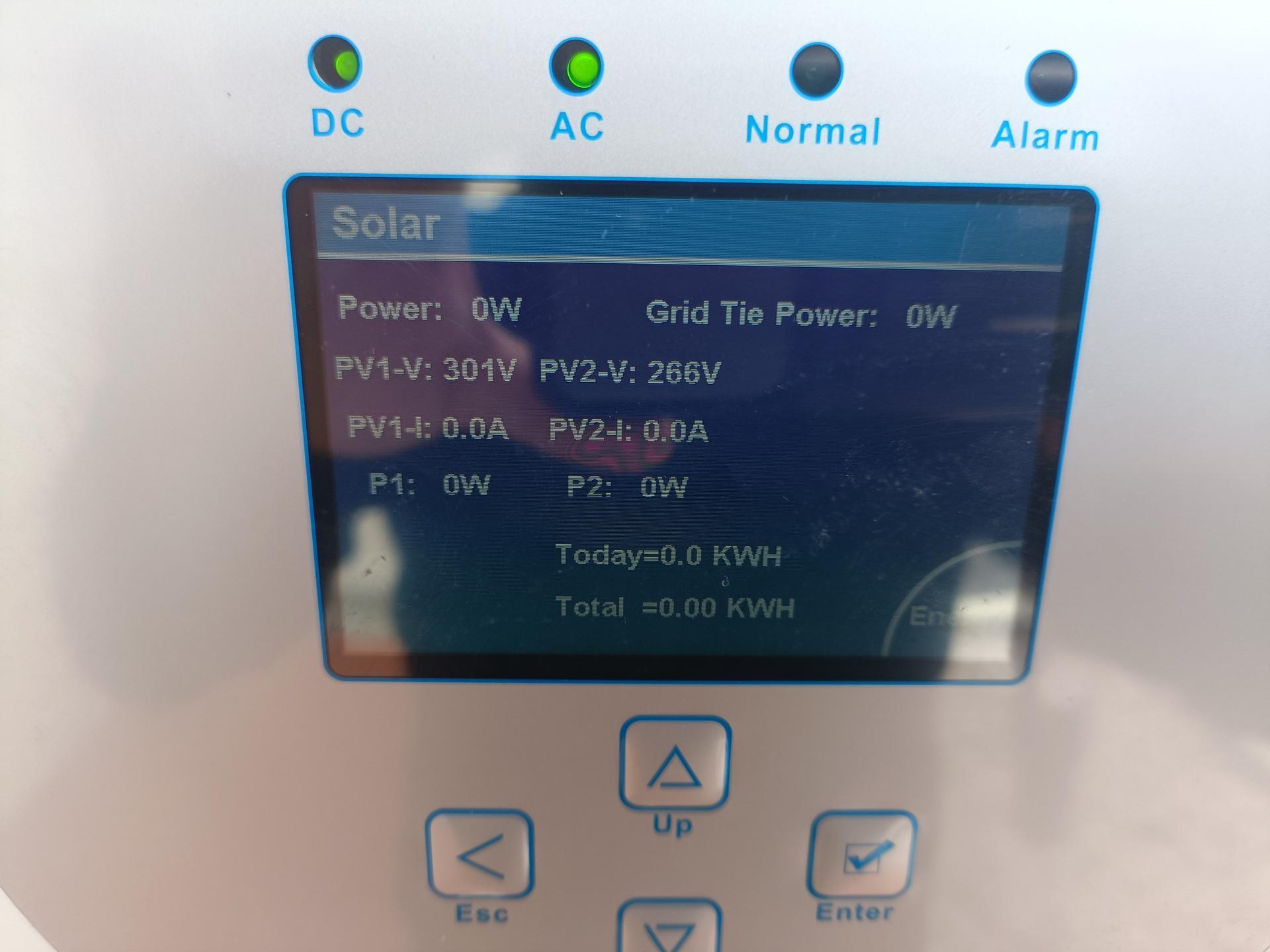
Here's my setup: Inverter model: 8K-SG05LP1-AU Grid L/N/PE => GRID port House load L/N => LOAD port 2 strings of solar panels => PV ports Battery setting: No batt System work mode: Zero export to load (sell solar disabled); Load first Currently, the "DC" and "AC" leds are turned on, but "Normal" led is off. At the main screen, inverter status is "OFF". Currently, load is drawing from grid only, and solar power is not used. However, at the PV page, it can be seen that ~300V is detected at each PV input. Is there any setting that I can configure to add solar power to the load? Someone suggested that I can only use solar power if a battery is installed. But my understanding is as long as grid is present, solar should be able to work regardless of whether a battery is present.