Skip to content
View in the app

A better way to browse. Learn more.

Power Forum - Renewable Energy Discussion

A full-screen app on your home screen with push notifications, badges and more.

To install this app on iOS and iPadOS
  1. Tap the Share icon in Safari
  2. Scroll the menu and tap Add to Home Screen.
  3. Tap Add in the top-right corner.
To install this app on Android
  1. Tap the 3-dot menu (⋮) in the top-right corner of the browser.
  2. Tap Add to Home screen or Install app.
  3. Confirm by tapping Install.

filipe.amaral

Members
  • Joined

  • Last visited

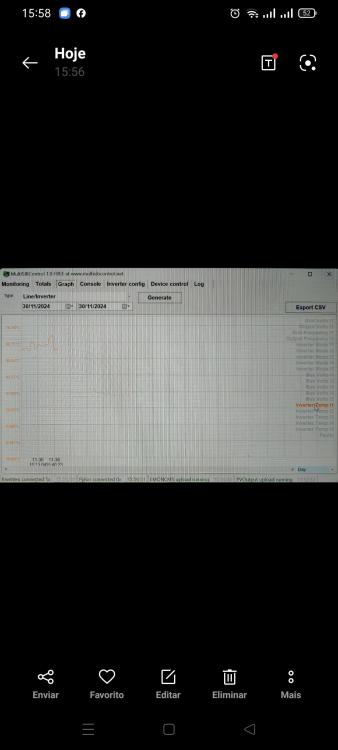
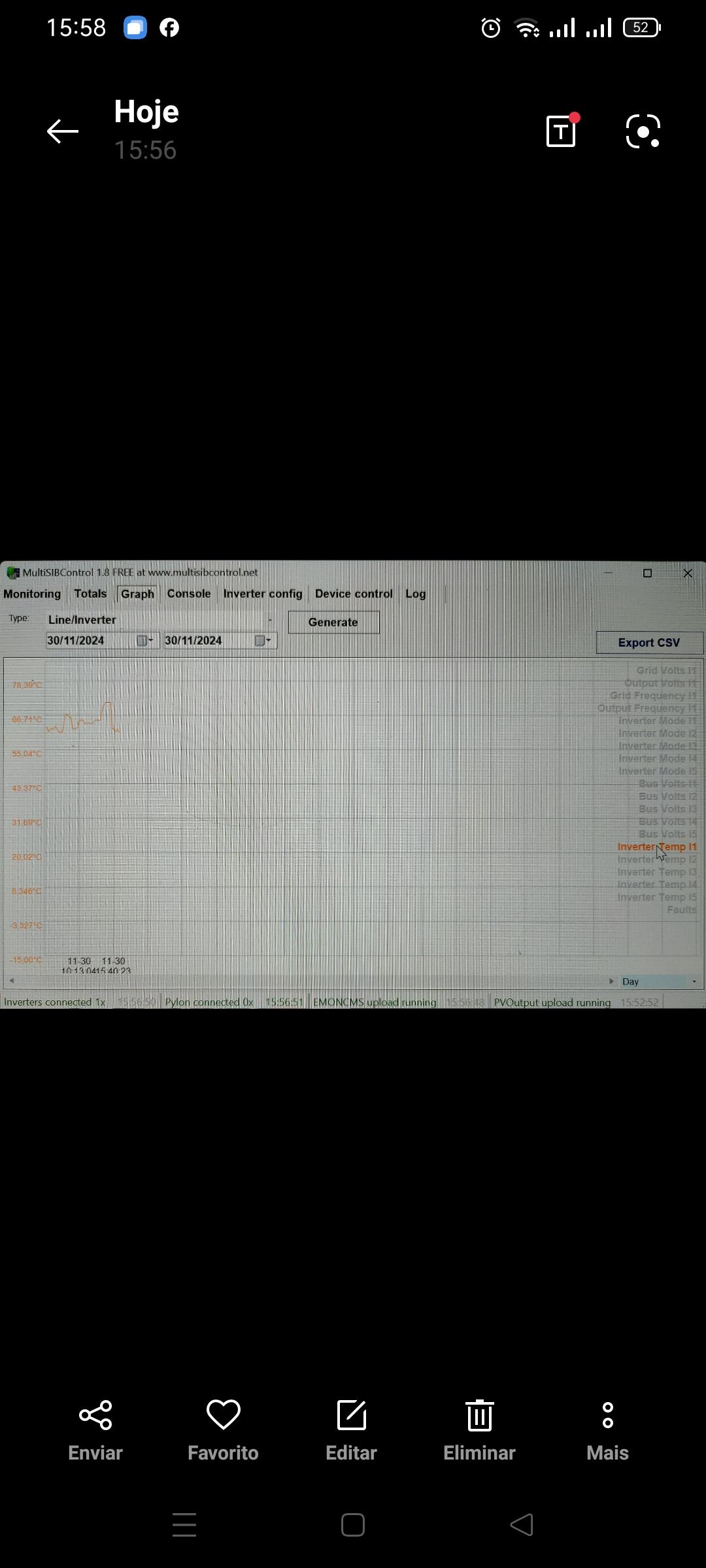
  1. After further investigation I found a inverter temp l1 is to hi Any on knows what sensor is
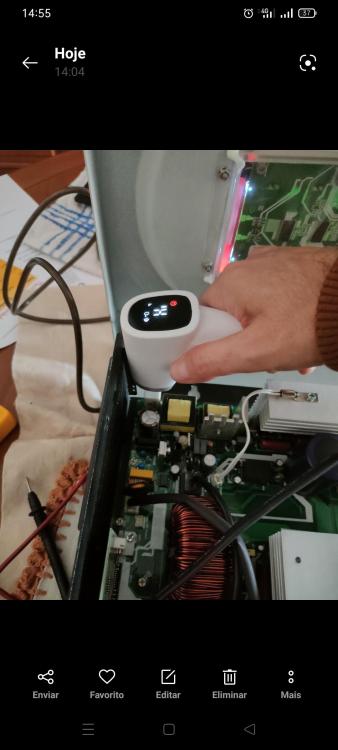
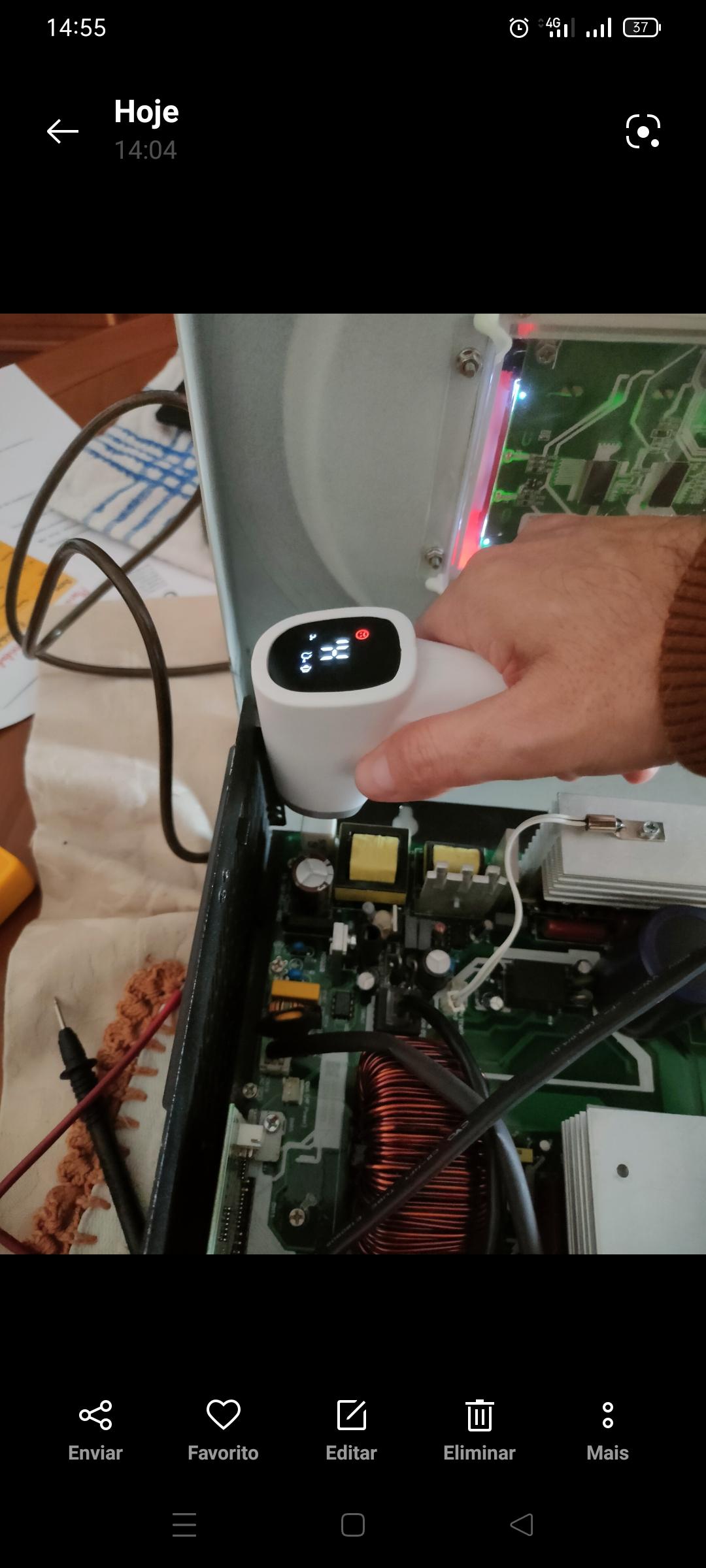
  2. After using a thermometer i found something very hot (i put my finger and burn). Só a think problably temp sensor are fine. The white item extremly hot (5w15kj). After i Will use a termal cam to see Im more detail what is hot.
  3. i there. i have this inverter and i have a f02 (overleating) even after filter clenning and air blowing the inverter still do the f02 f02 show at 67C i have monitoring via usb with a aplication i have already update firmaware 61.03 with 22.20. i disconect temp sensor and still reding temp a think it have on the motherboard i have tried to air blowing wen running but temp dont move. don´t know what more to do if any one can help thank you all
Account

Navigation

Search

Search

Configure browser push notifications

Chrome (Android)
  1. Tap the lock icon next to the address bar.
  2. Tap Permissions → Notifications.
  3. Adjust your preference.
Chrome (Desktop)
  1. Click the padlock icon in the address bar.
  2. Select Site settings.
  3. Find Notifications and adjust your preference.